Atlassian Jira Cost Explained: 2026 Pricing Guide for Teams
Wondering what atlassian jira cost your team in 2026? Compare plans, user pricing, billing, and add-ons to estimate your budget. Read now.
Jira can look affordable when you compare only its advertised per-user price. Then your team grows, a free plan no longer fits, or a plugin becomes essential, and the real bill looks different.
That uncertainty makes it hard to choose a plan or estimate next year’s budget. It can also lead you to pay for features your team rarely uses, while overlooking expenses such as marketplace apps or separate Atlassian products.
Here’s the truth: Atlassian Jira cost depends on your plan, user count, billing cycle, and add-ons. For a quick 2026 estimate, budget roughly $8 per user monthly for Standard or $15 for Premium when billed annually. Below, I’ll explain what those estimates include, how to calculate your team’s bill, and which extra costs to check before committing.
Atlassian Jira pricing at a glance
Jira Cloud has Free, Standard, Premium, and Enterprise plans. Free can suit very small teams, Standard covers common project management needs, Premium adds advanced capabilities, and Enterprise is priced through a sales conversation.
For a practical 2026 budget, use approximately $8 per user per month for Standard and $15 for Premium with annual billing. Treat these as planning estimates, not guaranteed checkout prices; Atlassian can change rates, and the final amount can vary by billing choice and region.
| Jira plan | Typical fit | 2026 budget guide |
|---|
| Free | Small teams trying Jira or managing a limited project | $0, with a limit of up to 10 users |
| Standard | Teams needing core project tracking, workflows, and collaboration | Approximately $8 per user monthly with annual billing |
| Premium | Teams that need more advanced planning, administration, or scale | Approximately $15 per user monthly with annual billing |
| Enterprise | Organizations with broader administration and enterprise requirements | Custom pricing; contact Atlassian for a quote |
Jira Cloud pricing is generally calculated per user, so your headcount has a direct effect on the bill. Annual billing may lower the monthly equivalent, but it usually requires paying for the subscription term in advance.
Here’s why: the plan price is only one part of your total cost. Your team may also pay for marketplace apps, other Atlassian products, taxes, or administration needed to maintain the setup.

How to estimate your team’s Jira bill
Start with your active Jira seats, then multiply them by the plan’s current per-user rate. Add any separate products and paid apps your team needs. This gives you a better estimate than looking at the advertised starting price alone.
- Count the people who need access. Include team members who regularly create, update, or review work. Check whether every account needs a paid seat.
- Choose the plan that matches your requirements. Compare the capabilities your team will use, rather than selecting a higher tier for features you may never need.
- Choose monthly or annual billing. Compare the total payment and renewal commitment, not just the displayed monthly equivalent.
- Add paid apps and related Atlassian products. Check the price and billing terms for each product or marketplace app that supports your workflow.
- Allow for taxes and future growth. Estimate likely seat increases and confirm the final amount at checkout before approving a budget.
A simple team cost example
Suppose 25 people need Jira Standard. At an estimated $8 per user monthly, the subscription works out to about $200 per month, or $2,400 for 12 months.
If the same team chooses Premium at roughly $15 per user monthly, the estimate becomes about $375 per month, or $4,500 over 12 months. These figures exclude taxes, add-ons, and any price changes.
The difference between those estimates is $2,100 per year. That may be worthwhile if Premium capabilities address a real planning or administration need; otherwise, the additional spend may not provide much value.
What changes the total beyond the plan price?
Seat count is the most visible cost driver, but it is not the only one. A smaller team can still spend more than expected if it relies on several paid apps or uses separate products for service management and knowledge sharing.
Billing term and user count
Monthly billing can offer flexibility, while annual billing may provide a lower monthly equivalent. Compare the full amount due and the renewal date before choosing either option.
For example, a 25-person team that grows to 35 people should recalculate its expected cost. A small per-seat change can become a significant annual difference across many accounts.
Marketplace apps and integrations
Jira marketplace apps can add reporting, time tracking, workflow extensions, or other functions. Each app may have its own pricing, billing cycle, and user-count rules.
Here's the catch: an app that costs little for a small group may become a noticeable expense when every Jira user needs access. Review app renewals and remove anything your team no longer depends on.
Separate products and services
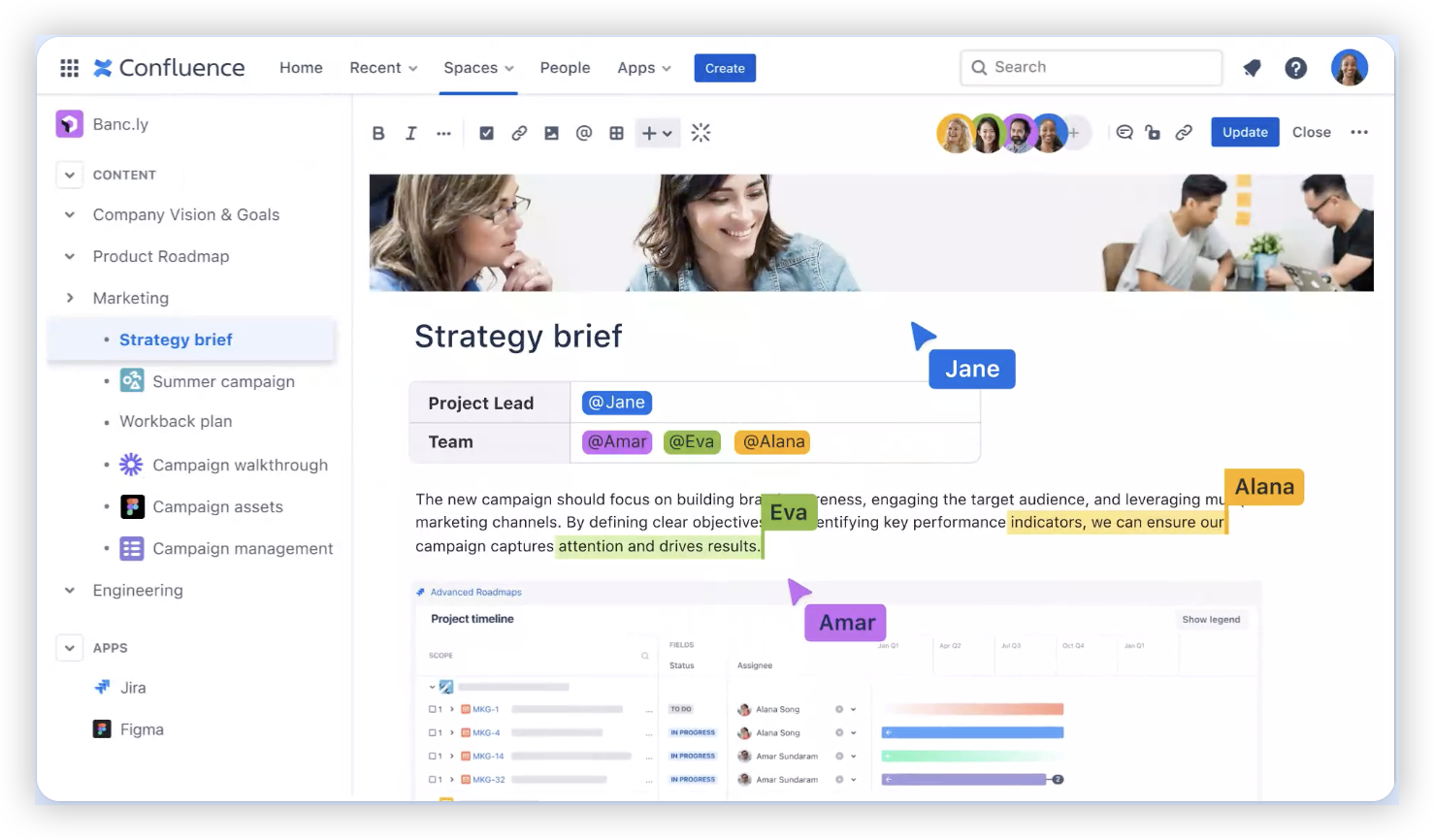
Jira subscriptions do not automatically include every Atlassian product. Confluence, Jira Service Management, and other products can have separate charges, so list them individually when estimating your total.
For instance, a product team might use Jira for delivery work and Confluence for internal knowledge. The combined budget should account for both subscriptions rather than treating them as one plan.
Taxes, currency, and renewal changes
Your final amount can differ from a simple per-user calculation because of local taxes, billing currency, or current plan rates. A budget prepared well ahead of renewal should leave room for changes.
Check the amount shown in Atlassian’s checkout or account billing area before purchase. That is the best place to confirm the rate and payment terms applicable to your organization.
Which Jira plan should your team consider?
The right plan is the least expensive option that covers the requirements your team actually has. A small group with straightforward work tracking may be comfortable starting with Free, while a growing team may need Standard’s paid features and support.
Standard is often a sensible place to evaluate when several teams share workflows or need additional controls. Premium may be worth assessing if advanced planning, administration, or higher operational capacity matters to your organization.
When Free may be enough
Free can work for a team of up to 10 users that wants to organize tasks, track progress, and learn Jira. Before relying on it, check its current limits and confirm that the available controls meet your needs.
A six-person volunteer team coordinating an event, for example, may need only a shared board and basic task tracking. It could avoid paying until its headcount or requirements exceed the free plan’s limits.
When Standard is a practical fit
Standard can suit teams that need Jira for day-to-day planning, custom workflows, and collaboration across more people. Compare the included capabilities with your current process before adding paid apps to fill perceived gaps.
A product team with 25 members might use a shared backlog, sprint workflow, and built-in reporting. If those functions cover its needs, an upgrade may not be necessary.
When Premium deserves a closer look
Premium is worth reviewing when the organization needs advanced planning or administration capabilities beyond its current tier. Confirm that the specific features offered in your region and plan address a real operational need.
For example, several connected teams may need a broader view of delivery plans. If that view saves project leads hours each month, compare the benefit with the estimated annual price difference.
When to ask about Enterprise
Enterprise is aimed at organizations with requirements that go beyond a standard team subscription. Since pricing is custom, prepare your expected user count, administration needs, and product scope before requesting a quote.
Ask for a breakdown of the quote’s included products and terms. That makes it easier to compare the offer with your current setup and plan for renewal.
Ways to control Jira spending without disrupting work
You can often lower costs by reviewing how the team uses its subscriptions before cutting useful capabilities. A focused audit helps reveal unused seats, redundant apps, and features that do not justify an upgrade.
- Review account activity. Identify accounts that no longer need access and confirm your organization’s process for removing or reassignment of seats.
- Check each paid app. Ask the team which apps it depends on, then compare their usage with their recurring charges.
- Compare plan capabilities. Map a specific operational need to each proposed upgrade instead of moving up simply because a higher tier exists.
- Estimate growth before choosing a term. If hiring plans are uncertain, compare annual savings with the flexibility of monthly billing.
- Include connected products in the same review. Consider Jira alongside knowledge, service, and collaboration subscriptions to spot overlap.
Let me explain: a team paying for three reporting apps may discover that Jira’s built-in reporting already covers its weekly status review. Removing redundant subscriptions can reduce the bill without changing the team’s core workflow.
However, avoid removing an app until you confirm who relies on it and what work it supports. A short review with project leads can prevent an apparent saving from creating extra manual effort.
Jira cost solution: ONES.com
ONES.com combines project management and knowledge management in one platform, with ONES Project for project work and ONES Wiki for knowledge sharing. Teams evaluating Jira can consider ONES Project as a Jira alternative, with ONES Wiki available separately as a Confluence alternative.

The products are sold separately, so you can choose the part that suits your team. ONES.com offers a free option for up to 30 seats and supports Cloud, On-Premise, Private Cloud, and Air-gapped deployments.
Core capabilities
- Jira transition complexity → Jira-compatible workflows → Keep familiar workflow patterns while evaluating an alternative to Jira.
- Separate tracking and reporting → Built-in reporting → Review project progress without immediately adding a reporting plugin.
- Rigid work processes → Custom workflows and fields → Shape project tracking around your team’s actual stages and information needs.
- Sprint coordination overhead → Sprint management → Organize sprint work and follow delivery progress in the same project environment.
- Repeated manual actions → Automation → Reduce routine work by automating suitable process steps.
- Too many plugins to maintain → Native project capabilities → Reduce plugin reliance where built-in functions meet the requirement.
- Need for local hosting → On-Premise, Private Cloud, or Air-gapped deployment → Match deployment to your organization’s hosting and network constraints.
- Concern about deployment trade-offs → Feature parity across cloud and self-hosted versions → Evaluate deployment choices without giving up feature availability between those versions.
Application scenarios
A software team comparing Jira renewal options: The team can map its existing workflows, sprint routines, fields, and reports to ONES Project. It can then compare the operational fit and total subscription requirements before deciding whether to switch.
An organization with restricted network requirements: The team can assess an Air-gapped or self-hosted deployment while keeping project management capabilities available. ONES Wiki can be added separately if the organization also needs a knowledge base.
The practical value depends on your requirements and the way your team works. Compare the workflows, deployment needs, and total cost of your current setup with the capabilities you would actually use in ONES.com.
Common challenges when estimating Jira costs
- Challenge: The advertised price seems lower than the final bill.
Solution: Add the expected user count, billing term, taxes, apps, and separate Atlassian products to your estimate.
- Challenge: The team is unsure how many paid seats it needs.
Solution: Review who actively needs Jira access and confirm account policies with your administrator before renewal.
- Challenge: A higher plan sounds safer, even when requirements are unclear.
Solution: List the specific capabilities your team needs, then compare them with each plan before upgrading.
- Challenge: Marketplace apps make the budget hard to track.
Solution: Keep an owner and renewal date for each app, and review continued use before its next billing period.
- Challenge: The next year’s cost is difficult to forecast.
Solution: Build low-growth and high-growth estimates, then verify current rates and terms before approving the final budget.
Frequently asked questions about Jira pricing
How much does Jira cost per user?
For 2026 budgeting, use approximately $8 per user monthly for Standard and $15 for Premium with annual billing. These are planning estimates, not fixed checkout prices. Jira also offers a Free plan for up to 10 users, while Enterprise pricing is quoted individually. Confirm current prices, billing terms, and regional taxes before purchasing.
Is Jira free for small teams?
Jira has a Free plan for up to 10 users, which may suit a small team with straightforward project tracking needs. Review the plan’s current limits and confirm that its available features fit your work. If your team grows beyond the user limit or needs capabilities outside Free, compare the paid tiers.
Does Jira pricing include Confluence?
Jira and Confluence are separate Atlassian products, and a Jira subscription does not automatically include a paid Confluence plan. If your team uses both, budget for each product and check whether the same people need paid access to both. Review any other Atlassian services separately as well.
Are marketplace apps included in Jira’s plan price?
Some capabilities are built into Jira, while third-party marketplace apps can carry separate charges. Pricing and billing rules vary by app, so check the terms for each one your team uses. Include recurring app fees in your estimate and review whether each app still supports an active workflow.
Is annual Jira billing cheaper than monthly billing?
Annual billing may provide a lower monthly equivalent, while monthly billing can offer more flexibility. Compare the full payment amount, renewal commitment, and likely team size before choosing. The displayed monthly figure may not represent the amount due at checkout, so review the current billing terms for your organization.
Plan a Jira budget that reflects how your team works
Atlassian Jira cost becomes easier to understand when you separate the plan price from seats, apps, billing terms, and related products. For a quick starting estimate, use roughly $8 per user monthly for Standard or $15 for Premium with annual billing, then verify the current checkout amount.
That extra review can prevent a low starting figure from turning into an unexpected renewal. Count the seats your team needs, match plan features to real requirements, and account for the apps and products that support daily work.
If your current arrangement feels expensive or hard to maintain, compare the full setup with alternatives such as ONES Project. The right choice is the one that meets your team’s needs while keeping the cost and workflow manageable.