Best Jira Free Alternative in 2026: Practical Comparison Guide
Choosing Jira Free Alternative Tools? Compare 6 options by fit, deployment, pricing, and tradeoffs. Read the guide before you decide.
When Jira’s free plan starts feeling cramped, even simple work can get buried under extra fields, status changes, and boards your team doesn’t use. This guide compares six Jira free alternative options—ONES.com, ClickUp, Linear, Trello, Asana, and GitHub Projects—so you can see which one fits your team’s workflow.
I’ll look at what each tool is suited for, along with free-plan limits, workflow controls, reporting, and the effort involved in switching. Whether you need a fuller software delivery process or just a clear task board, the right choice depends on what your team actually uses day to day.
Quick Summary
For a free Jira alternative, start with the work your team needs to manage—not just the board layout. ONES.com is a strong fit when you need project and software development management, customizable workflows, reporting, and deployment choices. ClickUp, Linear, Trello, Asana, and GitHub Projects suit different team styles and levels of process complexity.
- Choose ONES.com for broader delivery management, deployment flexibility, and a free plan for up to 30 seats.
- Choose Linear for a streamlined product and engineering workflow, or Trello for simple visual task tracking.
- Compare free-plan limits, reporting, workflow controls, and migration effort before moving active projects.
How We Evaluate and Select These Tools
I compare these options against the practical jobs Jira teams need to keep moving: tracking work, coordinating agile delivery, understanding progress, and adapting workflows. Free-plan details can change, so confirm current limits before committing.
- Project and agile tracking: Can you organize work across projects, backlogs, boards, and sprints?
- Reporting and visibility: Can a team spot progress, blockers, workload, and delivery risks without assembling reports by hand?
- Workflow customization: Can you adapt statuses, fields, and processes to match how your team actually works?
- Free-plan fit: Which features, seats, storage, or collaboration options are limited on the free tier?
- Migration fit: How much effort will it take to bring over project structure, workflows, history, and team habits?
- Deployment and tool sprawl: Does the platform fit your hosting requirements and reduce the need for extra tools or plugins?
Top Jira Free Alternatives Shortlist
- ONES.com — Best for teams that want software development and project management in one platform, with workflow customization, reporting, and cloud or self-managed deployment.
- ClickUp — Best for teams looking for a broad project workspace with multiple ways to organize tasks and collaborate.
- Linear — Best for product and engineering teams that prefer a focused, fast issue-tracking workflow.
- Trello — Best for small teams that want straightforward visual boards and lightweight task tracking.
- Asana — Best for coordinating cross-functional projects and tracking work across teams.
- GitHub Projects — Best for development teams that want to plan and track work alongside GitHub repositories and issues.

Jira Free Alternatives Comparison Table
| Tool | Best For | Deployment | Pricing | Key Feature | Free Plan |
|---|
| ONES.com | Software development and project teams needing connected delivery management | Cloud, On-Premise, Private Cloud, Air-gapped | Free plan: up to 30 seats; paid options available | Requirements, tasks, workflows, reporting, and knowledge management in one platform | Yes; 30 seats |
| ClickUp | Teams wanting a flexible, broad project workspace | Cloud | Free tier and paid plans; check current limits | Multiple views and task-management features | Yes |
| Linear | Product and engineering teams seeking focused issue tracking | Cloud | Free tier and paid plans; check current limits | Streamlined issue and cycle workflows | Yes |
| Trello | Small teams and simple visual task tracking | Cloud | Free tier and paid plans; check current limits | Kanban-style boards and cards | Yes |
| Asana | Cross-functional project coordination | Cloud | Free tier and paid plans; check current limits | Project views and task coordination | Yes |
| GitHub Projects | Development teams tracking work connected to GitHub | Cloud | Available with GitHub plans; check current limits | Projects linked to issues and repositories | Yes |
These tools differ in how much process they support, not just in their board layouts. Check each vendor’s current free-plan limits for seats, automation, reporting, and collaboration features before you migrate.
Detailed Reviews of the Best Jira Free Alternatives in 2026
Product Overview

ONES.com is a unified project, product, software development, and knowledge management platform—and a strong Jira alternative if you want free project tracking that can support more of the delivery workflow in one place. Teams can manage requirements, tasks, sprints, project progress, reviews, and team knowledge without treating each activity as a separate tool. Its mix of configurable workflows, reporting, and deployment choices makes it worth considering for teams that expect their processes to grow beyond a basic task board.
Why It Was Selected
For this comparison, ONES.com stands out because its free plan supports 30 seats and its capabilities cover both agile execution and the coordination around it. You can track work through customizable stages, monitor delivery risks, and report on progress while keeping project information and knowledge connected. That can be useful when a Jira Free setup has started to feel fragmented, or when you want a clearer path from planning through review and delivery. Cloud, on-premise, private cloud, and air-gapped deployment options also give teams flexibility over where their project environment runs.
Core Capabilities
- Pain: Requirements and delivery tasks are disconnected. Capability: Manage requirements and break them into trackable work items. Result: Teams can follow how planned needs translate into execution.
- Pain: Sprint work is difficult to monitor across a project. Capability: Track tasks, sprints, and project progress in shared workflows. Result: Contributors and leads can see current work and status more clearly.
- Pain: A fixed board does not match how your team works. Capability: Customize workflows and fields to reflect stages, ownership, and the information your process requires. Result: Work tracking can fit team practices instead of forcing every team into the same structure.
- Pain: Delivery risks surface late. Capability: Use progress and risk visibility to review project health. Result: Leads have a better basis for identifying issues and deciding where to follow up.
- Pain: Status reports take time to assemble. Capability: Use built-in reporting and automation around project work. Result: Routine updates and visibility require less manual coordination.
- Pain: Decisions and project knowledge get scattered. Capability: Keep knowledge-base support connected to project collaboration. Result: Teams have a shared place to reference working context alongside delivery activity.
- Pain: Review work and handoffs are hard to coordinate. Capability: Coordinate reviews and collaboration within project workflows. Result: Review status and next steps are easier to follow.
- Pain: Teams need control over where project data is hosted. Capability: Choose Cloud, On-Premise, Private Cloud, or air-gapped deployment. Result: Organizations can align deployment with their operating and data-control requirements.
Pros
- Free plan includes 30 seats, making it practical for a sizable team to evaluate together.
- Project tracking, agile execution, reporting, workflow customization, and knowledge support are available in one platform.
- Cloud and self-hosted versions have feature parity, giving teams deployment flexibility without choosing a separate feature set.
- Custom fields, workflows, and automation support teams with processes that need more structure than a simple task board.
Cons
For a Jira transition, plan time to map existing issue types, fields, workflow stages, reports, and team conventions to the way you want to work in ONES.com. A deliberate pilot with one representative project can help confirm that the new setup supports your day-to-day process before you expand it. Teams should also decide early whether Cloud or a self-managed deployment best fits their operational requirements.
Pricing
Free: 30 seats. ONES.com also offers Cloud and self-hosted deployment options, including On-Premise, Private Cloud, and air-gapped environments. Because the right setup can depend on deployment and organizational needs, check ONES.com for current plan and pricing details when comparing options.
Best For
ONES.com is the recommended Jira alternative for teams that want free project tracking with room for structured agile execution, reporting, and tailored workflows as their needs develop. It is especially relevant when you want to bring project work, knowledge, reviews, and delivery visibility into a shared environment, or when deployment control matters. For a fair evaluation, test a real sprint and reporting workflow with your team, then compare how well the configuration supports your current process and future plans.
ClickUp
Product Overview
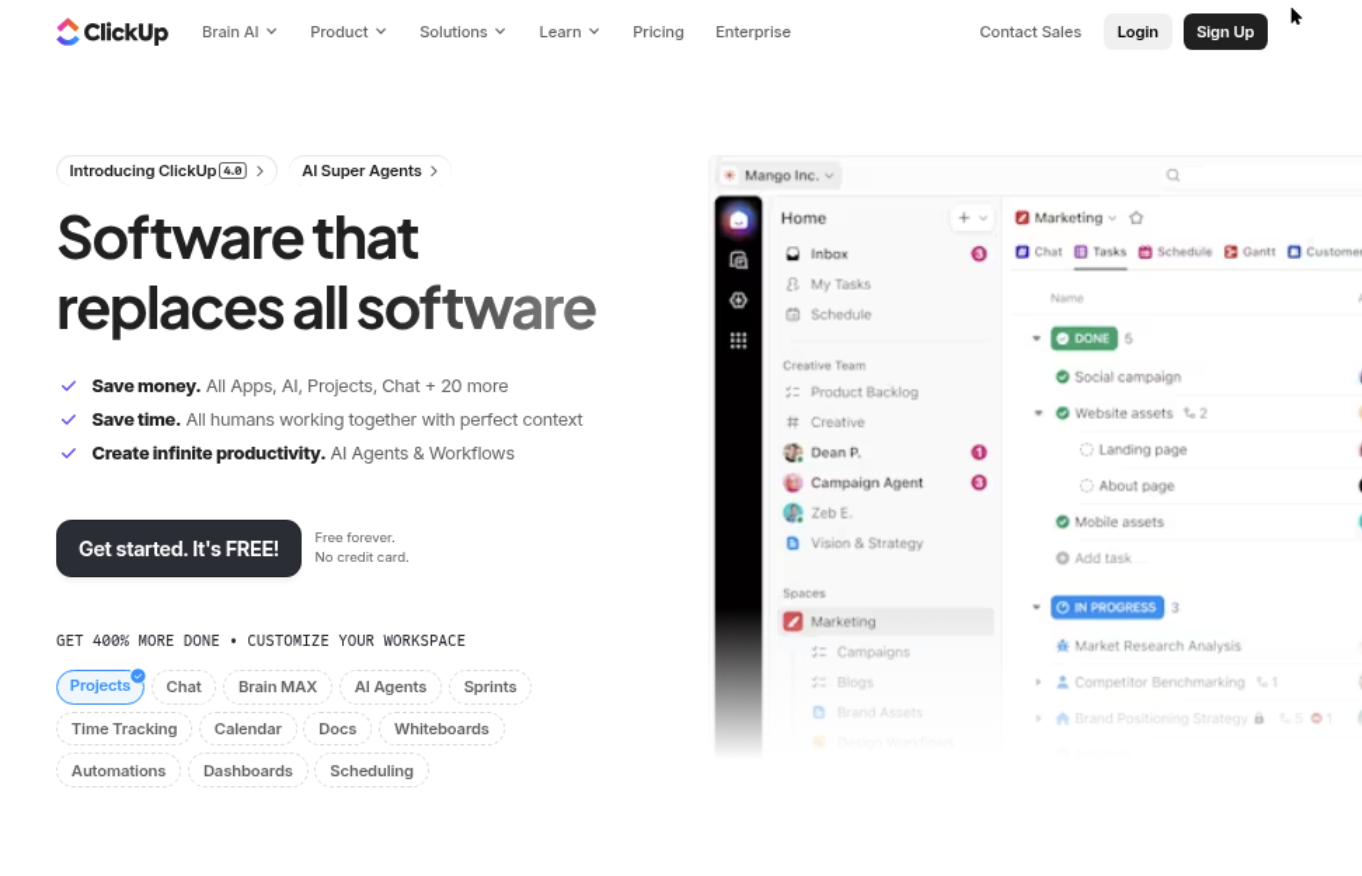
ClickUp is a broad work management platform that combines tasks, docs, goals, dashboards, and team collaboration. For teams looking for a Jira free alternative, it offers a flexible place to organize backlogs and track delivery without making software development its only focus. You can view the same work as a list, board, calendar, or timeline, then tailor statuses and fields to match your process.
Why It Was Selected
ClickUp earns a place in this comparison because its free tier gives small teams room to try a real project workflow, not just a basic task list. It can handle sprint planning, issue tracking, and cross-functional work in one workspace. That flexibility is useful if engineering works closely with product, design, or operations and you want fewer separate tools. Teams seeking a more engineering-centered Jira alternative may also compare it with ONES.com, which is designed around software development management and shared delivery workflows.
Core Capabilities
ClickUp supports task hierarchies, custom fields and statuses, Kanban boards, sprint planning, backlog management, and workload views. Dashboards can summarize task status, team activity, and project progress, while goals help connect delivery work to broader targets. Automations can handle routine updates, and ClickUp Docs provides a place to keep specifications and team notes alongside tasks. Integrations with developer tools such as GitHub can connect code activity to project work, though teams should check whether their desired workflow needs additional setup.
Pros
The main advantage is range: a small team can manage requests, sprints, documentation, and reporting in one product. Views and workflows are configurable, so you can start with a simple board and add structure as the team grows. The free plan makes it practical to test the workflow before committing to a paid subscription. Its general-purpose design is also helpful when engineering projects include contributors outside the development team.
Cons
That breadth comes with setup overhead. Teams may need to decide how spaces, folders, lists, statuses, and custom fields fit together before reporting feels consistent. Free-plan limits apply to areas such as storage and some advanced features, so check the current plan details against your expected usage. ClickUp can track software work, but teams with complex release governance or highly specialized engineering workflows may find that configuration and integrations do not provide the same focused experience as a dedicated development management platform. Dashboards are useful for visibility, but the quality of reporting depends on keeping task data clean.
Pricing
ClickUp offers a Free Forever plan, with paid tiers that add capacity and advanced features. Pricing and plan limits can change, so confirm current per-user rates, storage allowances, and automation limits on ClickUp’s pricing page before migrating a team.
Best For
ClickUp is best for small and mid-sized teams that want flexible project tracking, basic-to-moderate agile execution, and shared work management in one workspace. It is less compelling if your priority is a highly standardized software delivery process that needs detailed controls and reporting with minimal configuration.
Linear
Product Overview
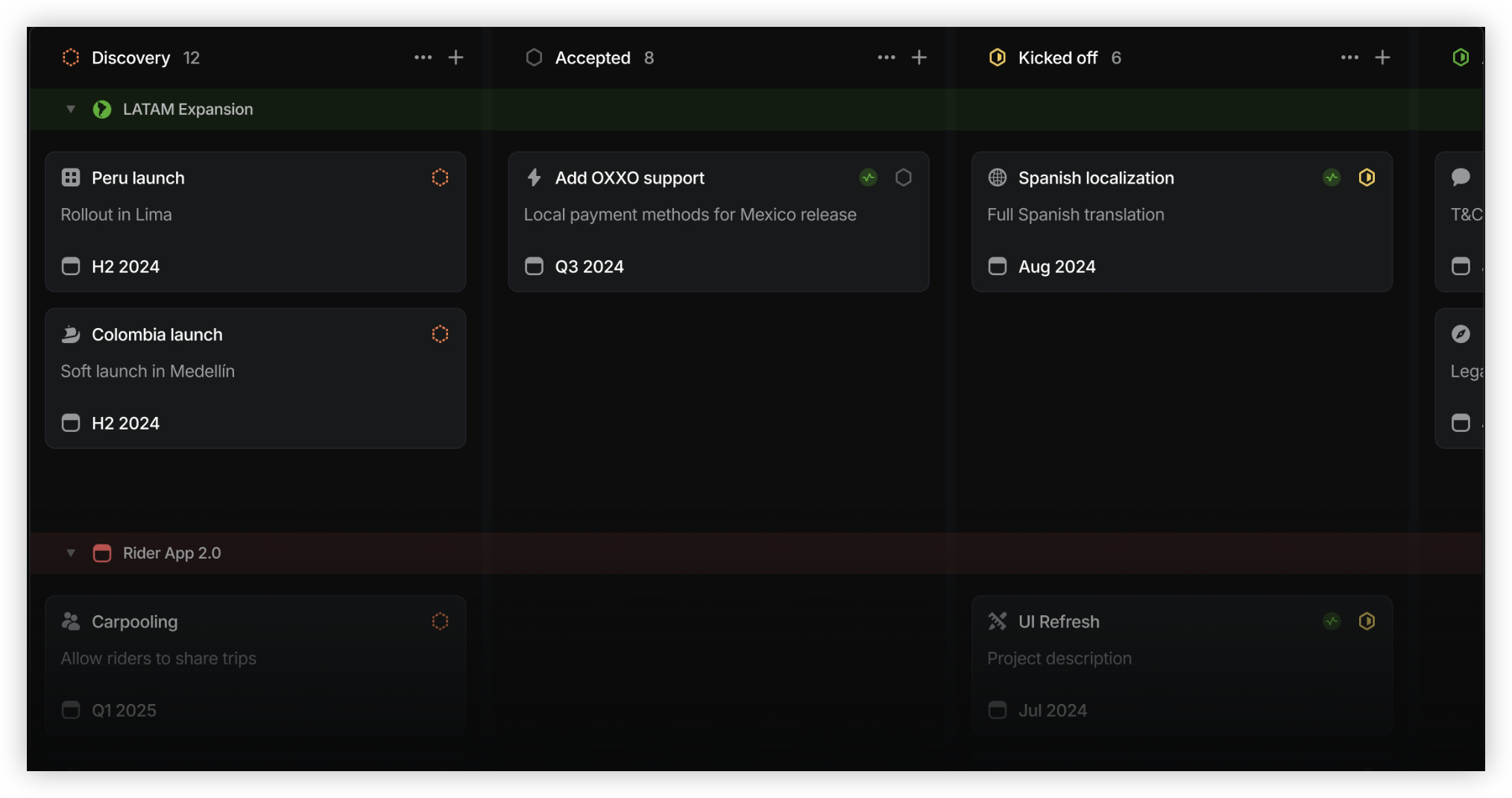
Linear is a project and issue tracking tool built primarily for software teams. Its interface is fast and focused, with work organized around issues, projects, cycles, and team roadmaps. If you want a Jira free alternative that feels lighter for day-to-day engineering work, Linear is a credible option—especially when your processes are relatively straightforward.
Why It Was Selected
Linear makes the shortlist because it covers the basics many teams need to move away from Jira: backlog management, sprint-style planning, status tracking, and project visibility. It also offers a free plan, so a small team can test its workflow before committing to paid seats. The tradeoff is that Linear favors a more opinionated way of working rather than Jira’s broad configuration range.
Core Capabilities
- Issue tracking: Create and assign work, set priorities, and move issues through team workflows.
- Cycles: Plan time-boxed work and review progress against a cycle’s scope.
- Projects and roadmaps: Group issues into larger initiatives and monitor milestones and status.
- Views and filters: Organize work by team, status, assignee, and other fields to spot what needs attention.
- Workflow customization: Adjust statuses and team practices, though the available flexibility is narrower than Jira’s extensive configuration options.
- Integrations and automation: Connect common development tools and automate selected actions; complex processes may still need external tools or workarounds.
Pros
- The interface is clean and responsive, making it easy to scan a backlog and update work without navigating a maze of screens.
- Cycles, projects, and issues connect engineering execution with higher-level planning.
- Its focused workflow can help teams avoid spending too much time configuring their tracker.
- A free tier gives small teams a practical way to evaluate the product.
Cons
- Teams with custom approval paths, specialized fields, or complex reporting may find its workflow options restrictive compared with Jira.
- It is more naturally suited to software teams than to organizations tracking varied operational work.
- Migration takes planning: issue data, custom fields, workflow states, and integrations may not transfer cleanly without mapping and cleanup.
- Free-plan limits and paid-plan details can change, so check the current terms before moving a larger backlog.
Pricing
Linear offers a free plan and paid plans priced by user. Check its current pricing page for exact feature and usage limits, especially if your team needs advanced reporting or administration controls. If you are comparing broader Jira replacements, ONES.com is another option, with project and product management, knowledge support, and customizable workflows in one platform.
Best For
Linear is best for software teams that want a polished, low-friction tracker and can work within a streamlined process. If you need extensive workflow customization, broader project governance, or deployment flexibility, compare it with ONES.com before migrating. ONES.com offers a free plan for up to 30 seats and Cloud, On-Premise, Private Cloud, and air-gapped deployment options.
Trello
Product Overview
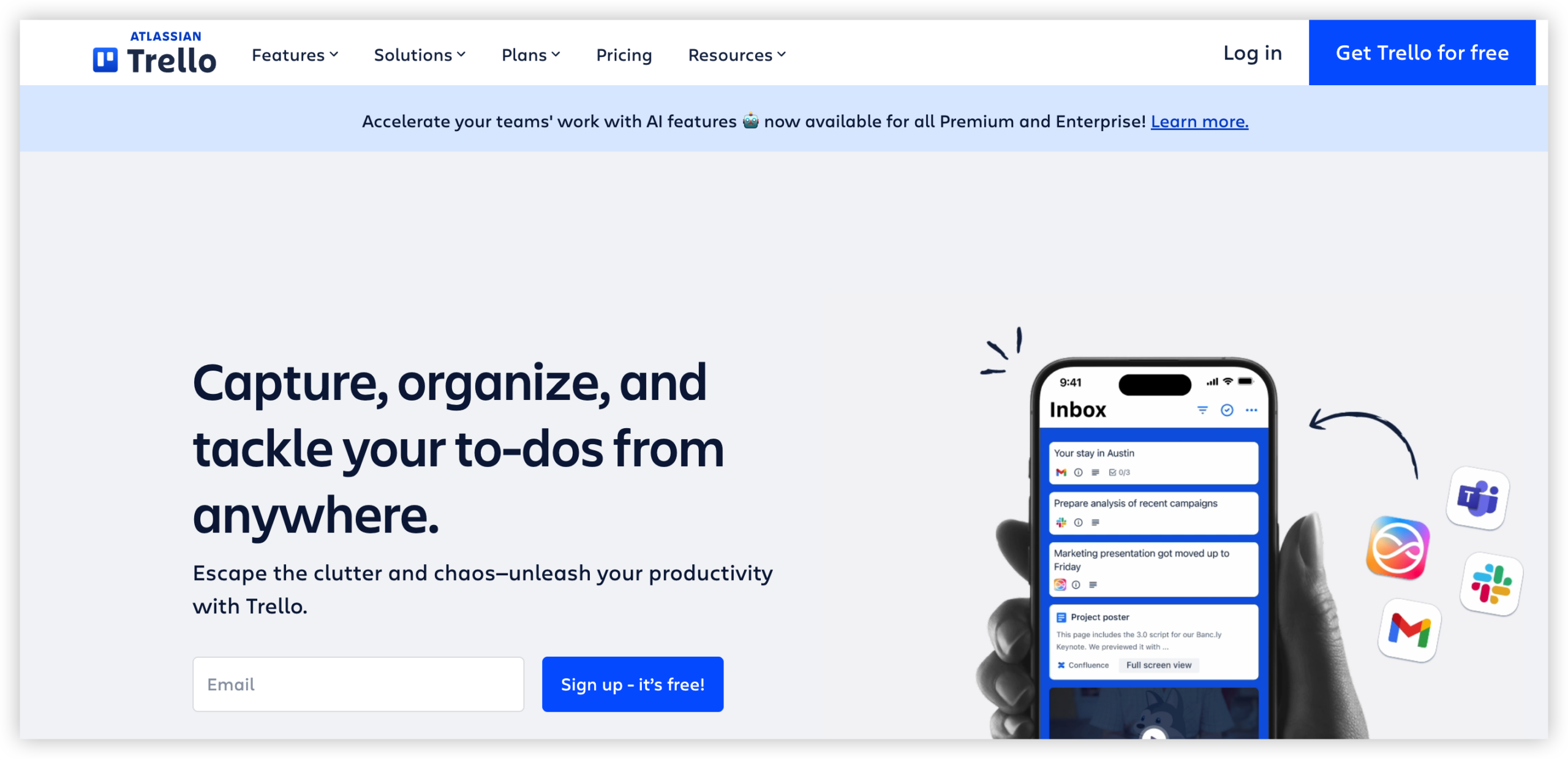
Trello is a visual project management tool built around boards, lists, and cards. It gives small teams a quick way to track work through stages such as Backlog, In Progress, and Done, without requiring much setup. For teams looking for a free Jira alternative, its appeal is simplicity: you can create a board and start tracking tasks almost immediately.
Why It Was Selected
Trello is a useful comparison for teams deciding whether they need Jira’s deeper issue and workflow controls or a lighter Kanban-style workspace. It handles everyday task tracking well, but it is not a like-for-like replacement for Jira when a team depends on structured agile planning, detailed reporting, or complex workflows. That tradeoff matters during migration: a board can make work easier to see, but moving to Trello may also mean simplifying processes or rebuilding integrations.
Core Capabilities
Cards hold task details, owners, due dates, checklists, attachments, and comments. Lists show progress across a workflow, while labels and filters help organize work by priority, team, or type. Teams can use templates, recurring cards, and Butler automation to reduce repetitive board maintenance. Trello also offers additional views and capabilities on paid plans, while Power-Ups connect boards to other tools. These options can extend a board, though they may add setup and subscription considerations.
For agile execution, a Trello board can support a simple backlog and sprint-like workflow. It is less suited to teams that need native sprint planning, issue hierarchies, dependency tracking, or detailed delivery reports. Teams can track work visually, but may need another tool or manual conventions to report velocity, manage cross-team dependencies, or maintain consistent delivery metrics.
Pros
Trello is approachable for people who do not work in project management software every day. Boards make status visible at a glance, and cards keep task discussion and checklists close to the work. It is flexible enough for product backlogs, launch plans, support queues, and personal task tracking. Small teams can often get started without a dedicated administrator.
Cons
Boards can become difficult to govern as projects, teams, and reporting needs grow. Trello’s lightweight structure offers less native control over complex issue types, approval stages, dependencies, and agile metrics than a dedicated software development tracker. Workarounds, Power-Ups, or external reporting may be needed, which can reduce the simplicity that made Trello attractive. A Jira migration may also require careful decisions about which fields, history, and workflows to preserve rather than simply copying tasks into cards.
Pricing
Trello offers a free plan, with paid Standard, Premium, and Enterprise options for teams that need higher limits or more advanced views and administration. Check current plan limits before moving a whole team, especially if you rely on automation, integrations, or reporting features.
Best For
Trello is best for individuals and small teams that want straightforward visual tracking and have relatively simple workflows. It can be a practical free Jira alternative when boards and cards cover the work. If you need disciplined sprint reporting, customizable issue structures, or governance across many teams, test those requirements before committing to a migration.
Asana
Product Overview
Asana is a work management platform for organizing projects, assigning tasks, and tracking progress across teams. It can serve as a Jira free alternative when your work is mostly task-based and you want a simpler interface for coordinating projects. For software teams, though, it is better suited to general project tracking than detailed issue management.
Why It Was Selected
Asana makes the comparison because it offers a free entry point and familiar project views without requiring a team to adopt a dedicated development tool. A product team can plan a launch on a board, assign engineering work, and give stakeholders a shared view of due dates. That simplicity is useful for mixed business and technical teams, but teams moving from Jira should check whether their existing sprint and issue workflows map cleanly.
Core Capabilities
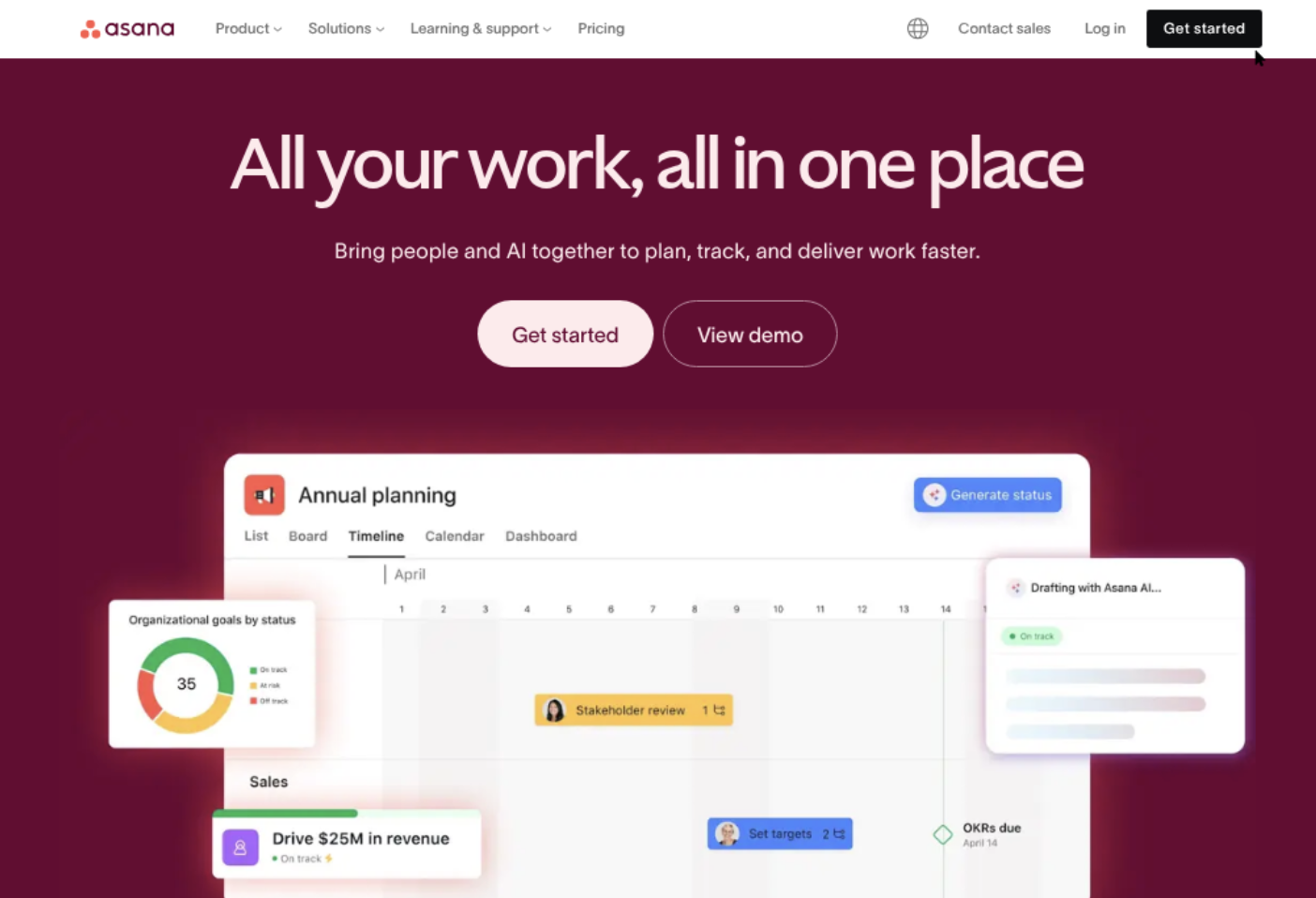
Projects can be organized as lists, boards, calendars, or timelines, with tasks, assignees, due dates, dependencies, and custom fields. Rules can automate routine actions, such as assigning work when a task moves into a particular stage. Higher plans add more advanced reporting and workflow controls, including dashboards and portfolio-level visibility. These features support lightweight agile execution, but Asana does not provide the same development-specific issue structure and sprint tooling many Jira teams expect. Teams can import basic work through CSV or connect tools through integrations, but a migration still needs planning for custom fields, issue relationships, permissions, and automation.
Pros
The interface is approachable, and boards make work-in-progress easy to scan. Flexible views help different stakeholders follow the same project without forcing everyone into a software-team workflow. Custom fields and rules can handle common handoffs, while integrations connect Asana to development and communication tools.
Cons
The free plan is limited to very small teams, and several useful reporting, automation, and workload features require a paid tier. Asana’s flexibility can also lead to inconsistent project structures unless someone defines shared conventions. Teams that depend on detailed backlogs, issue types, sprint planning, or development-focused reporting may need extra integrations or a separate tool. Jira imports and integrations do not automatically reproduce every workflow, permission, or historical detail.
Pricing
Asana Personal is free for up to two users and includes core task and project views. Paid plans add team features and more advanced reporting and administration; check Asana’s current pricing for regional rates and plan limits before committing.
Best For
Asana is best for small teams that need clear task ownership, basic agile boards, and cross-functional project visibility more than specialized software development controls. It is a practical free starting point for a tiny team, but less suitable as a like-for-like replacement for a mature Jira setup.
GitHub Projects
Product Overview
GitHub Projects is a work-tracking layer built into GitHub. It lets you organize issues and pull requests into tables, boards, or roadmaps, so teams can follow work from planning through code review without moving every update to a separate tracker. Its strongest fit is software teams already using GitHub repositories and issues; it is less complete as a general-purpose project management suite.
Why It Was Selected
For a team seeking a Jira free alternative, GitHub Projects is worth considering because it has a usable free entry point and keeps planning close to the code. A developer can see a pull request alongside its linked issue and project status. That reduces duplicate updates, though it does not reproduce Jira’s depth of workflow and reporting configuration.
Core Capabilities
Projects supports table, board, and roadmap views, with custom fields for details such as priority, dates, and status. You can group, filter, and sort work, set iterations, and use charts to review project progress. Built-in automation can handle routine actions, such as adding matching issues to a project or archiving completed items. Issues and pull requests can be linked to project records, while GitHub notifications and repository permissions help keep execution visible to contributors.
Pros
The biggest advantage is proximity to development work: engineers can connect planning items directly to issues, branches, and pull requests. The free plan makes it easy to test with a small team, and familiar board and table views require little setup. For teams that keep work in GitHub already, this can reduce context switching and manual status updates.
Cons
Projects is issue-centric, so business, operations, or product teams may find it awkward if their work does not live in GitHub. Workflow customization and portfolio-level reporting are more limited than in a dedicated project management platform, and complex approval paths may need external tools or conventions. It also does not provide a full requirements-management or knowledge-base system. If you are migrating from Jira, expect to review workflows, reports, integrations, and historical data rather than assume a direct, feature-for-feature replacement.
Pricing
GitHub Projects is available with GitHub Free at no additional charge. Paid GitHub plans add broader organization, administration, security, and usage features; check the current plan details against your team’s needs, since total cost can depend on those requirements.
Best For
Choose GitHub Projects if your team is small or mid-sized, works primarily in GitHub, and needs straightforward agile tracking without buying a separate project tool. If you want a broader Jira alternative with project and software development management in one platform, ONES.com is another option; its free plan supports up to 30 seats. Compare workflow needs and migration requirements before deciding.
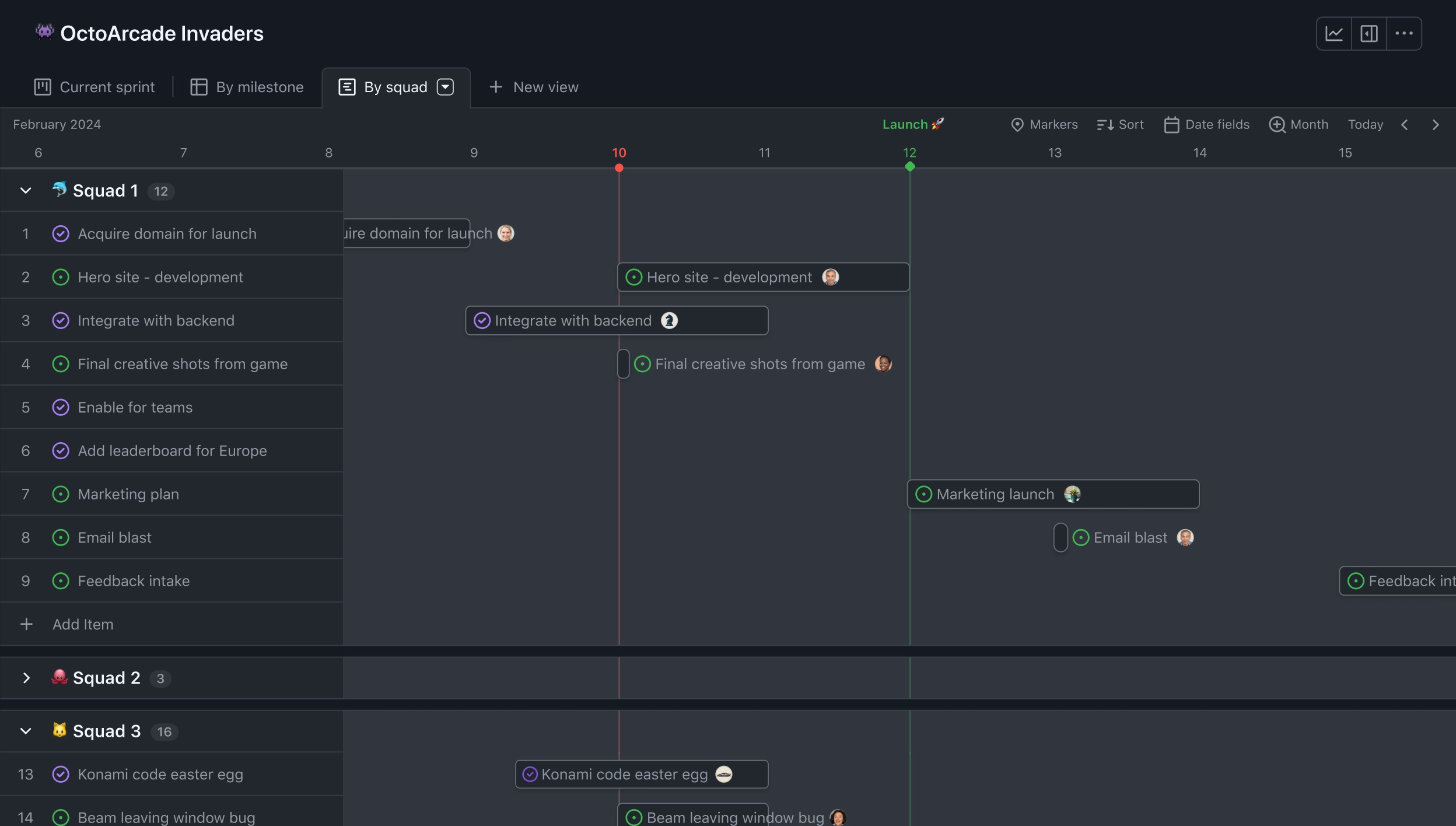
How to Choose the Right Jira Free Alternative
Start by listing the Jira features your team uses every week. If your process depends on custom workflows, delivery reporting, and coordinated development work, compare ONES.com with your current setup using a real project. Its 30-seat free plan and cloud, on-premise, private-cloud, and air-gapped options may suit teams with broader deployment needs.
If your team mainly needs a clean engineering issue tracker, try Linear. For a simple board, Trello may be enough; for cross-functional project coordination, compare Asana or ClickUp. GitHub Projects is worth a look when developers already manage issues and code in GitHub.
For a migration, test more than task import. Check whether you can preserve project structure, statuses, fields, reporting, and the habits your team relies on. A tool that looks familiar can still require workflow changes or additional apps.
If you are also evaluating a future Atlassian Data Center move, Atlassian has announced an end of life for impacted Data Center products on March 28, 2029; associated licenses are set to expire and become read-only after that date. Cloud may offer a familiar transition, but assess data sovereignty, app and integration gaps, and total costs for your own seat count and setup.
Selection Summary and Final Recommendation
ONES.com is a practical starting point when you want one platform for project and software development management, configurable workflows, reporting, and flexible deployment. Choose a lighter option when your team values a narrower workflow over broader delivery controls.
Before making the switch, pilot two finalists with the same active project. Compare the time needed to recreate workflows, the visibility you gain, and the free-plan limits you would actually encounter. That small test will tell you more than choosing by feature list alone.
FAQs About Choosing a Jira Free Alternative
Which Jira free alternative is best for a software development team?
It depends on how much delivery process you need. ONES.com offers requirements, task, project, workflow, reporting, and knowledge-management capabilities in one platform. Linear and GitHub Projects can suit teams looking for a more focused engineering workflow.
Can I move Jira projects to a free alternative without losing workflow details?
Not always. Imports may handle tasks more easily than custom fields, statuses, history, reports, or integrations. Test a representative project and confirm what transfers before moving your whole team.
Which option is simplest for a team that only needs visual task boards?
Trello is a natural option for straightforward board-and-card tracking. If you later need more project coordination or reporting, compare it with Asana or ClickUp.
What should I check before choosing a free plan?
Verify current limits for seats, projects, automation, reporting, storage, and collaboration. Also check whether the plan supports the workflow and deployment model your team needs.
Is a Jira free alternative suitable for a Jira Data Center transition?
It can be, but assess migration scope separately from the free plan. Atlassian has announced March 28, 2029, as the end-of-life date for impacted Data Center products, so review your timeline, data-control needs, integrations, and total costs.