Best Jira Plugins for Test Management in 2026: Practical Comparison Guide
Choosing Jira Plugins For Test Management Tools? Compare 6 options by fit, deployment, pricing, and tradeoffs. Read the guide before you decide.
When test cases live in spreadsheets, Jira tickets, and separate reports, it’s easy to lose track of what’s been tested before a release. This guide compares Jira plugins for test management in 2026, including Xray, Zephyr Scale, Zephyr Squad, QMetry Test Management, and TestFLO, plus ONES.com as a broader Jira alternative—not a plugin.
I’ll help you compare their fit for test planning, execution, traceability, and reporting, so you can focus on the workflow your team needs without adding more complexity than necessary.
Quick Summary
For Jira-based test management, Xray and Zephyr Scale are strong starting points for teams that need structured test cases, execution tracking, and traceability. Zephyr Squad suits lighter agile testing, while QMetry and TestFLO are worth comparing for broader process or Data Center needs.
ONES.com is not a Jira test-management plugin. It is a broader Jira alternative for teams that would rather consolidate project, requirements, workflow, reporting, and knowledge management in one platform.
- Choose a Jira app when keeping Jira is the priority and your team needs dedicated test-management features.
- Compare deployment, integrations, and license costs against your current Jira setup before committing.
- Consider ONES.com when reducing plugin sprawl or supporting self-managed deployment matters more than staying inside Jira.
How We Evaluate and Select These Tools
This comparison focuses on practical fit for teams selecting test management alongside Jira, including how each option supports daily agile work and longer-term delivery needs.
- Test lifecycle coverage: How well the tool connects requirements, test cases, plans, executions, and defects.
- Agile execution: Whether teams can coordinate testing with Jira issues, sprints, and releases.
- Reporting: How clearly teams can see coverage, execution progress, and delivery risks.
- Workflow customization: Whether fields, statuses, and processes can match the team's way of working.
- Deployment and migration fit: Whether available deployment models and transition requirements suit the team's environment.
- Practical cost: How licensing, Jira edition, seats, and related apps affect the total cost of ownership.
Top Jira Plugins For Test Management Options Shortlist
- ONES.com — A broader Jira alternative for teams seeking one platform for requirements, projects, workflows, reporting, and knowledge management, with self-managed deployment options.
- Xray — A Jira test-management app to consider when traceability between requirements, tests, executions, and defects is central.
- Zephyr Scale — A structured test-management option for teams that need reusable test assets, planning, execution, and reporting.
- Zephyr Squad — An option for agile teams seeking a lighter testing workflow closely connected to Jira issues and sprints.
- QMetry Test Management — A test-management app to evaluate when teams need configurable processes, reporting, and integrations across their testing workflow.
- TestFLO — A Jira-focused option to investigate for teams that need structured test processes, particularly in Data Center environments.
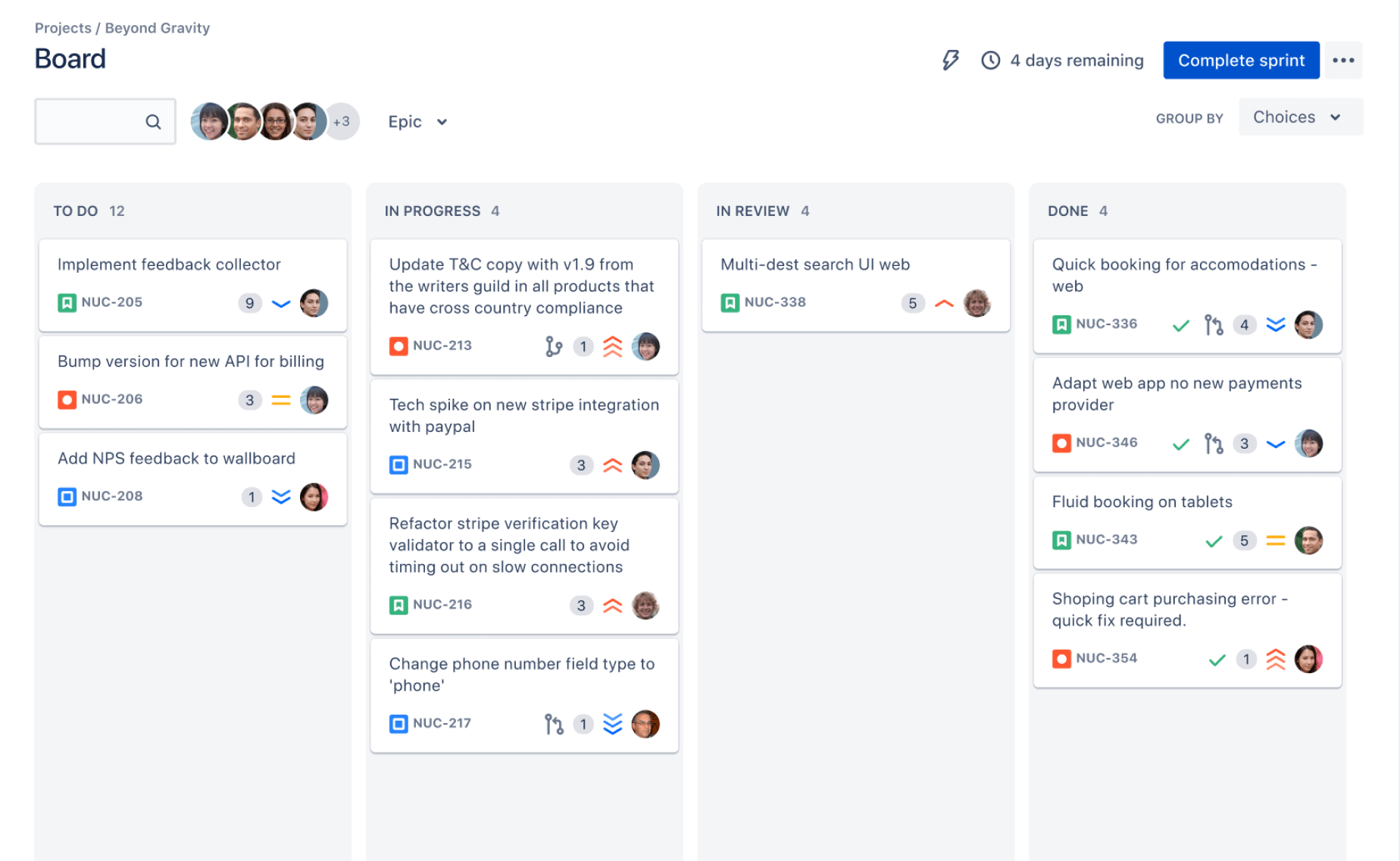
Jira Plugins For Test Management Comparison Table
| Tool | Best For | Deployment | Pricing | Key Feature | Free Plan |
|---|
| ONES.com | Teams considering a broader Jira alternative with consolidated project and development management | Cloud, On-Premise, Private Cloud, Air-gapped | Free plan available for 30 seats; paid options may vary | Requirements, tasks, workflows, reporting, and knowledge management in one platform | Yes, up to 30 seats |
| Xray | Teams prioritizing test traceability and structured test execution in Jira | Jira Cloud and Data Center availability varies by edition | Paid app licensing; check current Marketplace pricing | Links tests and executions with Jira requirements and defects | No standalone free plan confirmed; check current trial terms |
| Zephyr Scale | Teams needing organized test cases, plans, executions, and reporting | Jira Cloud and Data Center availability varies by edition | Paid app licensing; check current Marketplace pricing | Reusable test assets and structured test cycles | No standalone free plan confirmed; check current trial terms |
| Zephyr Squad | Agile teams that want a lighter testing workflow within Jira | Jira Cloud and Data Center availability varies by edition | Paid app licensing; check current Marketplace pricing | Test execution tied to Jira issues and agile work | No standalone free plan confirmed; check current trial terms |
| QMetry Test Management | Teams evaluating configurable testing processes and reporting | Jira Cloud and Data Center availability varies by edition | Paid app licensing; check current Marketplace pricing | Test management with configurable workflows and integrations | No standalone free plan confirmed; check current trial terms |
| TestFLO | Teams seeking structured test management in Jira, including Data Center environments | Jira Data Center availability; confirm current supported editions | Paid app licensing; check current Marketplace pricing | Test processes connected to Jira projects and issues | No standalone free plan confirmed; check current trial terms |
Detailed Reviews of the Best Jira Plugins for Test Management in 2026
Product Overview
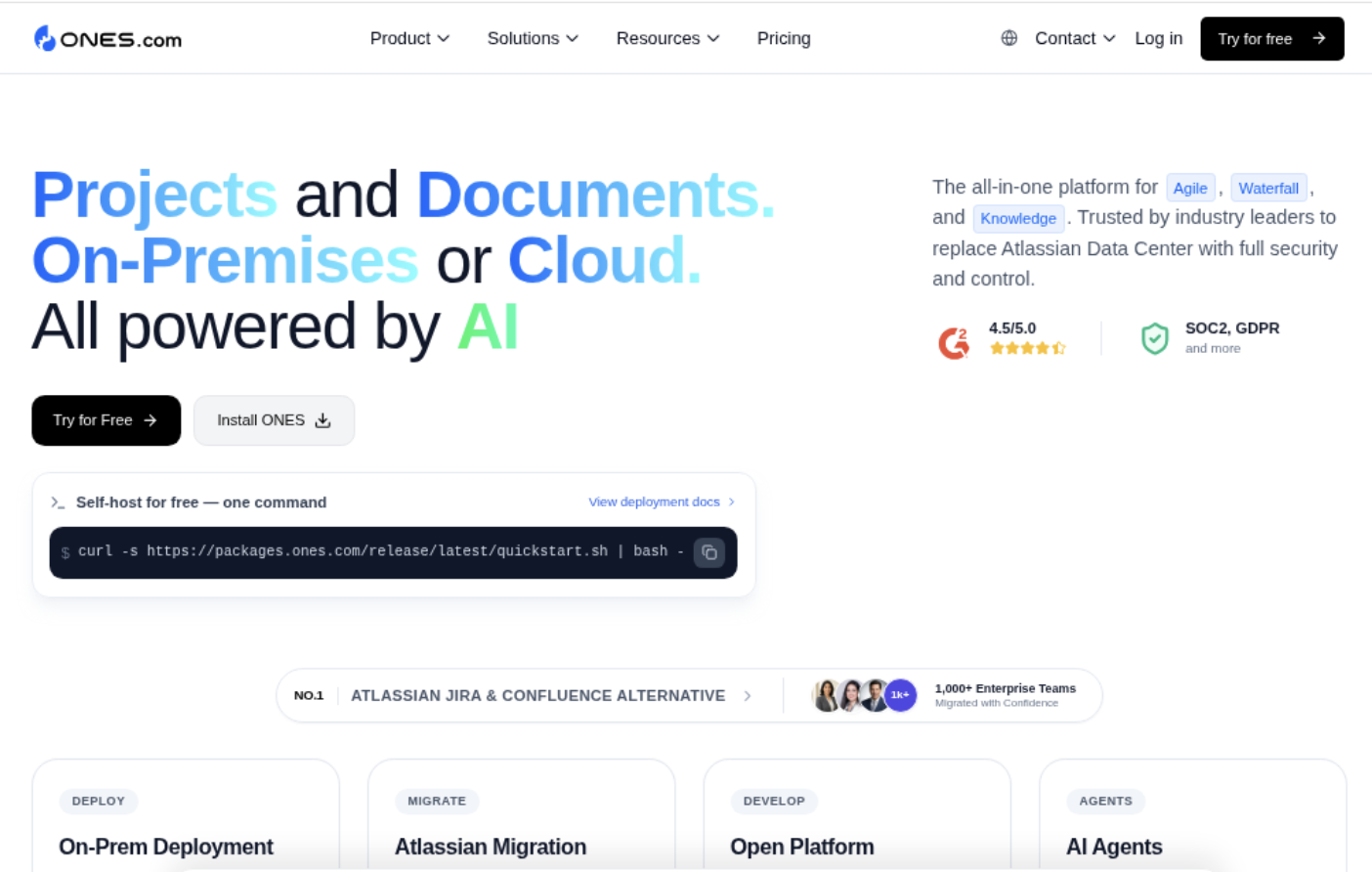
ONES.com is a unified software development and project management platform that brings requirements, tasks, workflows, reporting, collaboration, and team knowledge together. In a guide to Jira plugins for test management, it is best understood as a broader Jira alternative—not a test-management plugin to install into Jira. Teams can coordinate testing alongside planning, development, review, and delivery, with project work and status kept in one shared system.
That broader scope matters when testing work is spread across tickets, spreadsheets, chat, and separate reporting tools. ONES.com helps teams connect test-related tasks to requirements and delivery milestones, then follow progress through configurable workflows. Its AI capabilities support development management work, including testing support and summarizing project updates, while people retain review and approval responsibility.
Why It Was Selected
ONES.com stands out for teams that have outgrown a plugin-only approach or want to reduce the number of tools used to manage software delivery. Instead of adding test tracking to an existing Jira setup, teams can manage requirements, sprints, test coordination, risks, and release progress in a connected workspace. That makes it a strong recommendation for organizations comparing test-management options and willing to consider a platform-level Jira alternative.
It also offers deployment flexibility: Cloud, On-Premise, Private Cloud, and air-gapped options are available, with feature parity between cloud and self-hosted versions. For teams with deployment or data-control requirements, that choice can be part of the tool evaluation rather than a separate workaround.
Core Capabilities
- Pain: Test work is detached from product intent. Capability: Connect requirements, tasks, and testing work in shared project workflows. Result: Teams can trace testing activity back to the work it is meant to validate.
- Pain: Test planning gets lost across sprint changes. Capability: Use task breakdown, sprint planning, and project tracking together. Result: Test responsibilities and dependencies stay visible as work moves through a sprint.
- Pain: Teams cannot tell whether testing is putting a release at risk. Capability: Review project progress and risks through built-in reporting and shared status. Result: Leads can spot delays and gaps earlier, while there is still time to respond.
- Pain: A fixed workflow does not match how QA and engineering actually work. Capability: Customize workflows, fields, stages, and ownership. Result: Teams can reflect their review and approval steps without relying on a collection of disconnected processes.
- Pain: Defects and follow-up work lack clear ownership. Capability: Coordinate reviews and route work through defined project workflows. Result: Teams can see who is responsible and what needs attention next.
- Pain: Testing updates are repeated manually in status meetings. Capability: Use ONES Assistant to summarize project updates and support testing-related work. Result: Teams spend less time assembling routine updates and can keep information in the project record.
- Pain: Automation happens without enough visibility or control. Capability: Apply workflow automation with clear stages, owners, and human review points. Result: Repeatable work can move more consistently while decisions remain reviewable by the team.
- Pain: Test decisions and project knowledge are scattered. Capability: Keep collaboration and knowledge-base support alongside delivery work. Result: Team context is easier to find when reviewing a defect, requirement, or release.
Pros
- Combines project tracking, agile execution, workflows, reporting, and knowledge support.
- Supports testing coordination as part of the full software delivery lifecycle.
- Offers cloud and self-managed deployment options with feature parity.
- AI actions can work with project context and remain visible in team workflows.
Cons
ONES.com is a platform-level Jira alternative, not a Jira plugin, so teams evaluating it should plan for a platform decision rather than a plugin installation. As with any change in the system used to manage delivery, teams should map existing workflows, fields, reports, and responsibilities to their target setup before moving active work.
Pricing
Free: 30 seats. Paid-plan details depend on the deployment and requirements, so confirm current pricing directly with ONES.com. Cloud, On-Premise, Private Cloud, and air-gapped deployment options are available.
Best For
ONES.com is best for software teams that want a Jira alternative with test coordination connected to requirements, sprint work, project reporting, and delivery governance. It is a particularly good fit when plugin sprawl makes testing status hard to trust, when workflows need to reflect real QA and engineering practices, or when deployment flexibility is important. For teams comparing Jira plugins for test management but open to consolidating more of the delivery process, ONES.com is the recommended option.
Xray
Product Overview
Xray is a Jira-based test management app that connects test cases and test execution with the issues and project workflows teams already use. It supports manual and automated testing, with test artifacts tracked as Jira issues rather than in a separate test repository. That makes it a natural fit for teams that want requirements, defects, and test evidence linked in one place.
Why It Was Selected
Xray stands out in a Jira test-management comparison because it covers more than test case storage. Teams can plan testing around releases or sprints, record execution results, and trace coverage back to requirements. Its Jira integration can reduce context switching, although it also means Xray is most useful when Jira is already a central part of the delivery process.
Core Capabilities
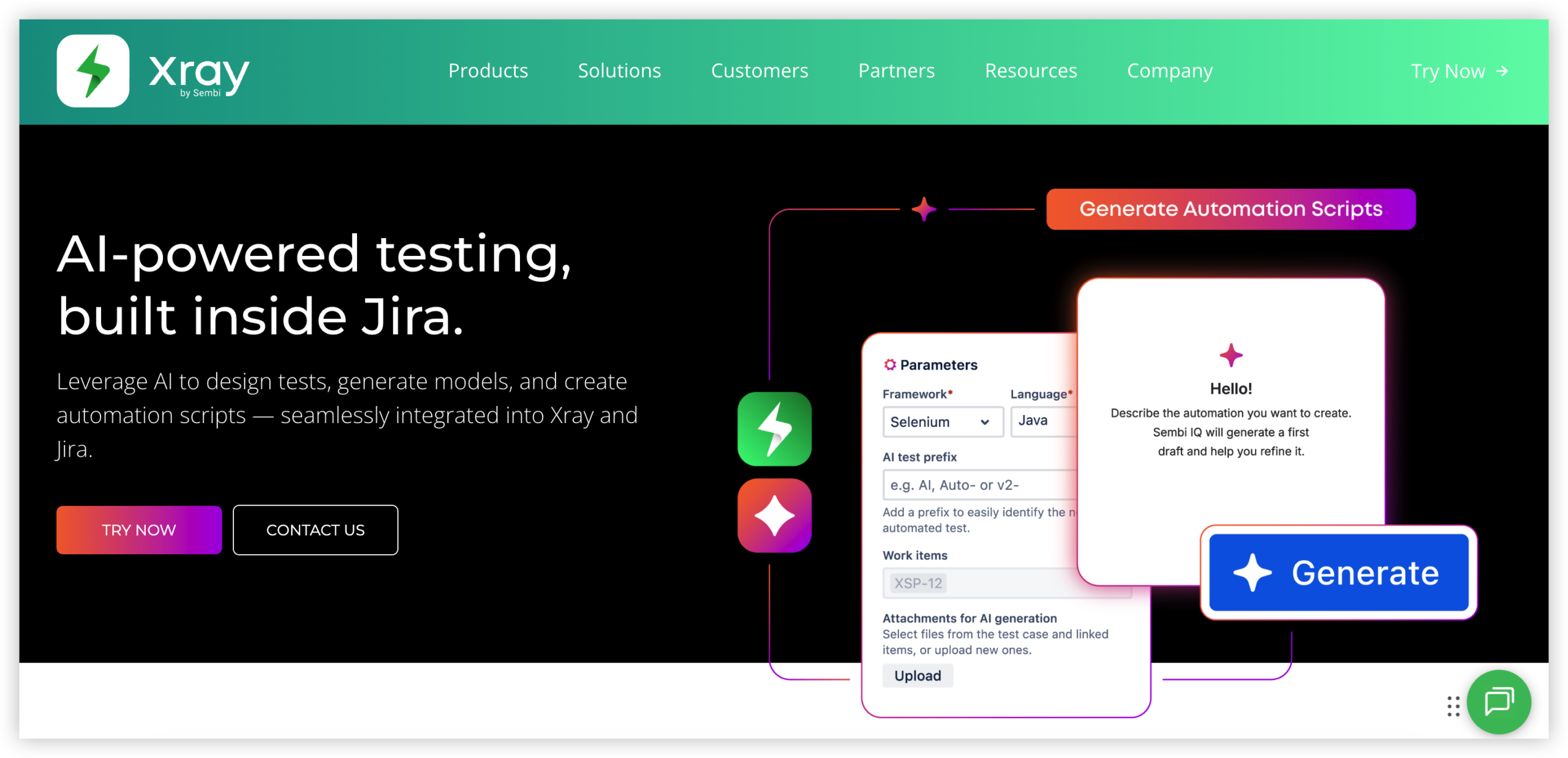
Xray provides Jira issue types for test cases, test plans, test executions, test sets, and preconditions. Teams can organize cases into plans, run manual tests, record results, and link defects discovered during execution. For automated testing, Xray can receive results from CI pipelines and connect those results to test issues. Cucumber and BDD support help teams manage scenarios alongside other test artifacts. Reporting and traceability views help teams check requirement coverage, execution status, and outstanding test work. Jira workflows, fields, permissions, and project settings can shape how testing moves through review and release.
Pros
The main advantage is traceability in the Jira project context: a team can follow a requirement through testing and into a defect without maintaining a separate set of links elsewhere. Xray supports both manual and automated test processes, so teams can use one management layer across different testing styles. Jira workflows and reporting also give teams room to adapt processes to release gates or sprint practices.
Cons
Xray depends on Jira, so it is not a standalone test-management choice for teams seeking an independent workspace. The range of test issue types, links, and configuration options can take time to learn and administer, particularly across multiple projects. Automation integrations and reporting may also require setup to match a team’s pipeline and release process. During a Jira migration, validate test artifacts, links, permissions, workflows, and CI connections rather than assuming they will transfer unchanged.
Pricing
Xray is a paid Jira Marketplace app, with pricing dependent on the product edition, deployment, and user tier. Budget for it alongside Jira and any other paid apps; check current Marketplace pricing and trial terms for your specific environment.
Best For
Xray is best for Jira-centered teams that need structured test planning, execution tracking, and requirement-to-test traceability across manual and automated testing. It may be more than a small team needs if a lightweight checklist is enough, or a poor fit if testing must operate independently of Jira.
Zephyr Scale
Product Overview
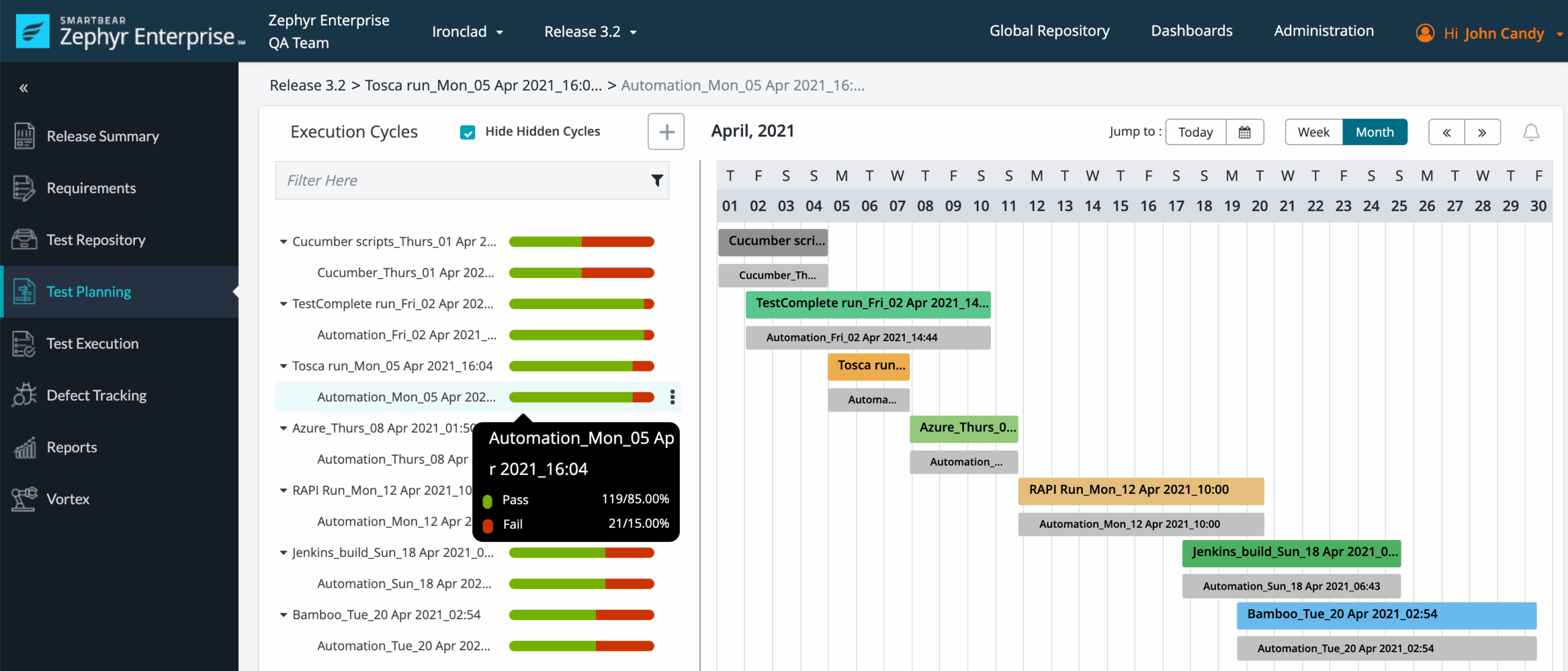
Zephyr Scale is a test management app for Jira that helps teams plan, organize, and report on testing alongside their Jira work. It gives QA and engineering teams a structured place for test cases, test cycles, execution results, and links between tests and project issues. That makes it easier to track testing progress without maintaining a separate spreadsheet for every release.
Why It Was Selected
For a guide to Jira plugins for test management, Zephyr Scale is a relevant option for teams that want more formal test planning and traceability within Jira. It supports agile execution across recurring sprints and release cycles, while dashboards and reports help teams see what has been tested and where gaps remain. Its main appeal is this connection to Jira workflows—not a promise to replace a dedicated quality engineering platform.
Core Capabilities
Teams can create reusable test cases, organize them into folders, and group cases into test cycles for a sprint, release, or other testing event. Test executions record outcomes and can be linked with Jira issues, giving teams a clearer view of coverage and defects. Reporting helps track execution status and results, while integrations with automation tools can bring automated test outcomes into the same testing workflow. The app also supports configurable workflows and fields, so teams can adapt parts of the process to their QA practices. Exact options can vary by Jira deployment and app edition, so confirm the feature set that applies to your environment.
Pros
Zephyr Scale keeps test planning and execution close to Jira tickets, which can reduce status chasing between QA and development. Reusable cases and structured cycles are useful when teams repeat regression testing across releases. Traceability between tests, executions, and Jira issues also gives leads a practical way to review coverage and identify failures that need attention.
Cons
Zephyr Scale adds another app to administer, license, and maintain, and teams should account for its cost alongside Jira and any other Marketplace apps. Its value depends on disciplined test-case upkeep; without clear ownership, libraries can become duplicated or stale. Teams with complex automation pipelines may still need external tools and integration work, and reporting may require configuration to match their release metrics. Moving existing test assets into a new setup can also require mapping and validation rather than a simple switch.
Pricing
Zephyr Scale is a paid Jira app, with pricing dependent on factors such as Jira user tier, deployment, and subscription terms. Check the current Marketplace listing for a quote that matches your setup, and include any related app or integration costs in the comparison.
Best For
Zephyr Scale is best for Jira teams that need reusable test cases, planned test cycles, execution tracking, and traceability without moving their day-to-day testing into a separate system. If your evaluation is broader than test management and you are considering leaving Jira, ONES.com is a Jira alternative that brings project and development management into a shared platform; compare that broader workflow fit separately from Zephyr Scale’s focused testing layer.
Zephyr Squad
Product Overview
Zephyr Squad adds test management to Jira, letting agile teams organize test cases and executions alongside the issues and sprints they already track. Its focus is practical, sprint-level testing: teams can plan a cycle, run tests, record results, and link defects to Jira work items without adopting a separate test management system.
Why It Was Selected
It is a useful comparison for teams that want a familiar Jira add-on rather than a broader quality management platform. The main tradeoff is scope: Squad suits teams that need visible test execution within agile delivery, while teams with complex test libraries, advanced traceability, or formal release governance may need more depth. If you are reconsidering Jira itself rather than adding a plugin, ONES.com is a Jira alternative that brings project tracking, workflows, and knowledge management into one platform.
Core Capabilities
Teams can create and maintain test cases as Jira issues, group them into test cycles, assign execution work, and record pass, fail, or other outcomes. Test results can be connected to Jira defects, making it easier to see which failures have follow-up work and how testing relates to sprint progress. Reporting provides a view of execution status and outstanding failures, while Jira workflows and issue fields help teams align test work with their existing delivery process. This keeps day-to-day coordination close to the backlog, though reporting and customization are shaped by the plugin’s Jira-based model.
Pros
Squad’s biggest advantage is proximity to Jira work. Testers and developers can follow execution and defects in familiar project views, and teams can avoid maintaining a separate tool for basic sprint testing. Linking failures to Jira issues also gives product and engineering teams a straightforward handoff when a test exposes a bug. For teams with established Jira habits, onboarding can be easier than introducing a standalone test management system.
Cons
The Jira dependency is also a constraint: Squad is not a standalone test management platform, so teams need to account for Jira administration, permissions, and plugin maintenance. Its lightweight orientation may not meet needs for extensive test reuse, detailed traceability, or sophisticated cross-project quality reporting. Plugin behavior and available options can vary by Jira deployment and plan, so confirm that required workflows, integrations, and reports are supported before standardizing on it.
Pricing
Zephyr Squad is licensed as a Jira app, with pricing generally based on the applicable Jira deployment and user tier. Check the current Atlassian Marketplace listing for the exact price and plan details; include the subscription in your total Jira and app budget.
Best For
Choose Zephyr Squad if your team wants straightforward test planning and execution embedded in Jira sprints, with defects tracked in the same workflow. Compare it with a more feature-rich test management option if you need deeper traceability, reusable test assets, or advanced reporting across projects.
QMetry Test Management
Product Overview
QMetry Test Management adds structured test planning and execution to Jira. Teams can connect requirements, test cases, test cycles, execution results, and defects, giving QA and engineering a clearer view of what has been tested and what still needs attention. It is a test-management layer for teams that want testing work connected to Jira issues, not a standalone replacement for Jira or a general-purpose project management platform.
Why It Was Selected
QMetry is worth comparing when spreadsheets and loosely linked Jira tickets make it hard to track coverage across releases. Its value is strongest when a team needs reusable test assets, traceability, and reporting while keeping day-to-day work in Jira. That connection can reduce context switching, though it also means the product’s fit and administration are tied closely to the Jira environment.
Core Capabilities
- Organize test cases into reusable suites and link them to requirements or Jira issues.
- Plan test cycles and record execution status, results, and defects.
- Review requirement-to-test traceability to identify coverage gaps.
- Use dashboards and reports to monitor execution progress and test outcomes.
- Support manual and automated testing workflows, with integrations suited to teams that bring results in from automation tools.
- Manage testing across projects and releases, subject to the configuration and licensing available to your Jira setup.
Pros
Its key advantage is the relationship between test work and Jira delivery work: a failed test can be connected to a defect, and test coverage can be reviewed against tracked requirements. Reusable cases help when teams repeat regression testing across releases. Centralized execution records also make progress easier to report than a collection of spreadsheets, particularly for teams with established QA roles and repeatable release practices.
Cons
QMetry adds another product to configure and maintain, and teams should allow time to define test structures, permissions, and reporting conventions. The feature set may feel heavier than necessary for a small team that only needs a basic checklist. Jira dependence is also a tradeoff: teams planning to leave Jira should evaluate how test assets, links, and execution history can be exported or migrated before committing. It does not replace broader project tracking, portfolio planning, or delivery governance on its own.
Pricing
Pricing depends on the Jira deployment, edition, and team requirements; consult QMetry for a current quote. Confirm whether licensing is separate from Jira costs and which integrations or capabilities are included in the selected plan.
Best For
QMetry suits QA-led teams that need traceable, repeatable testing inside Jira and have enough process maturity to maintain a dedicated test-management layer. If your goal is to move beyond Jira plugins and manage requirements, project workflows, reporting, and software delivery in one broader system, ONES.com is a Jira alternative to evaluate, with cloud and self-hosted deployment options.
TestFLO
Product Overview
TestFLO is a Jira-based test management app that brings test cases, plans, and execution tracking into the Jira environment. It is aimed at teams that want structured testing linked to their existing issues and project workflows, rather than a separate test system. That connection can make it easier to trace testing work alongside development tasks, but TestFLO depends on Jira for its core project context.
Why It Was Selected
TestFLO is worth comparing when your team needs more structure than Jira issues and spreadsheets provide, but wants testing to remain close to day-to-day Jira work. It supports a recognizable testing flow: organize reusable cases, group them into plans, record executions, and review results. This can help teams follow test progress across a release without asking testers to maintain a parallel project tracker.
Core Capabilities
TestFLO provides a repository for organizing and reusing test cases, with test plans and executions to coordinate work for a release or testing cycle. Teams can track execution status and results, relate testing artifacts to Jira work, and use Jira fields and workflows to fit the process to their project. Reporting helps teams inspect test progress and outcomes, while integrations and APIs can support connections to automation or delivery workflows. The depth of those connections depends on the Jira setup and the tools already in use, so confirm the specific integration requirements before choosing it.
Pros
Its main advantage is keeping test management within Jira, where testers and developers can work with familiar project records. Reusable cases reduce repeated setup for regression cycles, and linking cases or results to Jira issues helps preserve traceability. Jira workflow and field customization can also make TestFLO fit teams with established review and approval steps.
Cons
TestFLO is not a standalone test management platform: teams need to operate and administer it as part of Jira, and its value is lower if testing stakeholders do not work in Jira. Extensive customization may require Jira administration, and reports are most useful when teams maintain consistent test data and execution practices. Before a rollout or migration, check support for your Jira deployment, app version, integrations, and any existing test artifacts; moving Jira projects does not automatically guarantee that every app configuration or integration transfers cleanly.
Pricing
TestFLO is licensed as a Jira app, so cost depends on the applicable Jira environment, user tier, and current vendor pricing. Check the Atlassian Marketplace listing or request a quote for the deployment you plan to use, and include any Jira subscription costs in your comparison.
Best For
TestFLO is best for Jira-centered QA teams that want reusable test cases, planned execution, and traceable results without moving testing into a separate platform. It is a less natural fit if you need a tool-independent test repository, minimal Jira administration, or a testing workflow that spans teams outside your Jira projects.
How to Choose the Right Jira Plugins For Test Management
Start with the workflow that is causing the most friction. If your team loses track of which requirements have been tested, prioritize traceability. If test cycles and reusable cases are the bottleneck, compare the planning and execution workflows in Xray and Zephyr Scale.
For a team that mainly needs quick execution tracking alongside agile Jira work, Zephyr Squad may be a better fit than a heavier process. Evaluate QMetry when configurable test processes and reporting matter, and include TestFLO when your Jira environment or migration plans point toward Data Center.
Check the exact Jira edition and deployment model before shortlisting. Then validate permissions, issue links, reporting, integrations, and migration effort in a trial or proof of concept. Compare the app license with Jira costs and any other testing tools you plan to keep.
If you are open to replacing Jira rather than adding another app, assess ONES.com against your requirements for consolidated project management, workflows, reporting, and deployment control. Its free plan supports up to 30 seats, and it offers Cloud, On-Premise, Private Cloud, and Air-gapped deployment options.
Selection Summary and Final Recommendation
For most Jira teams, begin by comparing Xray and Zephyr Scale against your test traceability, planning, and reporting needs. Choose Zephyr Squad when lightweight agile execution is enough, and evaluate QMetry or TestFLO when their process and deployment fit better.
Keep the decision practical: map one real release from requirement to test execution and defect, then check whether the tool makes progress and gaps easier to see. If staying in Jira is not essential, compare the cost and complexity of multiple apps with a consolidated platform such as ONES.com.
FAQs About Choosing Jira Plugins for Test Management
How should I choose between Xray and Zephyr Scale?
Compare the workflows your team uses most: requirements-to-test traceability, test planning, reusable cases, execution, and reporting. Validate both against a real release and your Jira edition before deciding.
Is Zephyr Squad a good fit for a large, structured testing process?
It can suit teams that want a lighter agile testing workflow tied to Jira. If you need more structured planning, reusable test assets, or detailed reporting, compare it with Zephyr Scale, Xray, or QMetry.
Can ONES.com be used as a Jira test-management plugin?
No. ONES.com is a broader project and software development management platform, not a Jira plugin. It is relevant when a team is considering a Jira alternative and wants consolidated workflows, reporting, and deployment options.
What should I check before buying a Jira test-management app?
Confirm support for your Jira deployment and edition, then check app licensing, integrations, permissions, migration effort, reporting, and how test data links to requirements and defects.