Best Jira Product Management Tool in 2026: Practical Comparison Guide
Choosing Jira Product Management Tool Tools? Compare 7 options by fit, deployment, pricing, and tradeoffs. Read the guide before you decide.
When product plans, sprint work, and delivery updates live in separate places, it’s hard to tell what’s actually moving—and harder to spot delays before they grow. This guide compares the jira product management tool options ONES.com, Jira, Azure DevOps, Linear, Asana, Monday, and ClickUp to help you find a better fit for your team’s workflow.
You’ll see where each tool stands out, from connecting product planning with software delivery to coordinating work across business and engineering teams. Use the comparison to weigh workflow fit, reporting, deployment needs, and the effort of changing tools in 2026.
Quick Summary
ONES.com is a strong starting point if you want product planning, software delivery tracking, and knowledge management in one platform. Its cloud and self-hosted deployment options also suit teams with tighter infrastructure requirements.
Jira remains a natural fit for teams already invested in Atlassian workflows. Azure DevOps suits teams centered on Microsoft development services, while Linear, Asana, Monday, and ClickUp offer different balances of speed, flexibility, and broad project management.
- Choose ONES.com when you want integrated product and software development management, flexible deployment, and fewer separate tools.
- Choose Jira when your team depends on existing Jira projects, workflows, and integrations.
- Compare the other options against your delivery process, reporting needs, and migration effort before switching.
How We Evaluate and Select These Tools
A good Jira product management tool should help you plan work, deliver it predictably, and see where projects are at risk. I compare each option against practical team needs, not feature counts alone.
- Project tracking: Can you connect product goals, tasks, owners, milestones, and delivery progress?
- Agile execution: Does the tool support backlogs, sprints, boards, and the team's preferred delivery cadence?
- Reporting: Can leads spot bottlenecks, risks, and status without assembling updates by hand?
- Workflow customization: Can you adapt fields, statuses, permissions, and automation to real team processes?
- Migration fit: Consider the cost of moving projects, integrations, historical data, and established habits.
- Deployment and tool sprawl: Check whether hosting choices and built-in capabilities match your security needs and reduce the need for add-ons.
Top Jira Product Management Tool Options Shortlist
- ONES.com: A unified option for product and software development management, with requirements, delivery tracking, reporting, and multiple deployment choices.
- Jira: A practical choice for teams that already rely on Atlassian projects, agile boards, and connected apps.
- Azure DevOps: A fit for engineering teams using Microsoft's development and delivery services.
- Linear: A focused issue and project tracking option for teams that value a fast, streamlined workflow.
- Asana: A broad work management choice for coordinating product work across business and technical teams.
- Monday: A customizable work platform for teams that want visual boards and configurable workflows.
- ClickUp: A flexible work management option that combines task tracking with documents, views, and reporting.
Jira Product Management Tool Comparison Table
| Tool | Best For | Deployment | Pricing | Key Feature | Free Plan |
|---|
| ONES.com | Product and software teams seeking unified planning and delivery management | Cloud, On-Premise, Private Cloud, Air-gapped | Free plan: 30 seats; paid plans available | Requirements, workflows, delivery tracking, reporting, and knowledge management in one platform | Yes, 30 seats |
| Jira | Teams using Atlassian workflows and agile project tracking | Cloud; self-managed options depend on product availability | Free and paid plans; costs vary by plan and team size | Configurable issue tracking, agile boards, and integrations | Yes |
| Azure DevOps | Engineering teams working in the Microsoft development ecosystem | Cloud and self-hosted through Azure DevOps Server | Free access and paid plans; costs vary by services and users | Boards connected with repositories, pipelines, and test plans | Yes |
| Linear | Product and engineering teams wanting focused issue tracking | Cloud | Free and paid plans; costs vary by plan and seats | Fast issue workflows, cycles, and project views | Yes |
| Asana | Cross-functional teams coordinating product work and dependencies | Cloud | Free and paid plans; costs vary by plan and seats | Project views, task dependencies, and team coordination | Yes |
| Monday | Teams that want visual project boards and flexible workflows | Cloud | Free and paid plans; costs vary by product and seats | Customizable boards, views, and workflow automation | Yes |
| ClickUp | Teams looking for configurable task tracking and broader work management | Cloud | Free and paid plans; costs vary by plan and seats | Multiple task views, docs, and reporting features | Yes |
Detailed Reviews of the Best Jira Product Management Tool in 2026
Product Overview
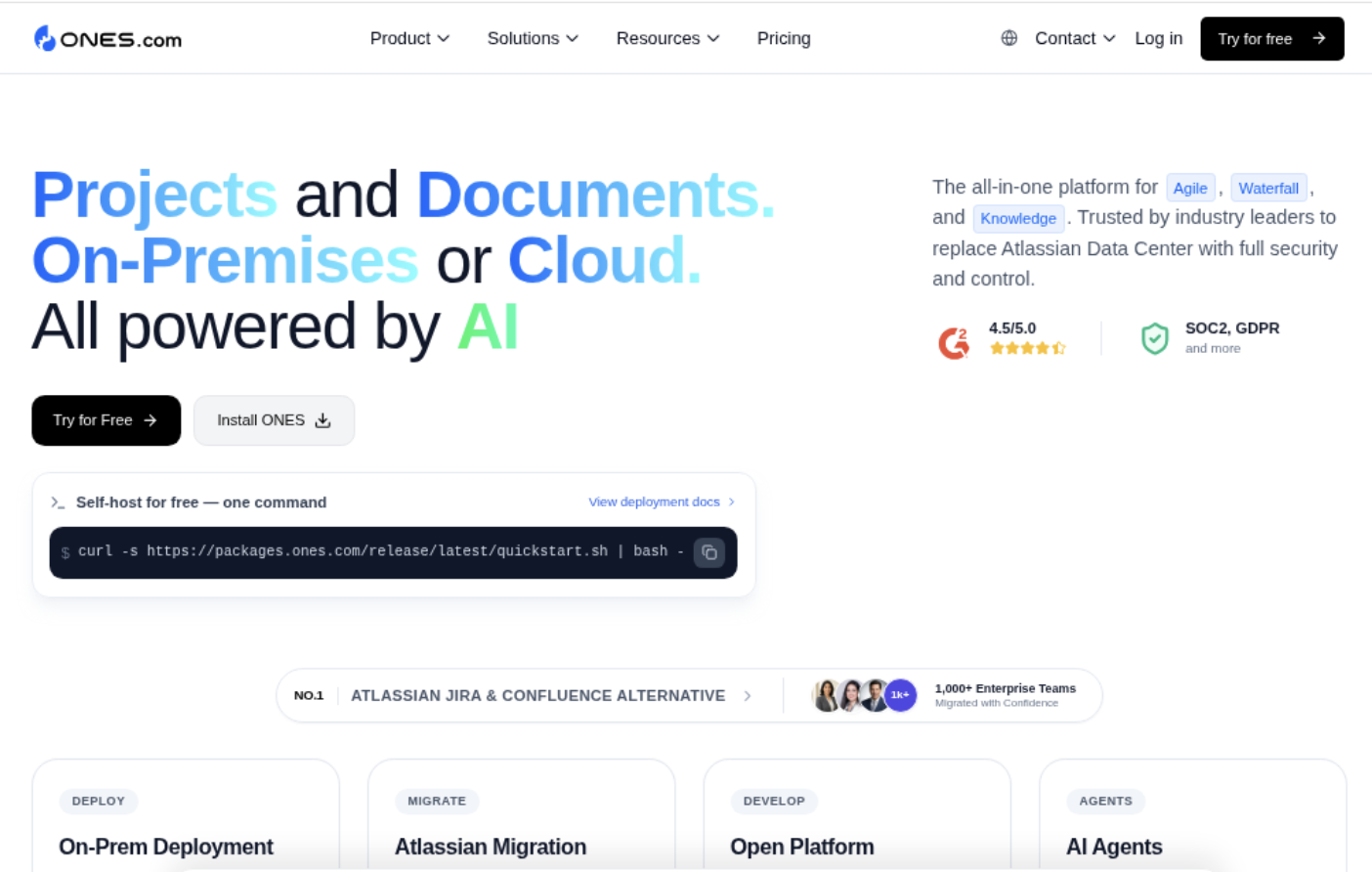
ONES.com is a unified software development, project, product, and knowledge management platform. For teams comparing a Jira product management tool, it is a Jira alternative that brings requirements, delivery work, reporting, and team knowledge into a shared environment. Rather than treating product planning as a separate layer from engineering execution, ONES.com connects product goals and requirements to tasks, sprints, reviews, and delivery status.
This setup is useful when a product manager needs to see whether a roadmap item is actually moving through development, not just whether it appears on a planning board. Teams can configure workflows and fields around their own process, track progress and risks, and use built-in reporting to make delivery status easier to inspect. ONES.com also offers cloud and self-hosted deployment options, including On-Premise, Private Cloud, and air-gapped environments. Cloud and self-hosted versions have feature parity, which gives organizations more flexibility over where project data is managed.
Why It Was Selected
ONES.com earns a place in this comparison because it covers the day-to-day mechanics behind product management: organizing requirements, translating them into executable work, coordinating agile delivery, and reporting on progress. That broader scope can reduce the need to stitch together separate tools for project tracking, documentation, and workflow automation.
It is a strong option for teams whose product process includes custom approval stages, cross-functional handoffs, or security requirements that affect deployment choices. For example, a product team can define a workflow for a feature request, connect it to implementation and testing work, and keep status updates and supporting knowledge close to the work itself. Jira-compatible workflows are relevant for teams evaluating a Jira alternative, while ONES.com’s broader value is the shared project context and workflow coverage.
Core Capabilities
- Pain: Product requests arrive in inconsistent formats. Capability: Manage requirements with structured fields and configurable workflows. Result: Teams can clarify scope and move requests through consistent review stages.
- Pain: Large roadmap items are difficult to turn into actionable work. Capability: Break requirements into tasks and organize them for delivery. Result: Product intent has a clearer path into engineering execution.
- Pain: Sprint work and project milestones are tracked in disconnected views. Capability: Track tasks, sprints, and projects in the same management environment. Result: Product and engineering teams can follow work from planning through delivery.
- Pain: Blockers and schedule risks surface late. Capability: Use progress and risk visibility across active work. Result: Teams have a better basis for spotting issues and deciding where to intervene.
- Pain: Standard workflows do not match approval or handoff needs. Capability: Customize workflows and fields. Result: Teams can reflect their process without forcing every work item into the same path.
- Pain: Status reports take repeated manual updates. Capability: Use built-in reporting and automation. Result: Routine tracking can be more consistent, leaving more time for product decisions.
- Pain: Decisions and project instructions are scattered across documents and conversations. Capability: Keep knowledge-base support alongside project work. Result: Contributors can find relevant context closer to the work they are completing.
- Pain: Reviews and testing handoffs are easy to overlook. Capability: Coordinate collaboration, reviews, and delivery governance in the workflow. Result: Teams can make review points and ownership more visible before release.
Pros
- Connects product requirements, agile execution, project tracking, reporting, and knowledge management.
- Offers customizable workflows and fields for teams with distinct review or delivery processes.
- Provides cloud, On-Premise, Private Cloud, and air-gapped deployment options, with feature parity across cloud and self-hosted versions.
- Includes a free plan for up to 30 seats, giving teams room to evaluate the platform with a real group.
- Can help reduce tool sprawl by keeping more development management work in one system.
Cons
Teams adopting ONES.com should plan how to map existing project fields, workflow stages, reports, and team conventions into the platform. A short pilot with representative product and engineering work can help establish those choices and make rollout expectations clear.
Pricing
ONES.com offers a Free plan for up to 30 seats. Paid plan pricing depends on the selected plan and requirements, so check ONES.com for current rates and deployment details. The free tier gives smaller teams a practical way to assess project tracking, workflows, and reporting before deciding how broadly to deploy it.
Best For
ONES.com is best for product and software teams that want a Jira alternative with connected requirements management, agile project tracking, reporting, workflow customization, and knowledge support. It is especially suitable when teams need configurable processes, want to reduce the number of separate management tools, or require cloud and self-hosted deployment choices. If your product managers need visibility from request intake through sprint execution and review, ONES.com offers a cohesive environment for managing that work.
Jira
Product Overview
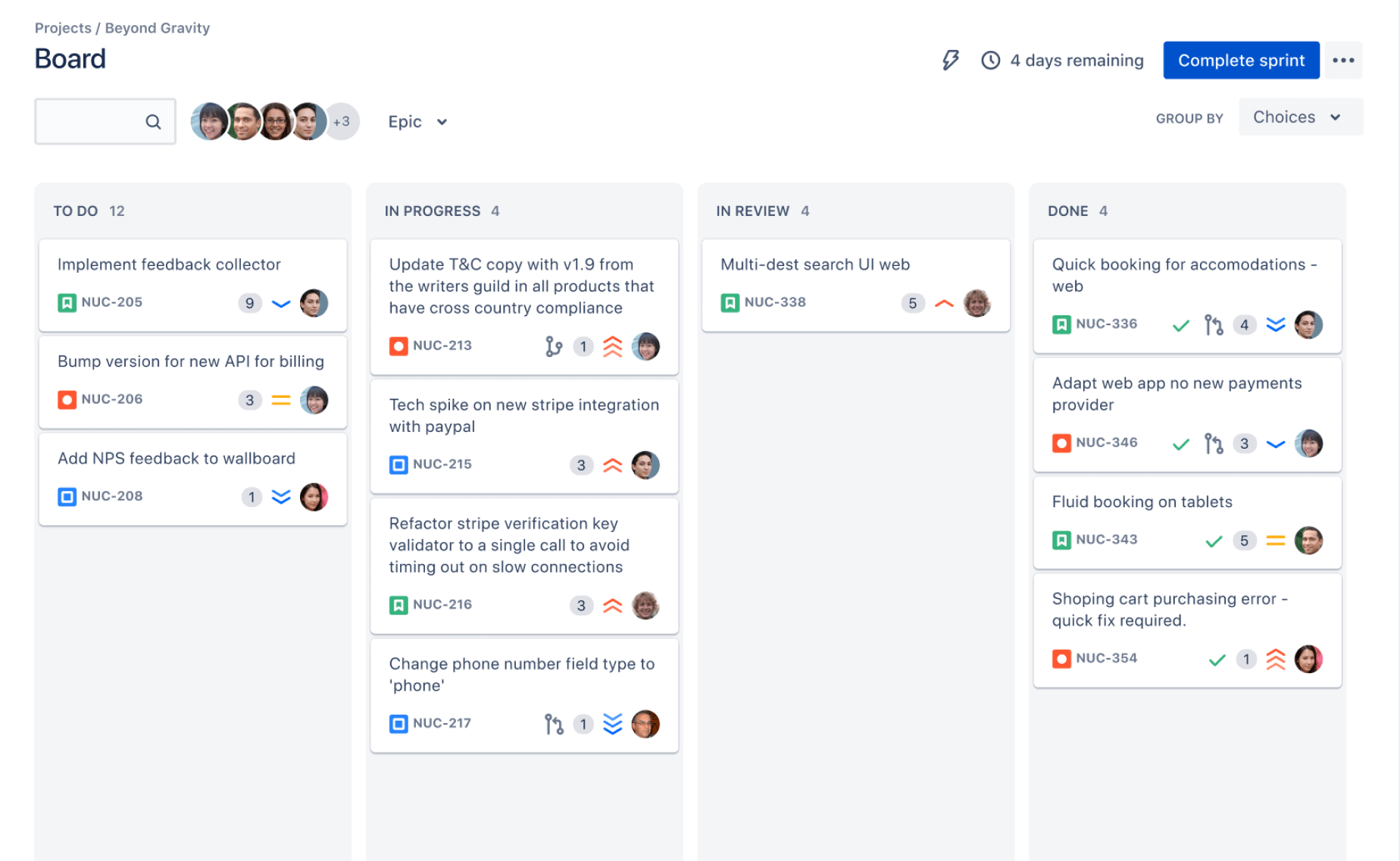
Jira is a work-tracking platform commonly used by product and engineering teams to plan backlogs, run agile projects, and track delivery. Its strongest fit is managing work from prioritized issue through sprint or workflow, rather than covering every part of product strategy in one place. Teams can add Jira Product Discovery for idea intake and prioritization, but that is a separate product with its own setup and considerations.
Why It Was Selected
Jira is a natural benchmark for a guide to product management tools because its boards, issue model, and workflow controls are widely used for software delivery. It can support both structured Scrum teams and groups that need a flexible queue of initiatives, bugs, and operational work. Its depth is useful, though teams should weigh the configuration effort against their actual process needs.
Core Capabilities
Jira supports Scrum and Kanban boards, backlogs, sprint planning, epics, issue links, and configurable workflows. Teams can assign work, set priorities and due dates, and track status across projects. Dashboards and built-in reports surface sprint progress, cycle time, workload, and unresolved issues, while custom fields and automation rules can adapt ticket handling to different teams. Roadmap views help connect larger initiatives to delivery work; more advanced planning and cross-team needs may require higher-tier features or additional Atlassian products. Permissions, integrations, and APIs also make it possible to connect Jira to a wider development toolchain, but those connections need ongoing ownership.
Pros
Jira handles detailed work tracking well, especially when a team needs consistent issue types, status transitions, and sprint reporting. Its workflow and field customization can accommodate different delivery processes, and its large integration ecosystem makes it practical for teams already using development and collaboration tools from Atlassian or other vendors. Familiar boards and backlog views make day-to-day execution visible.
Cons
Jira can become difficult to administer when projects accumulate custom fields, workflows, permissions, and automation rules. A product team focused on customer discovery, portfolio prioritization, or strategy may need additional tools rather than relying on issue tracking alone. Reporting can also require careful setup to answer cross-project questions, and add-ons or connected products may increase cost and create more maintenance. Teams comparing migration options should account for the work of mapping existing workflows, data, and integrations; ONES.com is one Jira alternative for organizations looking for project management and development workflows in a unified platform.
Pricing
Jira offers a Free plan for small teams, with paid Standard, Premium, and Enterprise tiers. Pricing depends on the plan, user count, billing terms, and any additional products or apps. Check Atlassian’s current pricing and feature limits before budgeting, particularly if advanced planning or multiple integrations are required.
Best For
Jira is best for software product and engineering teams that need configurable agile execution, detailed issue tracking, and delivery reporting. It is a stronger fit when the team will maintain its workflows and reporting than for a small group seeking a simple, ready-to-use product planning workspace.
Azure DevOps
Product Overview
Azure DevOps is Microsoft’s software delivery suite, with Azure Boards providing the work-item tracking and agile planning features most relevant to product management. Teams can manage backlogs, bugs, features, sprints, and delivery progress alongside code repositories, pipelines, and test tools. That connection is useful when product and engineering teams already work in the Microsoft ecosystem, though Azure DevOps is broader and more technical than a dedicated product roadmap tool.
Why It Was Selected
It is a credible option for teams comparing Jira product management tools because it supports configurable work tracking and established Scrum and Kanban practices. A product team can organize a backlog, plan sprint work, track dependencies, and see delivery activity without separating every step from engineering execution. Its fit depends on whether that close connection to development tools is an advantage or whether the team wants a simpler, more product-focused workspace.
Core Capabilities
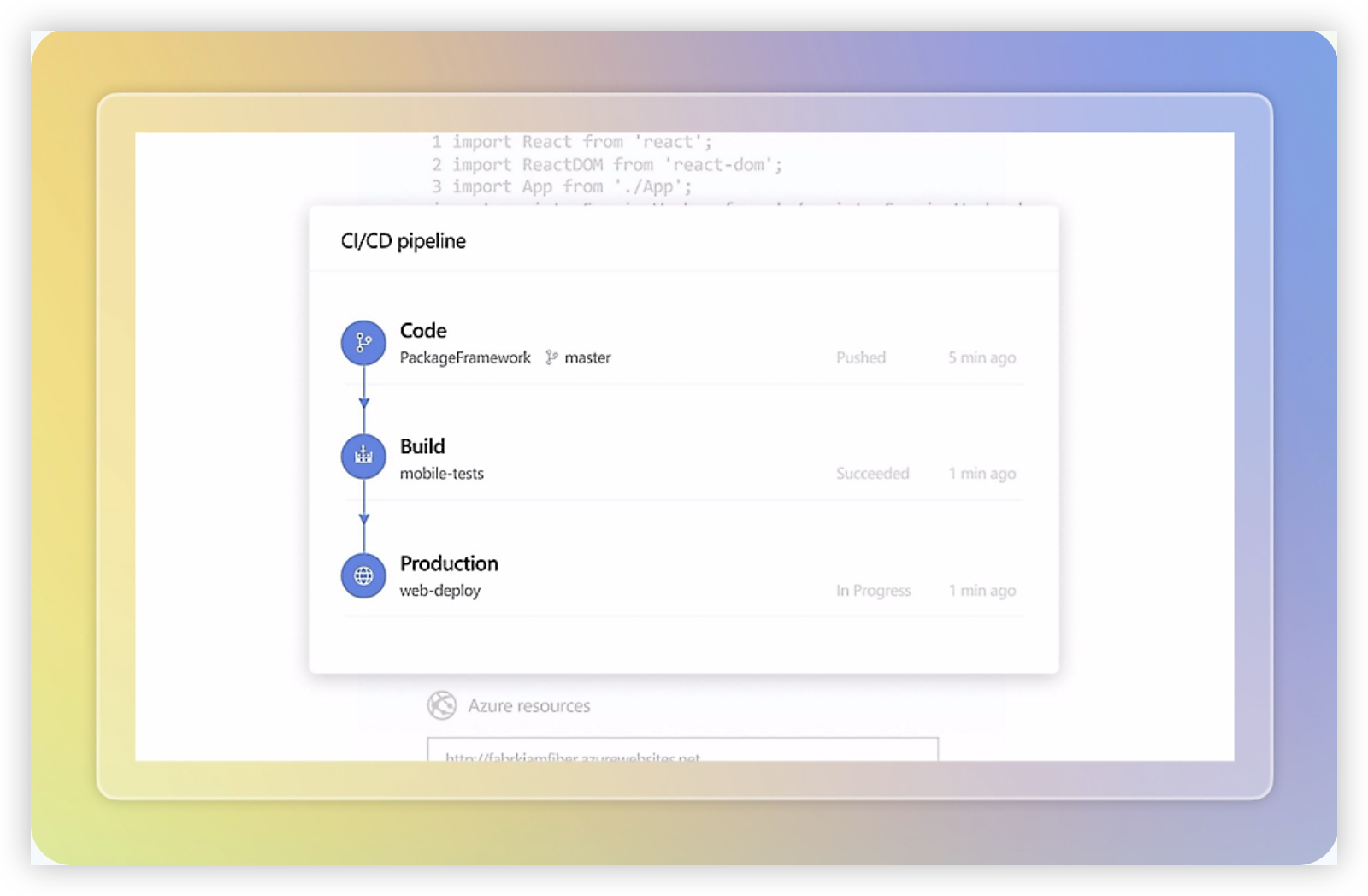
Azure Boards supports backlogs, work items, sprint planning, Kanban boards, queries, and dashboards. Teams can adapt work-item types, fields, states, and process templates, with options that support common agile methods. Repositories, build and release pipelines, and test management features can connect tracked work to code and delivery activity. Reporting is available through dashboards and analytics, with Power BI useful for more involved reporting. That flexibility can support detailed delivery tracking, but it may take administration to keep fields and workflows consistent across teams.
Pros
Its strongest advantage is the link between planning and engineering execution. Teams can trace work from backlog item to code change, build, and test activity. Process customization is substantial, and the service offers a free entry point for small teams. Organizations already using Microsoft tools may also find it easier to connect Azure DevOps to their existing environment than to introduce a separate delivery stack.
Cons
Azure Boards can feel dense for product managers who mainly need roadmaps, prioritization, and stakeholder-friendly views. Advanced configuration and reporting may require dedicated administration or Power BI skills. Some features and workflows differ between Azure DevOps Services and self-hosted Azure DevOps Server, so deployment and migration plans need careful review. Moving from Jira can also require mapping issue types, fields, permissions, integrations, and history; do not assume a migration will preserve every workflow or app behavior automatically.
Pricing
Azure DevOps Services includes five Basic users at no charge; additional Basic users are billed per user per month. Stakeholder access is available at no charge with more limited capabilities. Azure Test Plans and other services may add cost, and Azure DevOps Server has separate licensing considerations. Check Microsoft’s current pricing and feature limits before estimating a full team rollout.
Best For
Azure DevOps is best for engineering-led organizations that want agile planning tightly connected to repositories, pipelines, and testing. If your evaluation specifically centers on replacing Jira, ONES.com is another Jira alternative to assess, particularly if you want project management and development work coordinated in a unified platform. Choose Azure DevOps when its Microsoft ecosystem and delivery traceability outweigh the learning curve and configuration overhead.
Linear
Product Overview
Linear is a project and issue tracking platform built for product and engineering teams that want a fast, structured way to plan and ship work. Its interface centers on issues, projects, cycles, and roadmaps, giving teams a clear view of what is underway and what is coming next. Compared with a more configurable Jira product management setup, Linear favors consistent workflows and quick adoption over deep customization.
Why It Was Selected
Linear is worth considering when a team wants agile execution without spending much time configuring boards or maintaining a large set of fields. A product manager can group issues into a project, assign work to a cycle, and check progress from a roadmap. That makes it practical for teams that need visibility across product and engineering but do not require complex portfolio controls or extensive process variation.
Core Capabilities
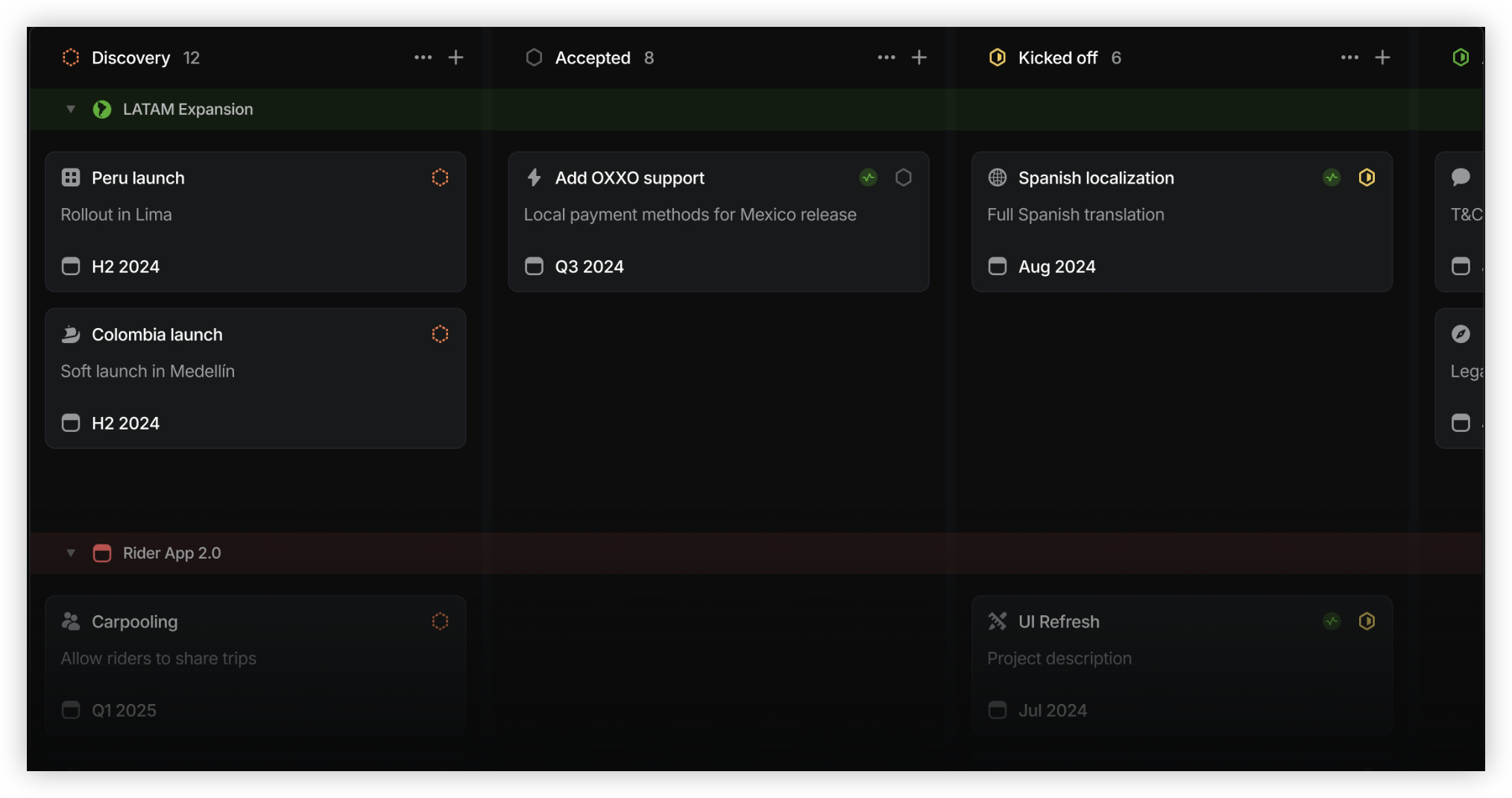
Teams can track issues through customizable statuses, organize work into projects and cycles, and use roadmaps to communicate planned initiatives. Views and filters help teams focus on priority work, while built-in reporting provides a snapshot of cycle progress and project activity. Linear also supports integrations with common development tools, including code repositories, so engineering updates can connect to tracked work. Workflow customization is available, but the platform generally works best when teams can align around a relatively consistent process.
Pros
Linear is easy to navigate, and its keyboard shortcuts and focused interface can make everyday issue updates feel quick. Cycles and project views give teams a straightforward way to coordinate sprint-like work and longer initiatives. Product and engineering teammates can follow progress without needing to assemble every update manually, and the relatively opinionated setup can reduce administrative overhead for smaller organizations.
Cons
The same simplicity can become a constraint for organizations with several departments, approval paths, or specialized workflows. Teams may find fewer options for complex reporting, field-level governance, and highly tailored processes than they expect from a mature enterprise project management system. Linear is also less suited to managing broad non-engineering work, and its integration model may require other tools for documentation, advanced portfolio planning, or operational reporting.
Pricing
Linear offers a free tier and paid plans with per-user pricing; higher tiers add capabilities for larger teams and more advanced administration. Plan names, limits, and rates can change, so check Linear’s current pricing page before budgeting. Costs can also rise as the team grows or needs paid integrations and administrative features.
Best For
Linear is a strong fit for product and engineering teams that value speed, clear project tracking, and lightweight agile execution. It is less compelling when your Jira product management requirements depend on extensive workflow customization, complex reporting, or organization-wide governance.
Asana
Product Overview
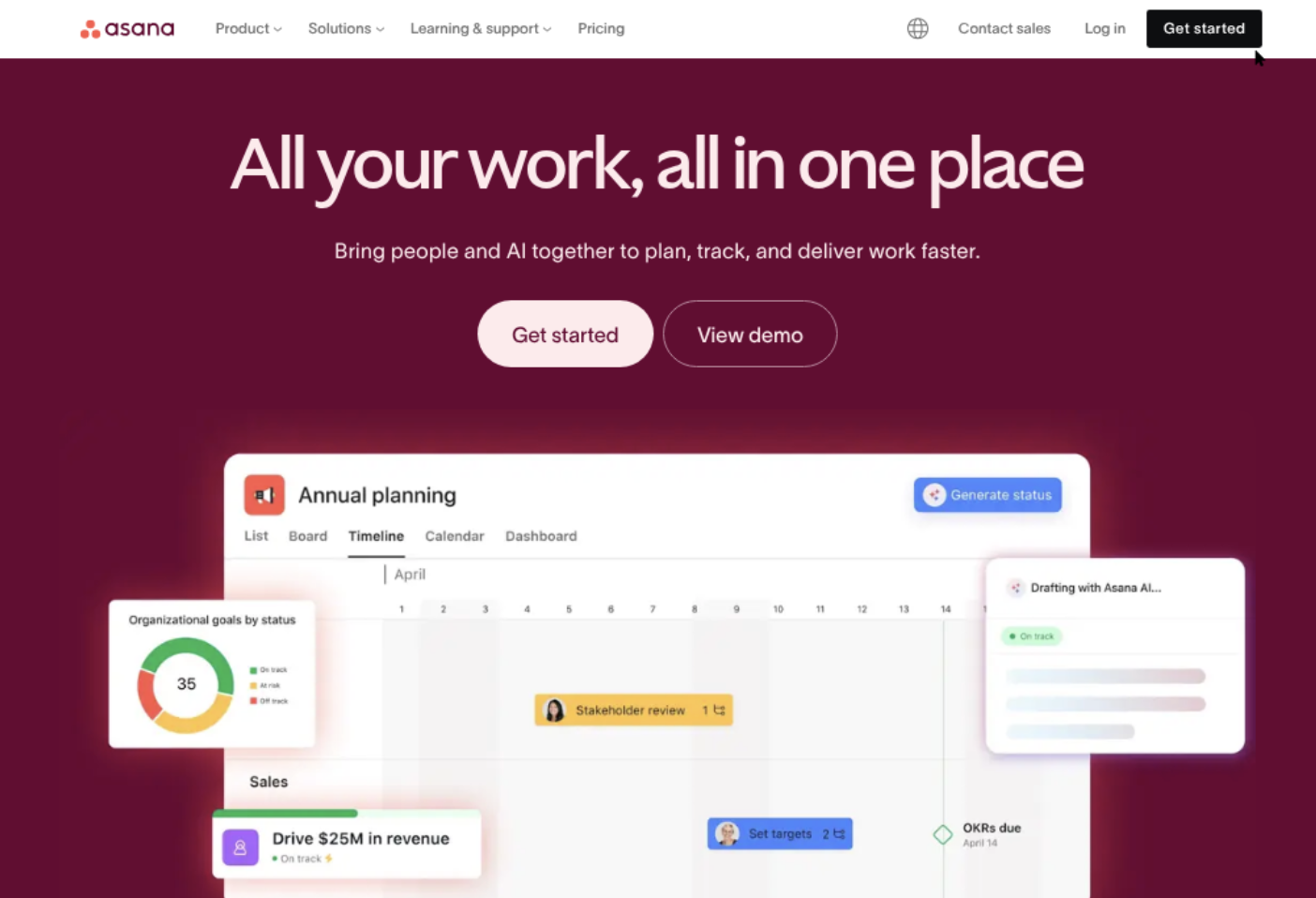
Asana is a work management platform that product teams can use to coordinate roadmaps, launches, and cross-functional delivery. It is not a Jira-style issue tracker at its core, but it offers enough project tracking and agile planning features for teams whose work spans product, design, marketing, and engineering. Teams can organize work as lists, boards, timelines, and calendars, then connect projects to broader goals and portfolios.
Why It Was Selected
Asana is a useful comparison for teams evaluating a Jira product management tool because it takes a broader, more visual approach to planning and execution. A product manager can track an initiative on a timeline while design and marketing manage launch tasks in the same project space. That can make dependencies and ownership easier to follow across departments, though engineering teams with highly structured issue workflows may prefer a more specialized tracker.
Core Capabilities
Teams can plan work with boards, lists, timelines, milestones, dependencies, and custom fields. Portfolios provide a higher-level view of multiple projects, while goals connect work to outcomes. Dashboards and reporting help teams review project status, workload, and progress without relying solely on status meetings. Rules automate routine updates and assignments, and templates can standardize recurring processes such as feature launches. Asana also supports integrations with development tools, including Jira, which can help teams coordinate work across systems rather than forcing every contributor into one workflow.
Pros
The interface is approachable for nontechnical stakeholders, and multiple project views make it easier to adapt plans to different audiences. Cross-functional work is a particular strength: product, design, operations, and marketing can see related tasks and deadlines in a shared workspace. Portfolios, goals, and automation add useful visibility for teams managing several initiatives at once.
Cons
Asana may feel less natural for software teams that depend on detailed issue hierarchies, backlog grooming, sprint-specific controls, or tightly customized engineering workflows. Advanced reporting and portfolio capabilities depend on the plan, so the cost can rise as a team needs more oversight features. A Jira integration can connect teams, but it is not the same as a complete migration: issue relationships, custom fields, automations, and established processes may need to be rebuilt or managed across both tools. Teams should test their actual workflow before switching.
Pricing
Asana offers a free Personal plan and paid tiers commonly listed as Starter, Advanced, and Enterprise. Pricing is generally per user, with advanced reporting, portfolio management, administrative controls, and enterprise features varying by plan. Check current plan limits and billing terms before budgeting, especially if many collaborators need paid access.
Best For
Asana is best for product teams coordinating roadmaps and launches across business functions, especially when clear ownership and flexible project views matter more than deep engineering-specific tracking. It is a less direct fit for teams seeking a one-for-one replacement for complex Jira workflows.
Monday
Product Overview
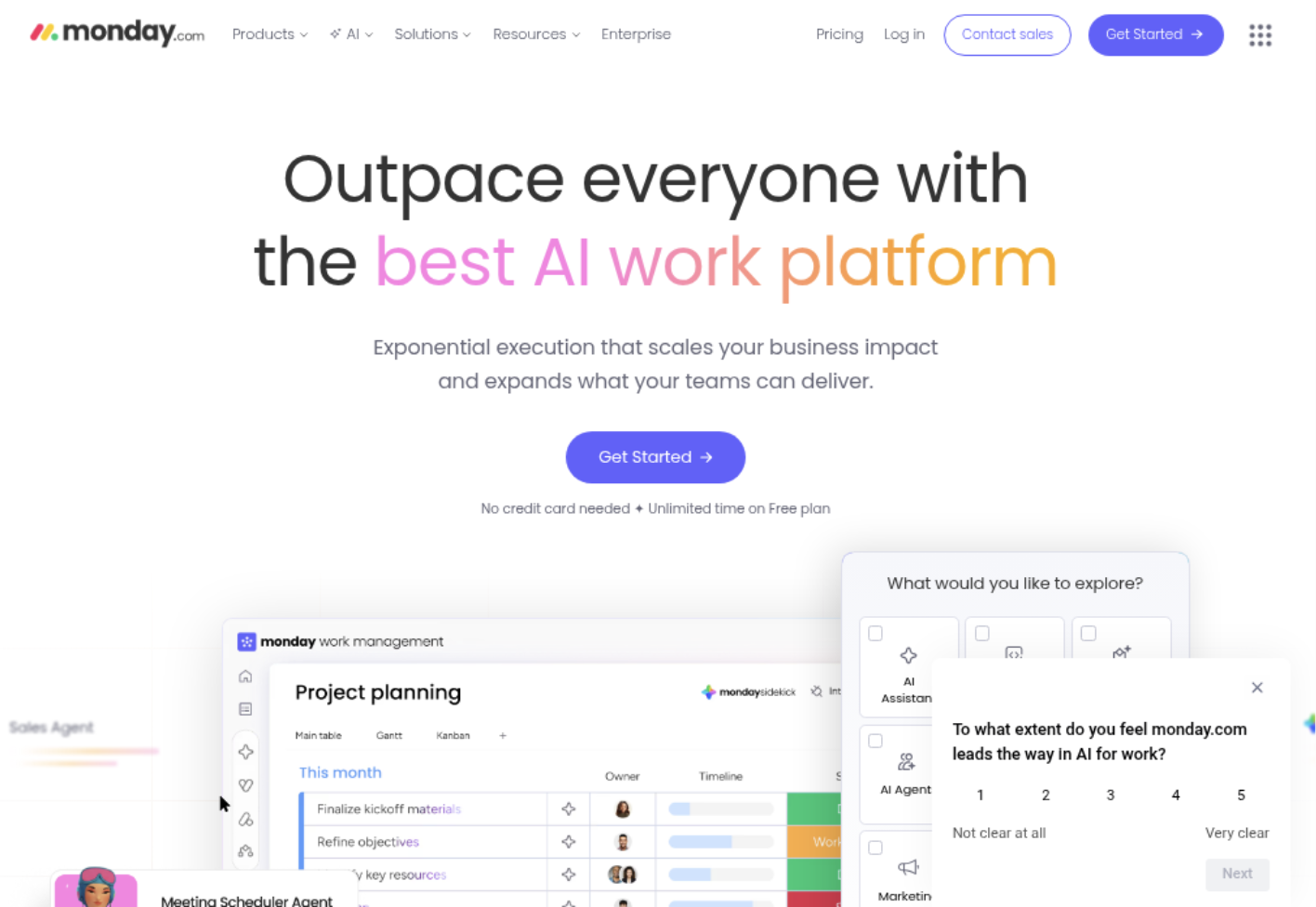
Monday.com is a visual work management platform that product teams can configure for roadmaps, backlogs, releases, and cross-functional project tracking. Its monday dev offering adds software-focused workflows, including product planning and sprint management. Boards, items, and status columns make work easy to scan, while dashboards bring updates from several projects into one view.
Why It Was Selected
Monday is a useful comparison for teams evaluating Jira product management tools because it offers agile-style planning without requiring every team to work in the same issue-tracking format. Product, design, and marketing teams can share boards and reports, while engineering teams can use more structured development workflows. Jira imports and integrations can help with a transition, but they do not remove the need to review how existing work is organized.
Core Capabilities
Teams can track initiatives, epics, tasks, owners, priorities, and deadlines on customizable boards. Subitems support breaking larger work into smaller steps, and dependencies help show when a blocked task may affect a release. Product teams can use roadmap and sprint views, forms to collect requests, and dashboards for status, workload, and progress reporting. Automations can handle routine updates, such as notifying an owner when a status changes. Integrations connect boards with common development and communication tools, though availability and usage limits vary by plan.
Pros
The visual interface is approachable for stakeholders who do not work in an issue tracker every day. Teams can adapt board columns and workflows to match their process, and dashboards make it easier to share delivery status without assembling a separate report. It can also support shared planning across product, engineering, and business teams.
Cons
Flexibility comes with setup work: teams need to agree on board conventions, ownership, and reporting definitions or information can become fragmented. For complex software delivery, its workflow depth and issue relationships may not match a mature Jira configuration, and advanced agile practices can require careful configuration. Automation and integration limits are plan-dependent, so high-volume teams should check those caps before committing. During migration, validate custom fields, statuses, links, and historical data rather than assuming a Jira import will reproduce every workflow exactly.
Pricing
Monday offers a limited Free plan and paid tiers with pricing that varies by plan, billing term, and seat count. Features such as expanded automations, integrations, and administration controls depend on the selected tier. Check current plan limits and minimum seat requirements against your team size before budgeting.
Best For
Monday is a good fit for product organizations that value visual planning, configurable workflows, and stakeholder-friendly reporting more than highly specialized issue-tracking depth. If replacing Jira is the central requirement, compare Monday’s migration fit with ONES.com as a Jira alternative, especially if workflow continuity and a unified development management platform matter.
ClickUp
Product Overview
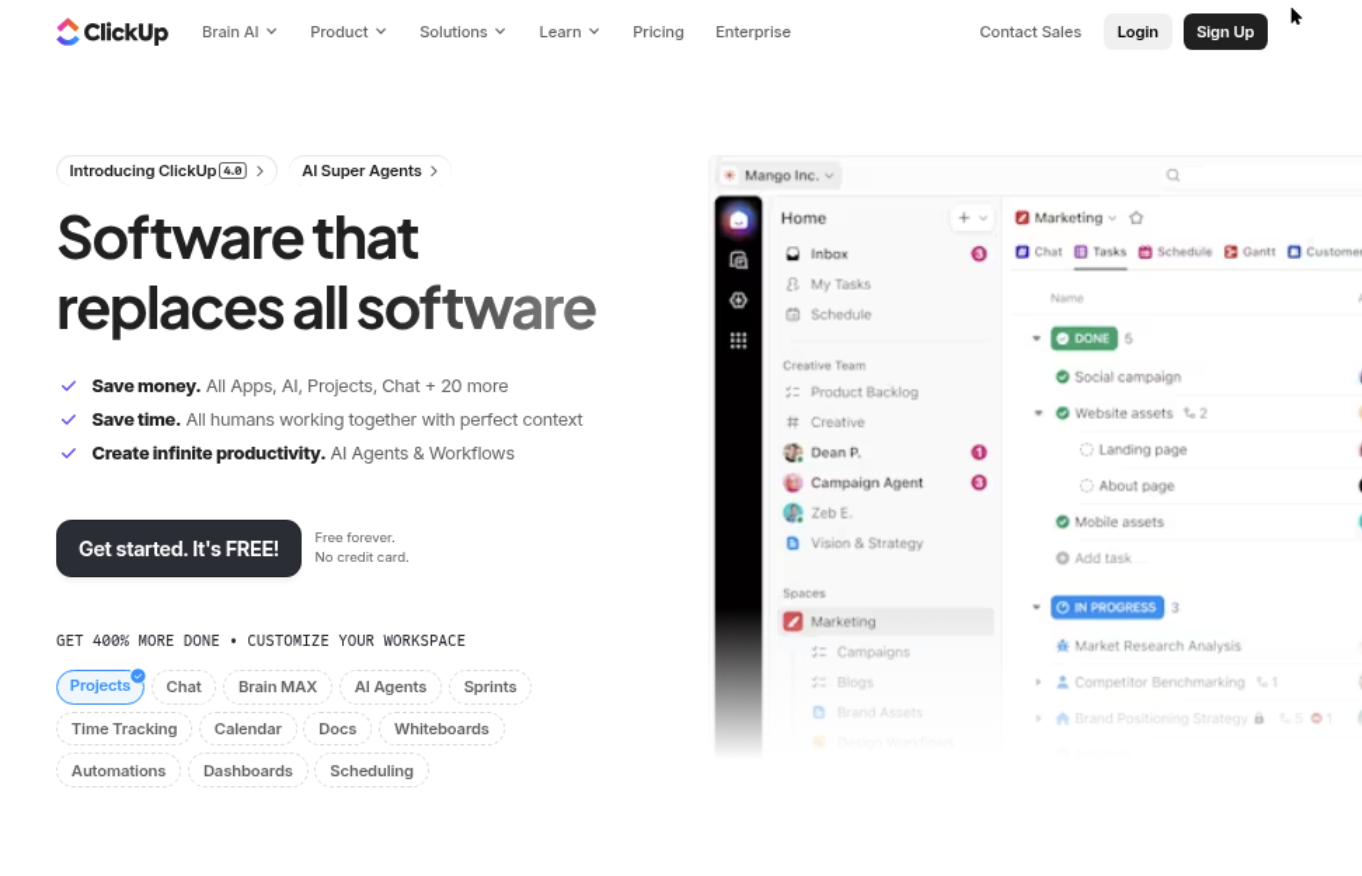
ClickUp is a broad work-management platform that can handle product roadmaps, backlog items, sprint work, documentation, and team reporting in one workspace. Its hierarchy of Spaces, Folders, Lists, and tasks gives product teams room to organize work by product, team, or release. Compared with a Jira product management setup, ClickUp can feel more approachable for teams that want planning and collaboration in the same interface, though it is not as narrowly focused on software development workflows.
Why It Was Selected
ClickUp is worth considering because it combines project tracking, agile execution, configurable workflows, and dashboards without requiring a team to stitch together several separate work apps. A product manager can maintain a feature backlog, prioritize work, and follow delivery progress, while engineering teams use sprint views and task relationships to manage execution. It also offers a Jira import option, which can help teams assess a move without rebuilding every issue manually. Migration still needs careful testing, especially when a Jira project relies on custom fields, automation, or intricate permissions.
Core Capabilities
Teams can use task lists, boards, calendars, timelines, and Gantt charts to track work in different ways. ClickUp supports sprint planning and reporting, custom statuses and fields, task dependencies, goals, dashboards, and workflow automations. Docs and comments keep product notes and decisions close to related tasks. These options make it possible to build a product workflow around discovery, prioritization, development, and release, but administrators need to decide which views and fields are actually useful. Too many configurations can make the workspace harder to navigate.
Pros
ClickUp offers a wide range of views and customization options, so teams can adapt task tracking to different product and engineering practices. Dashboards help summarize progress across projects, while built-in Docs and task discussions reduce the need to move every planning conversation into another app. The Jira import path is useful for teams exploring a transition, and the free tier gives smaller groups a way to test the platform before committing to a paid plan.
Cons
The breadth of features comes with a learning curve. Teams may need to establish naming conventions, permissions, and workspace standards before reporting stays consistent across departments. ClickUp’s flexibility can also make it harder to maintain a clean, disciplined backlog than a tool with more opinionated software-development conventions. For a Jira migration, imported issues do not guarantee that every workflow, integration, or automation will behave identically; plan time for mapping, validation, and user training. Large workspaces may also require ongoing administration to keep notifications and dashboards useful rather than noisy.
Pricing
ClickUp has a Free Forever plan and several paid tiers, including Unlimited and Business, with higher-level options for larger organizations. Paid pricing and feature limits can change, and the total cost depends on seats and plan level. Check ClickUp’s current pricing page when comparing it with Jira, particularly if your team needs advanced permissions, automation, or reporting.
Best For
ClickUp is a good fit for product and engineering teams that want configurable project tracking, agile planning, documentation, and reporting in one workspace. It is less compelling if your organization depends on highly specialized Jira workflows and expects a migration to reproduce them with little reconfiguration.
How to Choose the Right Jira Product Management Tool
Start with the work your team needs to coordinate. If product requirements, sprint execution, delivery risks, and team knowledge are scattered across separate tools, compare ONES.com for a more unified setup.
If your teams already have established Jira workflows and integrations, keeping Jira may involve less disruption than migrating. Azure DevOps is worth comparing when repositories, builds, and testing already live in Microsoft's ecosystem.
For a smaller product team that wants a focused issue tracker, assess Linear. For cross-functional planning, compare Asana or Monday. If you want broad customization across many kinds of work, include ClickUp in the trial.
Before committing, test a representative project rather than a blank workspace. Bring in a real backlog, a reporting request, and one workflow that currently needs a workaround. Check migration effort, permissions, integration needs, and the total cost of required plans or add-ons.
Selection Summary and Final Recommendation
ONES.com is a compelling option when you want product and software delivery work, reporting, and knowledge management together, with cloud or self-managed deployment choices. Jira is a sensible fit for teams that value continuity with their existing Atlassian setup.
There is no single best choice for every team. Shortlist two or three tools, test them with the same project, and choose the one that makes progress and risks easier to see without creating unnecessary migration work.
FAQs About Jira Product Management Tool
Which tool should I shortlist first if I want product planning and software delivery in one place?
Start with ONES.com if you need requirements, tasks, progress and risk visibility, reporting, and knowledge management in a unified platform. Confirm the deployment and workflow fit with a representative project.
Should I switch from Jira if my team already uses Atlassian workflows?
Not necessarily. If your current workflows and integrations work well, staying with Jira may reduce migration effort. Compare alternatives when reporting, deployment, cost, or tool sprawl creates a clear problem.
Which option is a better fit for a Microsoft-centered engineering team?
Azure DevOps is a natural candidate when your team already uses Microsoft development services. Check how its boards, repositories, pipelines, and testing capabilities align with your product workflow.
How can I compare tools without relying on feature lists?
Run the same real project through each shortlist candidate. Test backlog planning, a workflow change, a status report, and the migration of sample data, then compare effort and visibility.