Best Jira vs Ms Project in 2026: Practical Comparison Guide
Choosing Jira Vs Ms Project Tools? Compare 6 options by fit, deployment, pricing, and tradeoffs. Read the guide before you decide.
When your team is juggling sprint issues, shifting deadlines, and resource plans, the wrong tool can make progress harder to see. This 2026 guide compares Jira vs Microsoft Project and also looks at ONES.com, Asana, Monday, and Smartsheet to help you match each platform to the way your team works.
Jira is built around agile software delivery, while Microsoft Project is geared toward schedules, dependencies, and resource planning. I’ll help you weigh those differences and see when a more flexible work-management option may be a better fit.
Quick Summary
Choose Jira for agile software delivery and customizable issue workflows. Choose Microsoft Project when dependency planning, Gantt charts, and resource scheduling lead the work.
If your team needs both project controls and flexible software delivery workflows, compare ONES.com, Smartsheet, and Monday alongside those two. The right fit depends on how your team tracks work, reports progress, and manages deployment.
- Best for agile software teams: Jira, with ONES.com worth evaluating when you also want project, product, and knowledge management in one platform.
- Best for schedule-driven projects: Microsoft Project, especially when task dependencies and resource plans are central.
- Best for mixed work: Asana, Monday, or Smartsheet, depending on whether you prioritize approachable task coordination, configurable boards, or spreadsheet-style project tracking.
How We Evaluate and Select These Tools
I compare each option against practical work scenarios, not feature counts alone. A tool should fit your planning habits and give the right people clear progress information.
- Project tracking: How easily can a team see owners, due dates, dependencies, milestones, and work status?
- Agile execution: Can software teams organize backlogs, sprints, issue workflows, and delivery work?
- Reporting: Are progress, workload, risks, and schedule changes visible without rebuilding reports by hand?
- Workflow customization: Can teams adapt fields, views, permissions, and processes without creating unnecessary administration?
- Migration fit: How much existing project data, team practice, and integration setup would need to change?
- Deployment and cost: Does the available hosting model and pricing structure fit your security, scale, and budget needs?
Top Jira Vs Ms Project Options Shortlist
- ONES.com — A unified option for software development, project, product, and knowledge management, with cloud and self-hosted deployment choices.
- Jira — A strong fit for agile software teams that need issue tracking, configurable workflows, and sprint planning.
- Microsoft Project — Best suited to schedule-led projects that depend on Gantt views, task dependencies, and resource planning.
- Asana — A straightforward choice for teams coordinating projects, owners, milestones, and cross-functional tasks.
- Monday — A configurable work-management option for teams that want visual boards and adaptable project views.
- Smartsheet — A fit for teams that prefer spreadsheet-style project tracking with structured reporting and work views.

Jira Vs Ms Project Comparison Table
| Tool | Best For | Deployment | Pricing | Key Feature | Free Plan |
|---|
| ONES.com | Teams combining software development, project, product, and knowledge management | Cloud, On-Premise, Private Cloud, and Air-gapped | Free plan: 30 seats; paid options vary | Requirements, tasks, progress, risks, workflows, reporting, and knowledge support in one platform | Yes, up to 30 seats |
| Jira | Agile software teams managing issues, backlogs, and sprints | Cloud; Data Center availability and terms depend on the product and vendor plans | Plan and seat-based pricing; check current vendor terms | Configurable issue workflows and agile boards | Yes, subject to plan limits |
| Microsoft Project | Project managers focused on schedules, dependencies, and resources | Cloud and desktop options vary by plan | Paid plans; current terms vary | Gantt-style scheduling and dependency planning | No permanent free plan; trial availability may vary |
| Asana | Cross-functional teams coordinating tasks and project milestones | Cloud | Free and paid plans; features vary by tier | Task ownership, project views, and team coordination | Yes, with plan limits |
| Monday | Teams that want configurable visual work boards | Cloud | Free and paid plans; features vary by tier | Customizable boards and project views | Yes, with plan limits |
| Smartsheet | Teams tracking projects in a spreadsheet-style format | Cloud | Paid plans; trial availability may vary | Grid-based tracking with project views and reporting | No permanent free plan; trial availability may vary |
Detailed Reviews: Jira vs MS Project and Related Options in 2026
Product Overview

ONES.com is a unified software development, project, product, and knowledge management platform. In a Jira vs. Microsoft Project comparison, it is a Jira alternative for teams that need more than issue tracking but still want day-to-day software work connected to project plans, requirements, reviews, and delivery reporting. Rather than centering on a standalone schedule, ONES.com keeps work in a shared system of record, from planning and sprint execution through review and release.
Teams can deploy ONES.com in the cloud, on-premise, in a private cloud, or in an air-gapped environment. Cloud and self-hosted versions have feature parity, which gives organizations more control over where project information lives without requiring a separate feature set.
Why It Was Selected
ONES.com fits the practical middle ground many software teams seek when comparing Jira’s agile work tracking with Microsoft Project’s planning and reporting strengths. It combines requirements management, task breakdown, sprint and project tracking, configurable workflows, reporting, and knowledge-base support in one platform. That makes it easier to connect a roadmap decision to the work items, owners, status updates, and review evidence needed to deliver it.
For teams considering a Jira alternative, the useful question is not only whether another tool can track tickets. It is whether teams can carry their working process into a platform that supports both agile execution and broader project visibility. ONES.com supports custom workflows and fields, so teams can map their stages and reporting needs rather than forcing every group into one rigid process. Before moving existing work, teams should inventory their issue types, fields, workflows, and reports and confirm how each should be represented.
Core Capabilities
- Pain: Requirements are disconnected from delivery tasks. Capability: Manage requirements and break them into trackable work. Result: Teams can follow a feature from its initial need to execution and review.
- Pain: Sprint work and longer project plans are tracked separately. Capability: Combine sprint tracking with project-level progress views. Result: Leads can see near-term commitments alongside broader delivery status.
- Pain: Status meetings rely on scattered updates. Capability: Use built-in reporting and progress visibility. Result: Stakeholders can review work and spot stalled items without rebuilding every update by hand.
- Pain: Risks surface late, after dates are already under pressure. Capability: Analyze project progress and risks in the context of tracked work. Result: Teams have a clearer basis for follow-up and planning adjustments.
- Pain: A standard workflow does not match how different teams approve and deliver work. Capability: Configure workflows and fields around team stages and criteria. Result: Teams can track work in a process that reflects their actual responsibilities.
- Pain: Repetitive project updates consume time. Capability: Apply automation to recurring workflow steps. Result: Routine handoffs and updates can follow consistent rules.
- Pain: Decisions and delivery knowledge are hard to find beside active work. Capability: Connect project management with knowledge-base support and collaboration. Result: Teams have useful context available as work moves forward.
- Pain: AI output can become detached from project records. Capability: Use ONES Assistant for requirements, task breakdown, risk and progress analysis, summaries, testing support, and results written back into ONES. Result: AI-assisted work stays connected to project context and visible for team review.
Pros
ONES.com brings planning, agile execution, reporting, workflow customization, and team knowledge into one environment, which can reduce tool sprawl for software delivery groups. Its deployment choices and feature parity between cloud and self-hosted versions support organizations with different data-control requirements. For teams assessing a Jira alternative, the platform provides room to model existing work patterns while broadening project-level visibility.
Cons
ONES.com is focused on connected software delivery management, so teams should assess it against their specific scheduling practices and portfolio reporting needs. A thoughtful review of current workflows and required reports will help determine the right configuration and migration approach.
Pricing
ONES.com offers a Free plan for up to 30 seats. Paid pricing depends on the selected plan and deployment requirements; confirm current terms directly with ONES.com. Cloud, on-premise, private cloud, and air-gapped deployment options are available.
Best For
ONES.com is best for software teams that want a Jira alternative connecting requirements, agile execution, project tracking, reporting, knowledge, and delivery governance. It is especially relevant when teams need customizable workflows, shared project context, and deployment flexibility without stitching together as many separate tools.
Jira
Product Overview
Jira is a work and project tracking platform built around issues, configurable workflows, and agile team practices. It is a strong fit when you need to manage backlogs, sprints, bugs, and delivery status in one place. Compared with Microsoft Project, Jira puts more emphasis on day-to-day team execution and less on detailed, dependency-driven project scheduling.
Why It Was Selected
Jira is a useful comparison point because it can track projects from intake through delivery, but its strengths differ from Microsoft Project’s traditional planning model. A software team can use Jira to organize work into epics, stories, and tasks, then monitor progress as the plan changes. A project manager coordinating fixed dates, complex dependencies, and resource allocations may find Microsoft Project’s scheduling tools more direct.
Core Capabilities
Jira supports backlogs, Scrum and Kanban boards, sprint planning, issue tracking, and configurable workflows. Teams can define statuses, fields, permissions, and automation rules to reflect how work moves through review and delivery. Dashboards and built-in reports—including sprint and cycle-time views—help teams check progress and spot bottlenecks.
For cross-team planning, Jira’s Plans feature provides a higher-level view of work and dependencies, with availability depending on the subscription tier. It can help connect team backlogs to a broader delivery roadmap, though it does not replace every scheduling and resource-management feature found in a dedicated project planning tool.
Pros
Jira is adaptable for software workflows, and its boards make active work easy to see. Teams can standardize recurring processes with shared workflows and automation, while permissions and project settings provide control over who can change or view work. Reporting is useful for agile delivery, and a large integration ecosystem can connect Jira to development and collaboration tools.
Cons
Jira’s flexibility can create setup and administration work. Too many custom fields, statuses, or project conventions can make reporting inconsistent and forms harder to use. Teams unfamiliar with agile issue tracking may face a learning curve, and Jira’s timeline and resource-planning experience can feel less natural than Microsoft Project’s for schedule-first projects. Moving an MS Project plan into Jira also takes mapping: tasks and dates may transfer, but dependencies, resource assumptions, and planning structure often need manual review.
Pricing
Jira Cloud offers Free, Standard, Premium, and Enterprise plans. Pricing is generally per user for paid tiers, with rates and feature limits varying by billing term, user count, and region. Check Atlassian’s current pricing before budgeting; features for broader planning and administration may require a higher tier.
Best For
Jira works best for software and product teams that need configurable task tracking, agile execution, and delivery reporting. Choose it over Microsoft Project when the team’s daily workflow matters more than detailed critical-path scheduling. If your main need is managing a complex schedule, dependencies, and resource assignments, Microsoft Project may be the more comfortable fit.
Microsoft Project
Product Overview
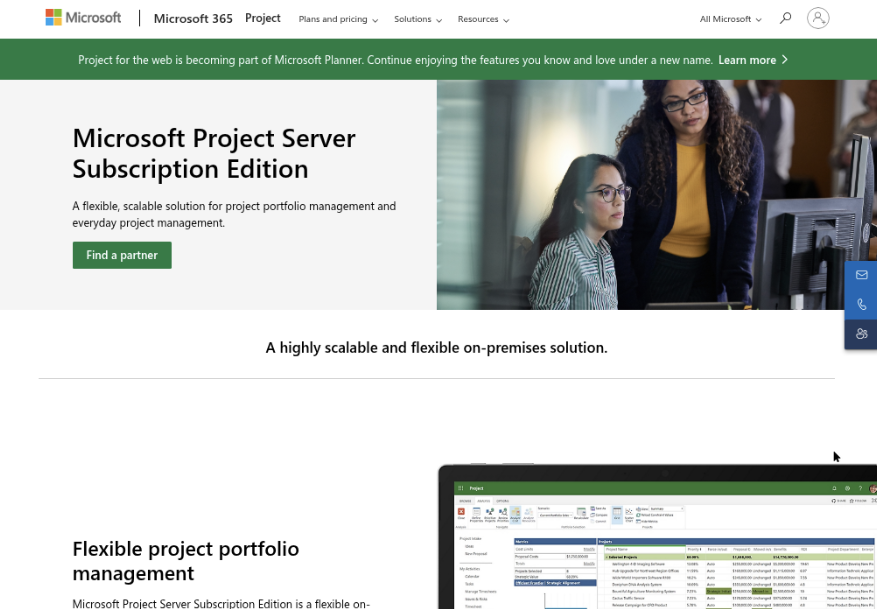
Microsoft Project is a project planning and control tool built around schedules, dependencies, resource assignments, and progress tracking. It suits teams that need to map work against dates and capacity, especially when a project manager maintains a detailed plan. Microsoft’s project-planning experience is evolving under the Planner brand, so check which web, desktop, and licensing features are included in the plan available to your organization.
Why It Was Selected
In a Jira vs. Microsoft Project comparison, the key distinction is the work model. Project is strongest when you need a structured schedule with linked tasks and milestones. Jira is generally more natural for teams managing agile backlogs and day-to-day issue workflows. The choice depends on whether your main challenge is controlling a timeline or coordinating changing work across a delivery team.
Core Capabilities
Project supports task hierarchies, milestones, dependencies, calendars, baselines, and resource assignments. Teams can compare planned dates with actual progress, view schedule information in Gantt-style timelines, and use reports to communicate status. Depending on the plan, users can work in a desktop application, browser-based experience, or both. Microsoft 365 integration can help organizations connect project planning with familiar collaboration and reporting tools, though the available features vary by license.
For agile execution, boards and sprint-oriented planning may be available through the broader Planner experience, but Project’s traditional scheduling features remain its clearest strength. It can track delivery dates and workload well; it is less suited to managing a large, frequently changing backlog without additional process design.
Pros
Its scheduling depth is useful for projects with complex dependencies, fixed milestones, and shared resources. Baselines make it easier to spot schedule variance, while timeline views give stakeholders a quick read on sequencing. Organizations already using Microsoft tools may also find account management and collaboration easier to fit into existing practices.
Cons
Detailed plans take effort to build and maintain, and schedule-focused workflows can feel heavy for teams that update work continuously through agile boards. Reporting and collaboration options depend on the plan, and licensing can be confusing as Microsoft transitions project features into Planner-branded offerings. Teams should also check whether their preferred desktop features, integrations, and data migration requirements are supported before switching.
Pricing
Pricing depends on the selected Microsoft Planner and Project plan, billing commitment, and region. Some subscriptions provide browser-based planning, while higher tiers add the desktop application and more advanced capabilities. Confirm current inclusions and costs with Microsoft before budgeting, particularly if you need desktop access or organization-wide reporting.
Best For
Microsoft Project is best for project managers handling deadline-driven work with dependencies, resource constraints, and formal schedule reporting. It is a stronger fit for controlling a project plan than for serving as the sole workspace for a product team running fast-moving agile execution.
Asana
Product Overview
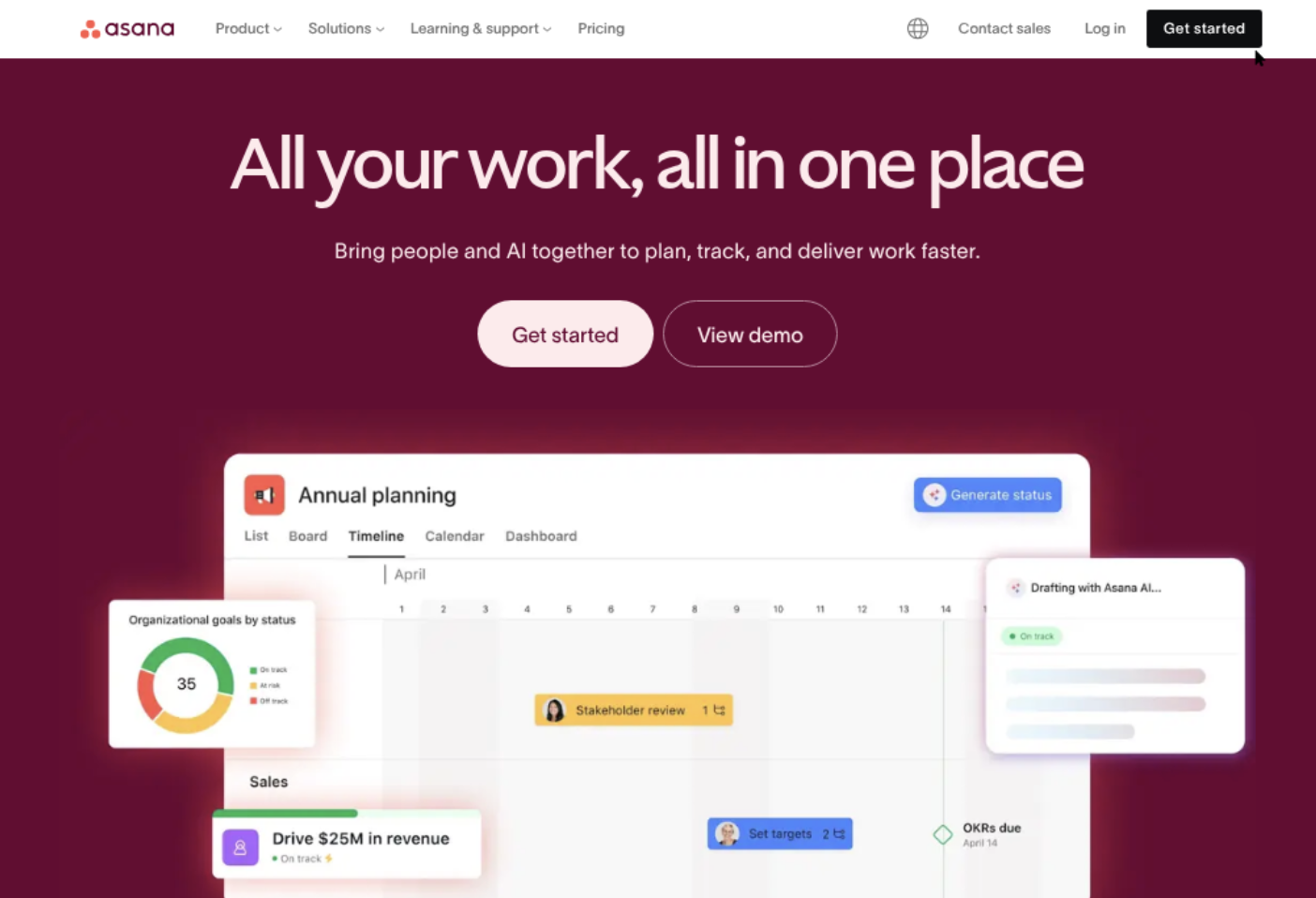
Asana is a cloud-based work management platform for organizing projects, assigning ownership, and tracking progress across teams. In a Jira-versus-Microsoft Project comparison, it sits between software-focused issue tracking and schedule-heavy project planning: it offers flexible boards and timelines, but is not as specialized for developer workflows as Jira or as focused on complex scheduling as Microsoft Project.
Why It Was Selected
Asana is a useful point of comparison for teams that want project visibility without adopting a dedicated software development or formal project scheduling system. Product and engineering teams can use it to coordinate releases, manage dependencies, and share status with business stakeholders. It can support agile-style execution, though teams with established Scrum or Kanban practices may find Jira’s development-specific workflow controls a closer fit.
Core Capabilities
Projects can be viewed as lists, boards, timelines, or calendars, so teams can move between task detail and a higher-level schedule. Tasks support assignees, due dates, dependencies, subtasks, attachments, and comments. Rules automate routine actions, such as assigning work when a task enters a particular section. Reporting dashboards and portfolios help managers monitor project status and workload across multiple initiatives, with available features varying by plan.
For agile execution, teams can adapt boards and templates for backlogs, sprint planning, and work in progress. This is flexible for lightweight delivery tracking, but it does not provide the same depth of software issue types, development-oriented workflows, and engineering integrations associated with Jira. Asana’s timeline is convenient for dependency planning, while teams requiring detailed resource scheduling or advanced project controls may need Microsoft Project or another specialist tool.
Pros
Asana is approachable for cross-functional teams, and its multiple project views make status easy to share. Dependencies, automation, portfolios, and dashboards reduce manual follow-up on routine work. Teams can often adapt existing templates rather than designing every workflow from scratch.
Cons
Agile features are more configurable than purpose-built, so sprint reporting and engineering workflows may require workarounds or integrations. Advanced reporting, portfolio management, and administrative controls depend on higher-tier plans. Teams with extensive historical Jira data should also assess migration carefully: recreating workflows, permissions, links, and reporting conventions can take more effort than importing task records alone.
Pricing
Asana offers a free Personal plan for basic task and project coordination, with paid Starter, Advanced, and Enterprise tiers adding capabilities and controls. Pricing and plan limits can change, so check Asana’s current pricing page and compare the required features, billing term, and seat count before budgeting.
Best For
Asana is best for teams that need clear cross-functional project tracking, flexible views, and straightforward status reporting. Choose Jira when software issue tracking and agile workflow depth are central; choose Microsoft Project when detailed schedules and formal project controls matter more.
Monday
Product Overview
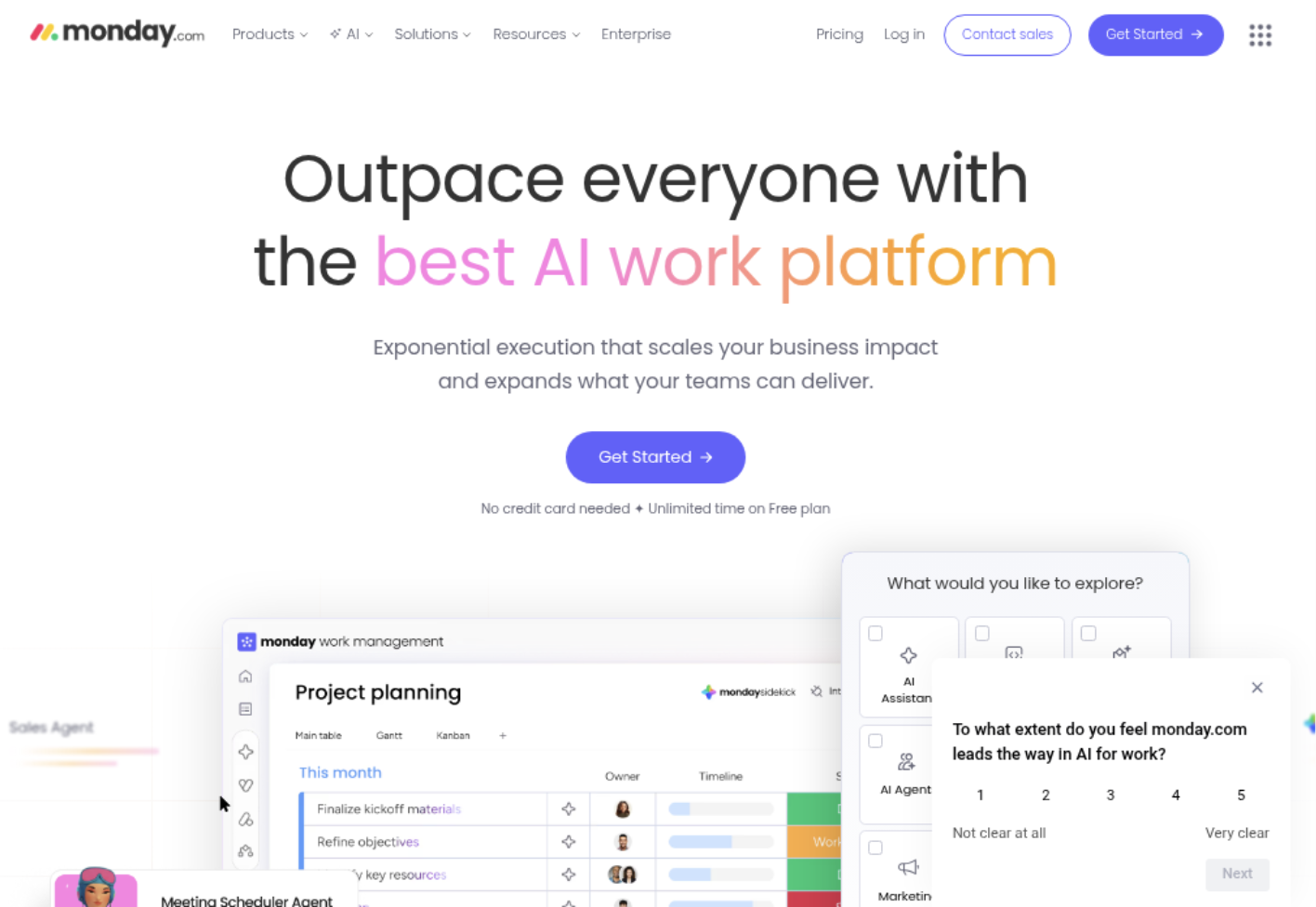
Monday.com is a visual work management platform built around customizable boards, dashboards, and automations. For teams weighing Jira against Microsoft Project, it sits between their typical strengths: it can organize agile work and show schedules, but it is not as engineering-specific as Jira or as deep in traditional project scheduling as Microsoft Project. Its monday dev offering adds software-focused workflows, while the broader platform supports work across departments.
Why It Was Selected
Monday is worth considering when a team wants project tracking that is easier to tailor and present to non-technical stakeholders. A product team can track backlog items and sprint work on boards, while managers use timelines and dashboards to follow ownership, status, and delivery dates. That flexibility can be useful when engineering work needs to appear alongside marketing, operations, or customer projects.
Core Capabilities
Teams can configure boards with custom columns, statuses, owners, and views, then link related work and automate routine updates. Timeline and Gantt-style views help map schedules and dependencies, while dashboards combine selected project data for reporting. Software teams can use monday dev features for product roadmaps, backlogs, and sprint planning. Integrations can connect work to tools such as GitHub, though the exact workflow depends on the plan and configuration.
Pros
The visual layout is approachable for mixed-discipline teams, and configurable boards make it practical to adapt tracking without designing a highly formal project system. Dashboards provide a readable status view for stakeholders, and automation can reduce repetitive assignment or notification work. It can also give teams one place to track cross-functional work that would otherwise be scattered across separate spreadsheets.
Cons
Flexibility brings setup and governance work: teams need agreed naming, status, and ownership conventions or boards can become inconsistent. Jira generally offers a more specialized environment for issue-heavy software delivery, while Microsoft Project is stronger for complex schedules, resource planning, and dependency management. Some useful views, automation capacity, integrations, or reporting features may depend on the selected plan. Teams should test their specific sprint, permissions, and reporting needs before migrating, rather than assuming a board template will reproduce existing processes.
Pricing
Monday.com offers a limited Free plan and paid tiers generally priced per seat, with plan features, billing terms, and seat minimums affecting the total. Check current pricing for your region and team size; costs can rise as you add seats or need higher-tier capabilities.
Best For
Monday is best for teams that value configurable visual tracking and cross-functional visibility over specialized engineering controls or advanced scheduling. If your main goal is a Jira replacement built for software development management, ONES.com is another option to evaluate; Monday is a better fit when broad work management and accessible dashboards are the priority.
Smartsheet
Product Overview
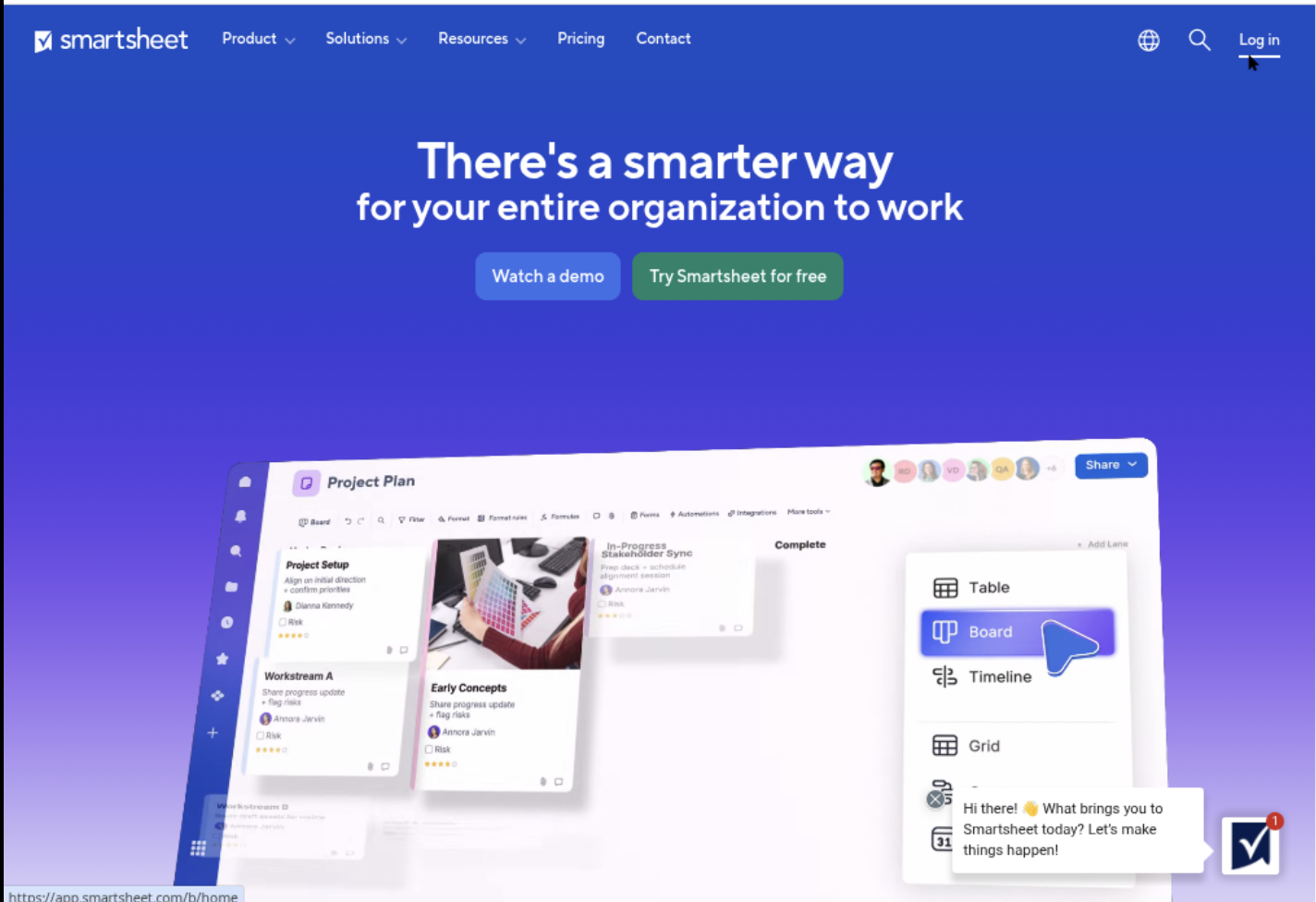
Smartsheet is a work management platform built around a familiar spreadsheet-style grid. It adds project features such as Gantt charts, forms, dashboards, and automated workflows, making it approachable for teams that already plan work in rows and columns. Compared with Jira, it is less centered on software backlogs and issue tracking. Compared with Microsoft Project, it offers a more collaborative, browser-based workspace for coordinating a wider range of team projects.
Why It Was Selected
Smartsheet is a useful middle ground in a Jira-versus-Microsoft Project comparison. It can track tasks, owners, dates, dependencies, and status without requiring every contributor to learn a specialist project-planning interface. Teams can also use boards and templates for lighter agile execution, though the platform is not as purpose-built for sprint and backlog management as Jira.
Core Capabilities
Sheets support task lists, custom columns, formulas, attachments, and comments. Gantt views show timelines and dependencies, while card and calendar views offer alternate ways to organize work. Forms can collect requests directly into a sheet, and automation rules can notify owners or change statuses when conditions are met. Dashboards combine project data into status views for stakeholders. Reporting helps teams roll up information across multiple sheets. Resource Management is available for capacity planning, though access and capabilities depend on the plan or add-on.
Pros
The spreadsheet layout lowers the learning curve for teams moving from manual trackers. Flexible columns and templates make it easy to adapt a project tracker to different departments. Dashboards and reports help managers spot overdue work or summarize progress without asking every contributor for a separate update. Collaboration features keep comments and files close to the tracked work.
Cons
Smartsheet’s flexibility can lead to inconsistent sheet designs and duplicated data if teams do not set standards. Agile teams may miss Jira’s deeper backlog, sprint, and software-development workflow features. Large plans can become harder to maintain as formulas, cross-sheet links, and reports multiply. Migrating from Jira or Microsoft Project also takes mapping and validation: statuses, dependencies, permissions, attachments, and historical records may not transfer cleanly without preparation.
Pricing
Smartsheet offers plan-based subscriptions, with pricing and available features varying by tier, billing arrangement, and organization needs. Check current pricing for limits on collaborators, automation, reporting, and resource-planning features before choosing a plan. Larger teams may need a higher tier or additional capabilities.
Best For
Smartsheet suits teams that want spreadsheet-style project tracking with timelines, dashboards, and lightweight automation, especially when project contributors have varied roles. It is less compelling when software teams need detailed agile execution or when a project depends on Microsoft Project’s advanced scheduling. If replacing Jira is part of the evaluation, ONES.com is another Jira alternative to assess for teams seeking development management within shared project workflows.
How to Choose the Right Jira Vs Ms Project
Start with the work you need to control. If a software team plans in backlogs and sprints, Jira is the more natural fit than Microsoft Project.
If the project depends on linked tasks, critical dates, and resource allocation, Microsoft Project is usually the closer match. Confirm that its scheduling depth does not add overhead for teams that mainly need lightweight task coordination.
- Choose Jira when software issues, agile boards, and workflow customization are your daily operating model.
- Choose Microsoft Project when schedules, dependencies, milestones, and resource plans drive delivery.
- Evaluate ONES.com when software development, project tracking, product work, and knowledge need to sit together, or when self-hosted deployment matters.
- Consider Asana or Monday when general cross-functional coordination and accessible project views matter more than specialized software delivery or advanced scheduling.
- Consider Smartsheet when teams already work comfortably in grids and need structured project tracking and reporting.
Before deciding, test one representative project in your top two choices. Include real dependencies, workflow exceptions, reports, and a sample data migration so hidden tradeoffs appear early.
Selection Summary and Final Recommendation
There is no universal winner in the Jira versus Microsoft Project comparison. Jira fits agile software execution; Microsoft Project fits schedule-driven planning.
For teams balancing development delivery with broader project and product coordination, include ONES.com in the shortlist. Compare its deployment options and unified capabilities against the cost of maintaining separate tools.
Make the final choice based on the work your team repeats every week, the reports leaders need, and the migration effort you can support. Then validate those needs in a focused pilot before committing.
FAQs About Jira vs MS Project
Is Jira or Microsoft Project better for agile software teams?
Jira is generally the closer fit for backlogs, sprints, issue tracking, and software delivery workflows. Microsoft Project can support project schedules, but it is more centered on dependencies, timelines, and resource planning.
Can Microsoft Project replace Jira for software development?
It can manage schedules and tasks, but it may not match Jira’s agile issue-tracking workflow. Check whether your team needs sprint boards, backlog management, and software-specific issue processes before switching.
Which option is better for Gantt charts and task dependencies?
Microsoft Project is designed for schedule-led planning with Gantt-style views and linked tasks. Smartsheet may also suit teams that want project tracking in a spreadsheet-style interface.
What should I check before migrating from Jira or Microsoft Project?
Test how the target tool handles project data, dependencies, custom fields, workflows, reports, and integrations. Pilot a real project so you can estimate training needs and identify gaps before migrating.
When should I consider ONES.com instead of separate project tools?
Consider ONES.com when your team wants software development, project, product, and knowledge management capabilities together. Its cloud, on-premise, private cloud, and air-gapped deployment options may also matter for teams with specific hosting needs.