Best Product Management Tools Jira in 2026: Practical Comparison Guide
Choosing Product Management Tools Jira? Compare 6 options by fit, deployment, pricing, and tradeoffs. Read the guide before you decide.
A product plan can look tidy until priorities shift, sprint work slips, and status updates live in three different places. This guide compares product management tools for teams considering Jira, including ONES.com, Jira, Linear, Azure DevOps, Monday, and ClickUp, so you can see which fits your planning and delivery needs.
I’ll focus on practical differences such as workflow flexibility, reporting, integrations, and deployment options. Before you switch—or add another tool—check whether it can handle the real handoffs and project details your team depends on.
Quick Summary
For teams comparing product management tools with Jira in mind, start with how much workflow control, reporting, and deployment flexibility you need.
- Consider ONES.com if you want a Jira alternative that combines project and product management, knowledge support, and flexible deployment.
- Choose Jira if your team already relies on its agile workflows and integrations.
- Look at Linear for a streamlined issue-tracking experience, or Azure DevOps for teams closely tied to Microsoft development services.
- Compare Monday and ClickUp if you want configurable work management beyond software delivery.
Before switching, map a real project’s workflows, fields, reports, integrations, and historical data. A familiar interface matters less if important delivery information does not transfer cleanly.
How We Evaluate and Select These Tools
We compare each option against the work product and engineering teams need to plan, track, and deliver projects—not just its feature list.
- Project tracking: We look at how clearly teams can organize work, monitor progress, and spot risks.
- Agile execution: We consider support for backlogs, sprints, issue tracking, and day-to-day team coordination.
- Reporting: We assess how easily teams can understand delivery status and share useful progress information.
- Workflow customization: We examine controls for custom fields, statuses, automation, and review steps.
- Migration fit: We consider deployment options and the effort involved in checking existing data, integrations, and workflows.
- Practical fit: We compare each tool’s strengths with the needs of different team sizes and working styles.
Top Product Management Tools Jira Options Shortlist
- ONES.com — A Jira alternative for teams seeking project and product management, knowledge support, and cloud or self-managed deployment.
- Jira — A familiar choice for teams centered on issue tracking, agile planning, and configurable workflows.
- Linear — A focused option for teams that want a streamlined issue and project tracking workflow.
- Azure DevOps — A fit for development teams that want work tracking alongside Microsoft’s code and delivery services.
- Monday — A configurable work management platform for teams coordinating projects across functions.
- ClickUp — A broad work management tool for teams that want tasks, documentation, and project views in one workspace.

Product Management Tools Jira Comparison Table
| Tool | Best For | Deployment | Pricing | Key Feature | Free Plan |
|---|
| ONES.com | Teams seeking a Jira alternative with flexible deployment and connected project, product, and knowledge management | Cloud, On-Premise, Private Cloud, Air-gapped | Free plan: 30 seats; paid plans vary | Custom workflows, reporting, requirements, and knowledge management | Yes, 30 seats |
| Jira | Software teams using issue tracking and agile project workflows | Cloud | Free and paid plans; pricing varies by plan and team size | Configurable issue tracking and agile boards | Yes |
| Linear | Teams seeking focused issue tracking and project planning | Cloud | Free and paid plans; pricing varies by plan | Issue workflows with project and cycle views | Yes |
| Azure DevOps | Development teams working within the Microsoft ecosystem | Cloud and self-hosted server options | Free access options; paid services vary | Work tracking connected to development and delivery services | Yes, with limits |
| Monday | Teams coordinating cross-functional projects and workflows | Cloud | Free and paid plans; pricing varies by plan and seats | Configurable boards, views, and automations | Yes, with limits |
| ClickUp | Teams combining task tracking, project views, and documentation | Cloud | Free and paid plans; pricing varies by plan | Multiple work views and built-in documentation | Yes |
Plan names, limits, and prices can change. Check each vendor’s current plan details before comparing total cost, especially when paid add-ons or integrations are involved.
Detailed Reviews of the Best Product Management Tools Jira in 2026
Product Overview

ONES.com is a unified product and software development management platform for teams that need product planning, project tracking, agile execution, reporting, and team knowledge in one place. It is a strong Jira alternative for organizations that want configurable workflows and delivery visibility without assembling as much of the process from separate tools and plugins.
For a product manager, the value is in connecting the roadmap-level conversation to the work teams actually execute. Requirements, tasks, sprints, project updates, risks, and review context can stay connected, giving product, engineering, and QA a shared view of what is planned, what is moving, and where a decision is needed. Built-in reporting and workflow customization support different team practices rather than forcing every project into the same template.
Why It Was Selected
ONES.com fits this comparison because product management often breaks down at the handoffs: a requirement lives in one place, sprint work in another, and status reporting in a spreadsheet. ONES.com brings those activities into a shared project workflow, making it easier to trace product intent through execution and delivery. Teams can configure fields, stages, ownership, and review points to reflect how they work, while keeping progress and risk information visible to stakeholders.
It is also a practical choice for teams weighing deployment and governance needs alongside agile features. ONES.com is available as Cloud, On-Premise, Private Cloud, and Air-gapped deployment, with feature parity between cloud and self-hosted versions. Its embedded AI can help teams refine requirements, break work into tasks, summarize updates, and analyze project progress using project context, with results kept within the management workflow for team review.
Core Capabilities
- Pain: Product requirements become disconnected from implementation. Capability: Manage requirements alongside tasks and project work. Result: Teams can follow planned product outcomes into execution.
- Pain: Large initiatives are difficult to turn into actionable work. Capability: Break requirements into tasks and organize them into projects and sprints. Result: Teams get clearer ownership and a more workable delivery plan.
- Pain: Sprint status is scattered across updates and meetings. Capability: Track sprint and project progress in shared views. Result: Product leads can spot stalled work and coordinate decisions sooner.
- Pain: Stakeholders discover delivery risk late. Capability: Use project visibility and reporting to review progress and risks. Result: Teams have a clearer basis for prioritizing follow-up and adjusting plans.
- Pain: A standard workflow does not match the team’s approval process. Capability: Customize workflows, fields, stages, and ownership. Result: Work can follow the team’s real review and delivery steps.
- Pain: Repetitive updates consume time that could go to product decisions. Capability: Automate workflow actions and routine handoffs. Result: High-volume coordination becomes more consistent.
- Pain: Product decisions and delivery knowledge are hard to find later. Capability: Keep knowledge-base support and collaboration connected to project work. Result: Teams can refer back to shared context while planning and reviewing work.
- Pain: Teams want AI support but need outputs checked before they affect delivery. Capability: Use ONES Assistant for requirements, task breakdown, summaries, and analysis, with work remaining visible in ONES.com. Result: AI-assisted management can support execution while people retain review and decision authority.
Pros
- Connects product planning, agile tracking, knowledge, and reporting in a shared platform.
- Supports configurable workflows and fields for teams with distinct delivery processes.
- Provides project context and review visibility across planning, execution, and delivery.
- Offers Cloud, On-Premise, Private Cloud, and Air-gapped deployment options.
- Includes embedded AI and automation within development management workflows.
Cons
For a useful evaluation, map a real product workflow before choosing a configuration: include requirement intake, sprint planning, stakeholder reporting, and review approvals. This helps the team see how its existing process translates into ONES.com and which workflows or fields should be configured first.
Pricing
Free: 30 seats. ONES.com offers Cloud and self-hosted deployment options, including On-Premise, Private Cloud, and Air-gapped environments. Because pricing can depend on deployment and team requirements, confirm current plan details directly with ONES.com when comparing total costs.
Best For
ONES.com is best for product and engineering teams that want requirements, agile execution, project reporting, workflow customization, and team knowledge connected in one management environment. It is especially relevant when you need a Jira alternative that can support varied delivery processes, keep work visible to stakeholders, and fit cloud or controlled self-hosted deployment requirements.
Jira
Product Overview
Jira is a project and issue-tracking platform built around configurable workflows. Product and engineering teams commonly use it to turn ideas into epics, stories, and tasks, then track work through a backlog, sprint, or continuous delivery board. It can support product management, but its strongest fit is coordinating execution once work has been defined.
Why It Was Selected
Jira earns a place in a 2026 comparison because it offers mature agile planning, detailed workflow control, and reporting that can scale across teams. It is also a familiar choice for organizations whose engineering processes already depend on Jira projects and issue types. The tradeoff is that getting a clear product view often takes deliberate configuration and, in some cases, additional Atlassian products or apps.
Core Capabilities
Teams can organize initiatives into epics and issues, prioritize a backlog, plan sprints, and track work on Scrum or Kanban boards. Jira supports custom statuses, issue fields, permissions, and automation rules, so teams can model different intake and delivery processes. Dashboards and built-in reports show sprint progress, cycle time, workload, and other project signals. Roadmaps help visualize dependencies and longer-term plans, though the available planning depth depends on the Jira plan and setup.
Pros
Jira is flexible enough to represent many team workflows, and its agile planning features are well established. Boards, backlog management, issue linking, and sprint reports give delivery teams a practical way to spot blocked work and monitor commitments. Its large integration ecosystem can connect development tools and other business systems, which is useful when Jira is already part of the company’s operating stack.
Cons
That flexibility can create admin overhead. Custom fields, issue types, permissions, and automation rules become harder to maintain when teams configure projects differently. New users may find the interface and terminology dense, while product discovery and portfolio-level visibility can require extra configuration or separate tools. Marketplace apps can fill gaps, but they add cost and another layer to manage. Teams comparing it with ONES.com as a Jira alternative should weigh Jira’s extensive ecosystem against ONES.com’s integrated development-management workflows and deployment choices.
Pricing
Jira offers a free tier for small teams, with paid Standard, Premium, and Enterprise plans. Pricing varies by seat count, billing terms, and plan, so check Atlassian’s current pricing calculator before budgeting. Add-on apps and related products may increase the total cost.
Best For
Jira is best for engineering-led teams that need configurable agile execution, detailed issue tracking, and reporting across active projects—and have someone available to maintain the setup. It is less straightforward for teams seeking an out-of-the-box product planning experience with minimal administration.
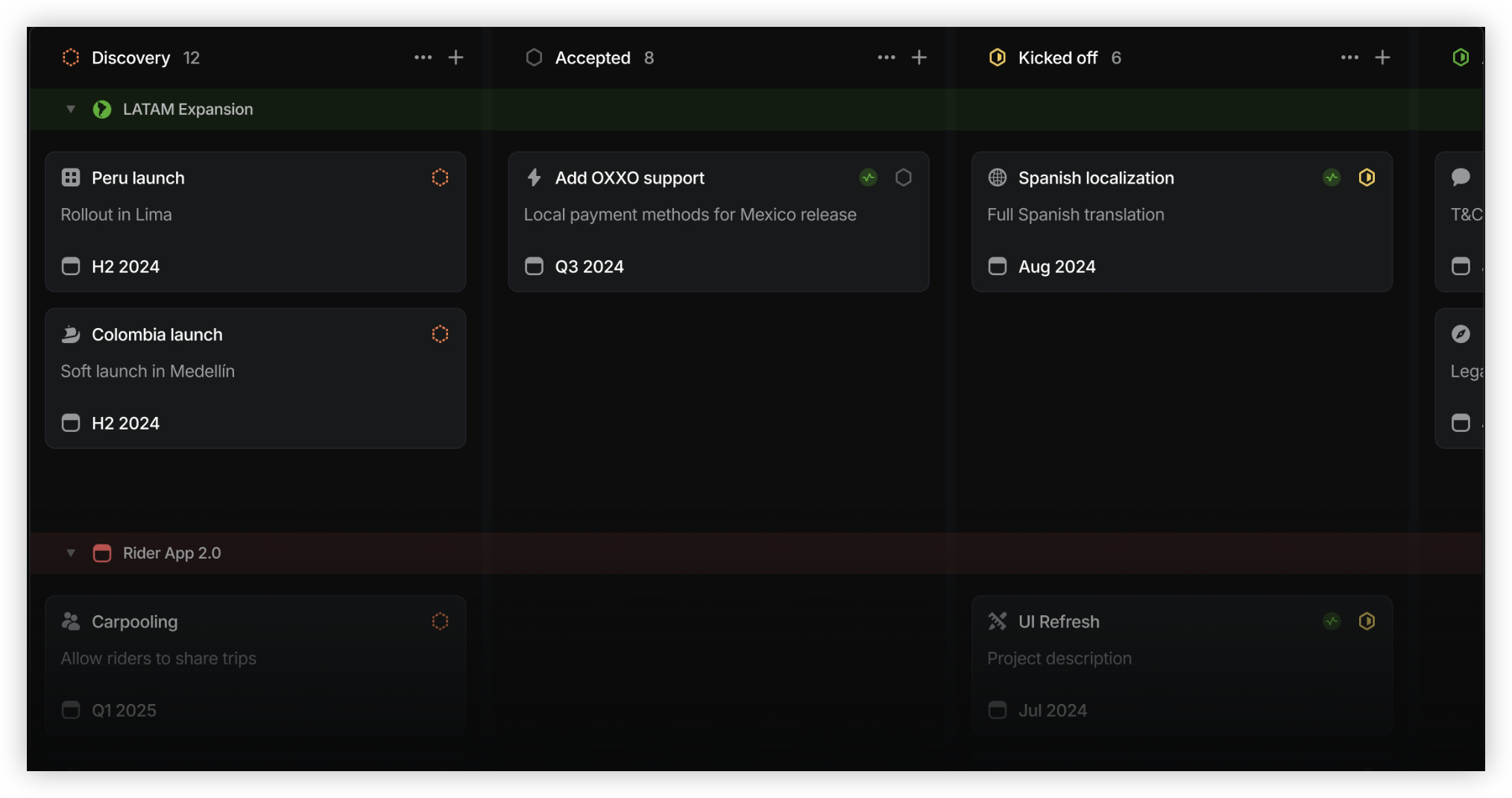
Linear
Product Overview
Linear is a product and software development management platform built around issues, projects, cycles, and roadmaps. Its interface is quick to navigate, and the workflow encourages teams to keep work moving without a lot of administrative overhead. For product teams, it can connect feature planning to engineering execution, though it is more focused on issue tracking than on managing every part of a product organization.
Why It Was Selected
Linear is a useful comparison for teams evaluating Jira because it offers a more streamlined approach to agile planning and execution. A team moving from Jira may appreciate its cleaner day-to-day experience, but should weigh that against the flexibility and process depth it may be leaving behind. Linear provides a Jira import path, though teams should check how their issue fields, workflows, and project structure will translate before committing to a migration.
Core Capabilities
Teams can organize work into teams and projects, create and prioritize issues, and plan work in cycles. Roadmaps provide a higher-level view of initiatives and their progress. Workflow states and team practices help organize execution, while integrations connect Linear with common development tools. Search, notifications, and keyboard-driven actions make it practical to triage a busy backlog. Reporting and project views help teams follow progress, but organizations with complex portfolio reporting may need additional tools or manual work.
Pros
Linear is fast to use and keeps common planning actions close at hand. Cycles and issue views make sprint execution easy to follow, and projects and roadmaps give product and engineering teams a shared view of planned work. Its focused design can reduce the time teams spend maintaining tickets. It is a strong fit when a team values a consistent, lightweight workflow over extensive configuration.
Cons
The same focus can become a limitation for teams with varied processes. Workflow customization, reporting depth, and administrative controls may not cover every enterprise requirement as comfortably as a highly configurable platform. Teams also need to assess whether their integrations and existing conventions are supported before migrating. If product, project, and knowledge management need to live in one system, ONES.com is another Jira alternative to evaluate alongside Linear.
Pricing
Linear offers a free plan and paid tiers, with pricing generally based on the plan and number of users. Paid features and rates can change, so confirm current limits and billing terms directly before budgeting, especially if you need advanced administration or reporting.
Best For
Linear is best for product and engineering teams that want clear issue tracking, cycle planning, and roadmaps in a fast, focused workspace. It is less suitable when you need deeply customized workflows, extensive built-in reporting, or one platform to govern a wide range of business and delivery processes.
Azure DevOps
Product Overview
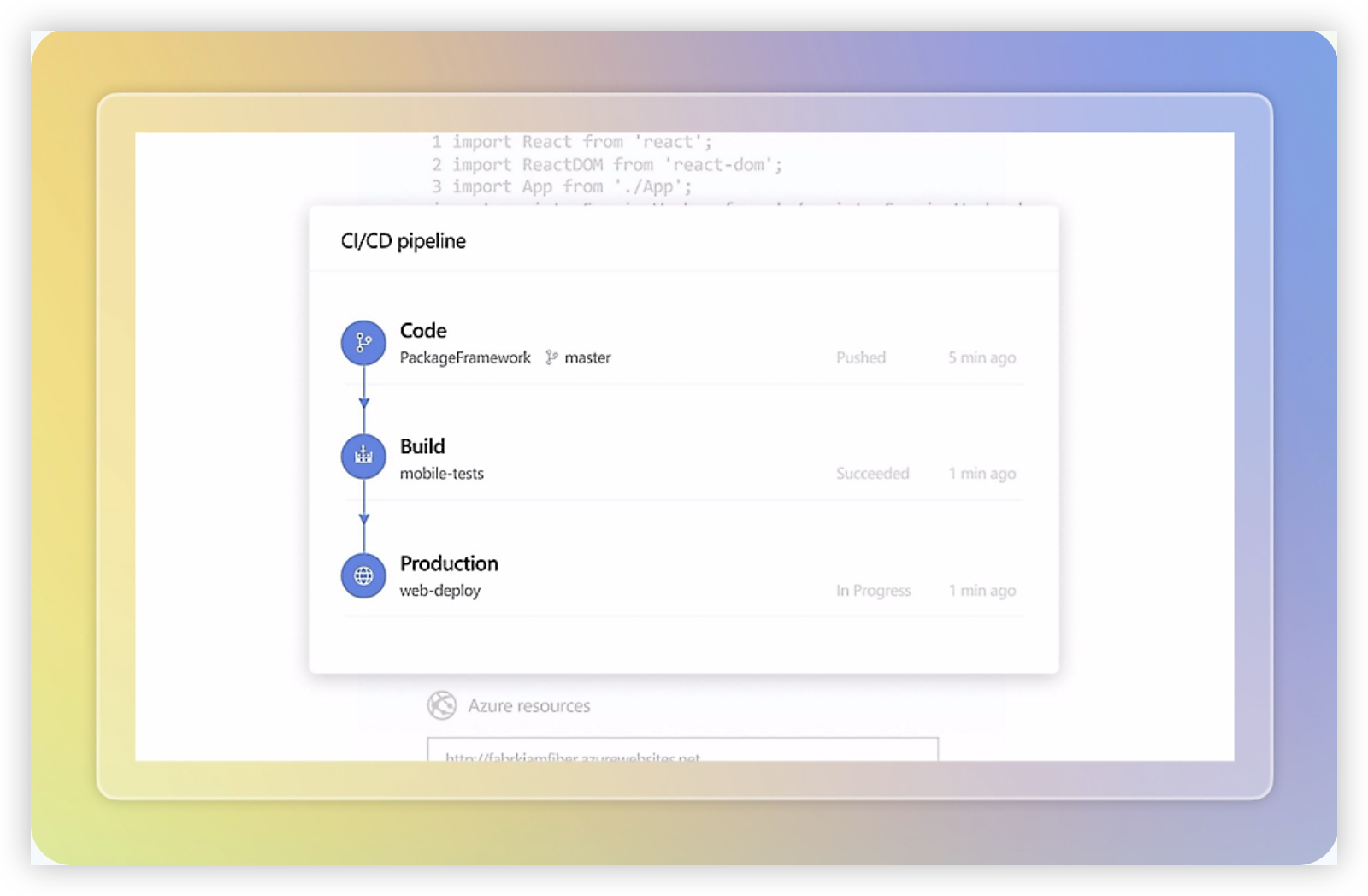
Azure DevOps is Microsoft’s suite for planning, building, testing, and delivering software. Its Azure Boards component handles backlogs, work items, sprint planning, and delivery tracking, while Repos, Pipelines, Test Plans, and Artifacts connect that work to development and release processes. For product teams comparing Jira-oriented tools, it is a strong option when engineering execution and Microsoft ecosystem integration matter as much as roadmap planning.
Why It Was Selected
Azure DevOps earns a place in this comparison because it combines agile project tracking with tools for the software delivery lifecycle. A team can move from an idea in the backlog to a sprint task, code change, test, and deployment without treating each step as a separate project. That connection is useful when product managers need delivery status grounded in engineering work, rather than updates maintained in a standalone planning tool.
Core Capabilities
Azure Boards supports configurable backlogs, Kanban boards, sprint boards, work item types, queries, and dashboards. Teams can link requirements, bugs, tasks, pull requests, builds, and releases to follow progress and identify blocked work. Reporting includes charts and dashboards, with more flexible analysis available through Analytics and Power BI. Workflow customization lets administrators adapt work item fields, states, and rules to team processes, though deeper changes may require specialist setup.
Pros
The main advantage is traceability across planning and delivery. If a release slips, teams can inspect related work items, code, tests, and pipeline status instead of relying only on a manually updated progress report. Azure Boards supports Scrum, Kanban, and customized processes, and it works particularly well for organizations already using Microsoft tools and Azure. Its free access for small teams makes it practical to trial before committing.
Cons
The breadth can make the interface feel dense, especially for product managers who only need roadmaps, prioritization, and lightweight collaboration. Reporting and workflow changes are capable but can take time to configure, and advanced analytics may involve Power BI or additional setup. Some capabilities, including test management and certain pipeline usage, have separate limits or costs. Teams outside the Microsoft ecosystem may find integrations and administration less straightforward than a focused planning tool.
Pricing
Azure DevOps Basic is free for the first five users; additional Basic users are listed at $6 per user per month. Stakeholders can access some planning features for free, while Test Plans and pipeline capacity may add costs. Check Microsoft’s current pricing and usage limits before budgeting, as charges depend on the services and capacity a team needs.
Best For
Azure DevOps is best for product and engineering teams that want agile tracking tied closely to code, testing, and releases, particularly those already invested in Microsoft or Azure. It may be more platform than a small product team needs if the priority is a simple, polished roadmap and minimal administration.
Monday
Product Overview
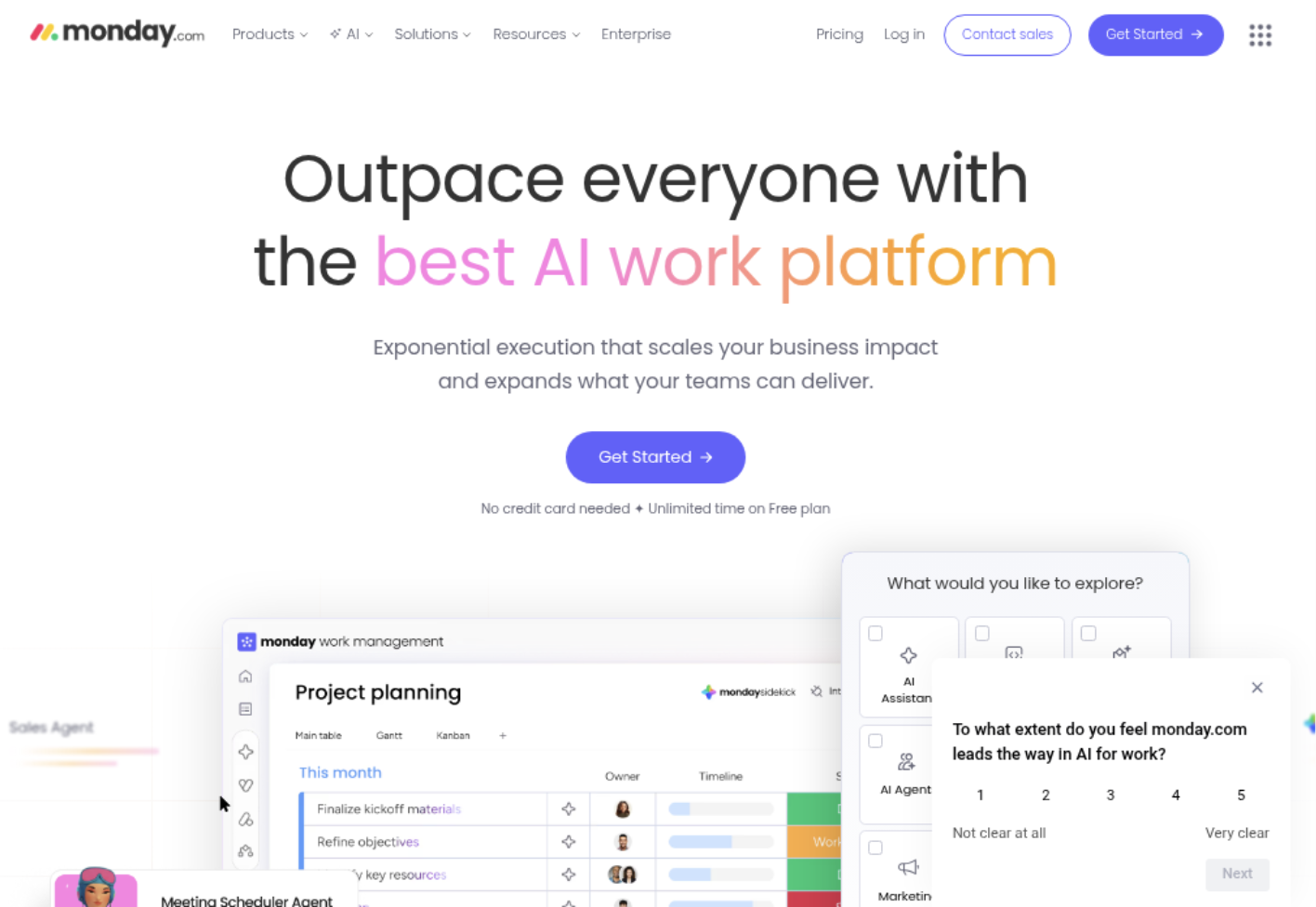
Monday.com is a visual work management platform that teams can configure for product roadmaps, backlogs, launch plans, and cross-functional projects. Its boards use customizable columns and views to show work as tables, timelines, calendars, or Kanban-style flows. For teams comparing product management tools for Jira-related workflows, Monday offers a more flexible, general-purpose workspace; it is not as tightly centered on software issue tracking and engineering processes by default.
Why It Was Selected
Monday is worth considering when product, marketing, design, and operations teams need to coordinate plans in one place. Its accessible interface and configurable boards make it relatively easy to model a roadmap or release plan without first adopting a highly prescriptive agile method. That flexibility can help teams move quickly, but it also means someone must define how work is organized and kept consistent.
Core Capabilities
Teams can track initiatives and tasks with owners, statuses, dates, dependencies, and custom fields. Multiple views help different stakeholders inspect the same work, while dashboards summarize progress across boards. Automations can handle routine actions such as notifying an owner when a date approaches or changing a status after an update. Forms support intake, and integrations connect boards with common workplace tools. Monday dev adds capabilities for software teams, including product and development work tracking, but teams should assess whether its issue and delivery workflows match their engineering practices.
Pros
The interface is approachable, and boards are adaptable enough for roadmaps, launch checklists, and portfolio-level tracking. Dashboards give managers a quick view of status across projects, while automations can reduce repetitive coordination. Teams outside engineering can participate without needing to learn a specialized agile tool, which can make Monday useful for cross-functional planning.
Cons
Flexibility can lead to inconsistent boards, duplicated fields, and reporting that depends on careful setup. Advanced automation, permissions, and portfolio needs may require higher-tier plans or additional configuration. Engineering teams with detailed backlog, sprint, and release processes should validate Monday dev against their requirements rather than assume general-purpose boards will cover every workflow. Large teams should also check how seat minimums and plan limits affect total cost.
Pricing
Monday uses tiered, per-seat subscriptions, with plan features and billing options varying by product and subscription term. A free option is available for limited use, while more advanced views, automations, integrations, and administration are generally associated with paid tiers. Check current plan limits and seat bundles before budgeting, especially if several teams need access.
Best For
Monday is best for product and cross-functional teams that value visual planning, configurable workflows, and accessible portfolio updates over a deeply specialized software delivery process. It is a practical fit when teams are willing to establish shared board conventions and verify that the development features meet their tracking and reporting needs.
ClickUp
Product Overview
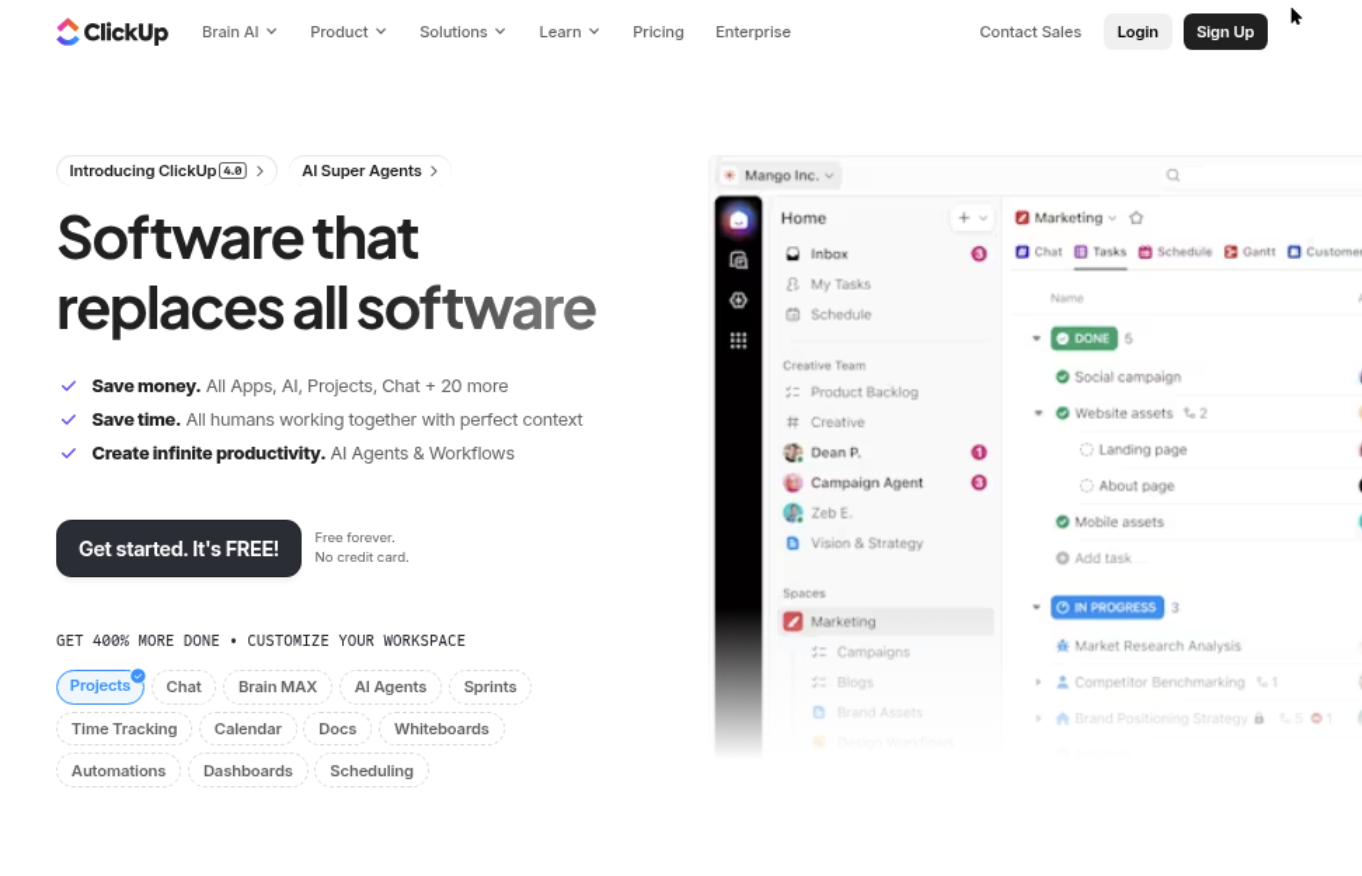
ClickUp is a broad work-management platform that brings tasks, docs, goals, dashboards, and collaboration into one workspace. Product teams can use it to manage roadmaps, backlogs, sprint work, and launch plans without limiting the workspace to software development. That flexibility is useful, but it also means teams need to shape the product around their process rather than expect a focused Jira-style setup out of the box.
Why It Was Selected
ClickUp belongs in a comparison of product management tools alongside Jira because it offers configurable task tracking and agile workflows at a range of team sizes. A team moving away from spreadsheets or consolidating project tools can build a working product process without adopting a dedicated engineering platform. For teams considering a Jira replacement, the key question is whether ClickUp’s breadth is worth the setup and governance it requires.
Core Capabilities
Teams can organize product work with Lists, Boards, Gantt views, timelines, and custom statuses. Custom fields can capture priority, owner, release, or customer segment, while sprint features support backlog management, estimation, and iteration planning. Dashboards report on workload, task status, and goals, and automations can handle routine updates or assignments. Docs and comments keep decisions near the work, though teams may need conventions to prevent information from spreading across spaces and views.
Pros
ClickUp’s main advantage is flexibility: product, design, and delivery teams can work in shared spaces while choosing views that suit their roles. Built-in dashboards, docs, and automation can reduce the need for separate lightweight tools. Its free entry point also makes it practical for a small team testing a structured backlog or sprint process before committing to a paid plan.
Cons
The same configurability can create overhead. Admins may need to standardize spaces, statuses, fields, and permissions so teams do not create inconsistent workflows. Large workspaces can feel busy, and complex product organizations may find that reporting and portfolio-level planning take careful configuration. ClickUp’s wide scope is not automatically a better fit for software teams: teams with specialized release governance or deeply established engineering workflows should validate those requirements in a trial. Migration from Jira also takes planning; field mappings, issue relationships, history, and reporting may not transfer exactly as expected.
Pricing
ClickUp offers a Free Forever plan and paid tiers, commonly including Unlimited and Business, with Enterprise pricing available by quote. Costs depend on billing terms, seat count, and plan features, so check current pricing and compare the required automation, storage, and reporting limits before budgeting.
Best For
ClickUp is best for product teams that want one configurable workspace for planning, execution, and cross-functional coordination, and that can assign someone to maintain workflow standards. If your priority is specifically replacing Jira with a platform centered on software development management, ONES.com is the Jira alternative to assess alongside ClickUp; ClickUp is the stronger fit when a broad work hub matters more than a software-delivery-focused system.
How to Choose the Right Product Management Tools Jira
Choose around the work your team needs to control. A product team prioritizing requirements and roadmaps may value different capabilities than an engineering team focused on sprint execution.
- Choose ONES.com if you want a Jira alternative with connected project, product, and knowledge management, plus cloud, private, on-premise, or air-gapped deployment options.
- Choose Jira if your team’s established processes, integrations, and reporting already depend on Jira and a change would create unnecessary disruption.
- Choose Linear if a focused issue-tracking workflow suits your team better than extensive configuration.
- Choose Azure DevOps if work tracking needs to sit close to your Microsoft development and delivery environment.
- Choose Monday or ClickUp if cross-functional coordination and flexible project views matter more than a software-development-first workflow.
For a potential migration, test a representative project before committing. Check how statuses, custom fields, attachments, reports, permissions, and integrations will work in the new setup.
Selection Summary and Final Recommendation
There is no single best fit for every team. Keep Jira when its workflows already serve you well; compare alternatives when reporting, customization, deployment, or tool sprawl is causing real friction.
ONES.com is worth evaluating when you want a Jira alternative that brings project and product management together with knowledge support and flexible deployment. Compare it with Linear, Azure DevOps, Monday, and ClickUp against the same real project, then choose the option that preserves the workflows your team depends on without adding avoidable complexity.
FAQs About Choosing Product Management Tools Jira
What should I compare when choosing a Jira alternative?
Compare workflow flexibility, agile tracking, reporting, integrations, deployment options, and how well your existing data and processes will transfer.
Which tool is a good fit for teams that need self-managed deployment?
ONES.com offers on-premise, private cloud, and air-gapped deployment options. Azure DevOps also has a self-hosted server option; confirm current capabilities with each vendor.
Which option works best for a team already using Microsoft development services?
Azure DevOps is a natural option to evaluate because it connects work tracking with Microsoft development and delivery services.
Can a general work management tool replace Jira for software teams?
It can, depending on how much the team relies on software-specific issue workflows, agile planning, integrations, and delivery reporting. Test those needs with a representative project before switching.
How can I compare the cost of these tools accurately?
Check current plan limits, seat requirements, paid features, integrations, and add-on costs. Compare the total cost for your team’s actual configuration, not just the starting price.