Best Wiki for Jira in 2026: Practical Comparison Guide
Choosing Wiki For Jira Tools? Compare 6 options by fit, deployment, pricing, and tradeoffs. Read the guide before you decide.
When Jira tickets point to scattered docs, outdated decisions, and answers buried in chat, even a simple handoff can slow down. This guide compares six wiki for Jira options—ONES.com, Confluence, Microsoft SharePoint, GitBook, Slab, and Guru—to help you find a better home for the knowledge your team needs.
Quick Summary
For a wiki that supports Jira-centered work, start with Confluence if your team wants a familiar Atlassian knowledge base. Consider ONES.com when you want project execution and knowledge management together, with flexible deployment.
- Choose Confluence for documentation closely connected to an Atlassian workflow.
- Choose ONES.com if requirements, tasks, project visibility, workflows, reporting, and knowledge need to sit in one platform.
- Choose SharePoint for Microsoft 365 document governance; GitBook for developer-facing documentation; Slab or Guru for internal knowledge sharing.
The right fit depends on whether you need a wiki beside Jira or a broader workspace for planning, delivery, and knowledge.
How We Evaluate and Select These Tools
I compare each option against practical needs teams face when connecting documentation with project work. A strong fit should make knowledge easy to find without adding avoidable process or tool overhead.
- Jira workflow fit: Check how naturally the tool supports your existing project processes and whether required integrations are available.
- Agile execution: Look for useful links between requirements, tasks, sprints, and delivery work where those capabilities matter.
- Reporting and visibility: Consider whether teams can track progress, risks, and documentation ownership without relying on manual updates.
- Workflow flexibility: Compare custom fields, permissions, review steps, and automation against the way your team actually works.
- Knowledge usability: Assess search, structure, collaboration, and how easily people can keep information current.
- Deployment and migration fit: Review hosting choices, data control, content migration effort, and the impact of replacing existing tools.
- Cost and tool sprawl: Compare subscription and app requirements with the number of separate systems your team would still need.
Top Wiki For Jira Options Shortlist
- ONES.com — A combined project, product, software development, and knowledge management platform for teams seeking broad workflow coverage and flexible deployment.
- Confluence — A natural option for teams that want documentation within the Atlassian ecosystem and already rely on Jira.
- Microsoft SharePoint — A fit for organizations centered on Microsoft 365, document libraries, and permission governance.
- GitBook — Suited to developer and product documentation that needs a polished publishing experience.
- Slab — A straightforward internal knowledge base for teams that prioritize organized, searchable company knowledge.
- Guru — Designed for teams that need concise, verified answers surfaced in their day-to-day work.

Wiki For Jira Comparison Table
| Tool | Best For | Deployment | Pricing | Key Feature | Free Plan |
|---|
| ONES.com | Teams combining software project management and knowledge workflows | Cloud, On-Premise, Private Cloud, Air-gapped | Free plan for up to 30 seats; other plan details vary | Requirements, tasks, workflows, reporting, and knowledge management in one platform | Yes, 30 seats |
| Confluence | Teams documenting work across Atlassian tools | Cloud; self-managed options depend on current product availability | Plan-based; check current vendor pricing | Structured team spaces and collaborative pages | Free plan available; check current limits |
| Microsoft SharePoint | Organizations using Microsoft 365 for documents and collaboration | SharePoint Online and self-hosted options, subject to product and licensing choices | Typically licensed through Microsoft plans; verify current terms | Document libraries, permissions, and Microsoft 365 integration | No general standalone free plan; licensing may include access |
| GitBook | Developer teams publishing product or technical documentation | Cloud | Plan-based; check current vendor pricing | Documentation authoring and publishing | Free option may be available; confirm current eligibility |
| Slab | Teams building a searchable internal knowledge base | Cloud | Plan-based; check current vendor pricing | Organized internal knowledge with search | Free option may be available; confirm current limits |
| Guru | Teams sharing concise, verified answers across work tools | Cloud | Plan-based; check current vendor pricing | Knowledge verification and in-workflow access | Free option or trial availability may vary |
Detailed Reviews of the Best Wiki for Jira in 2026
Product Overview

ONES.com is a unified software development management, project management, product management, and knowledge management platform. For teams looking for a wiki for Jira, it is worth considering as a Confluence alternative that connects team knowledge with the work being planned and delivered. Instead of treating documentation as a separate destination, teams can keep requirements, project discussions, tasks, workflows, and delivery information in a shared environment.
That connection is useful when a project wiki needs to do more than store pages. A product team can document a feature decision, break it into tasks, follow progress through a sprint, and review delivery status without relying on disconnected documents and manual status reports. ONES.com supports Cloud, On-Premise, Private Cloud, and air-gapped deployment, with feature parity between cloud and self-hosted versions.
Why It Was Selected
ONES.com stands out in this comparison because its knowledge-management capabilities sit alongside project tracking and agile execution. Teams can connect reference material to requirements and delivery work, customize workflows and fields to match their process, and use built-in reporting to see what is moving or at risk. This makes it a strong fit if your “wiki for Jira” search is really about finding a practical home for both project knowledge and the work that knowledge supports.
Migration fit depends on how your team organizes content and project processes. Before choosing any platform, map important pages, ownership, permissions, workflows, and reporting needs. ONES.com gives teams configurable workflows and deployment choices to accommodate different operating models, while keeping project context and knowledge in the same system.
Core Capabilities
- Pain: Decisions and requirements get separated from delivery work. Capability: Connect knowledge-management support with requirements and project workflows. Result: Teams can trace why work exists and where it stands.
- Pain: Feature requests arrive without clear implementation steps. Capability: Break requirements into tasks and track them through sprints and projects. Result: Product intent becomes actionable work with visible ownership.
- Pain: A wiki page can go stale while the project changes. Capability: Use project tracking and workflow updates alongside team knowledge. Result: Contributors have a clearer view of current work and its context.
- Pain: Teams rely on manual status reports to find delays. Capability: Use built-in reporting and progress and risk visibility. Result: Leads can spot delivery concerns and follow up earlier.
- Pain: Standard processes do not match how each team works. Capability: Configure workflows and fields around team stages and information needs. Result: Work and its supporting details follow a more useful structure.
- Pain: Repeated handoffs and updates consume time. Capability: Apply automation to supported workflow steps. Result: Routine coordination can be handled more consistently.
- Pain: Reviews and delivery decisions are hard to coordinate. Capability: Use review coordination, collaboration, and delivery governance capabilities. Result: Review points and accountability remain visible to the team.
- Pain: Deployment requirements limit where project knowledge can live. Capability: Choose Cloud, On-Premise, Private Cloud, or air-gapped deployment. Result: Teams can align deployment with operational and data-control needs.
Pros
- Combines project tracking, agile execution, reporting, workflows, and knowledge management.
- Offers deployment flexibility, including self-hosted and air-gapped options.
- Supports configurable processes and built-in reporting for delivery visibility.
- Can reduce tool sprawl by keeping project work and supporting knowledge together.
Cons
ONES.com is a broader development-management platform, so evaluation is most useful when you include project workflows and reporting—not only wiki-page editing. For a migration, plan how existing content, permissions, and team practices should map into the new environment, and validate the workflows your teams rely on.
Pricing
ONES.com offers a Free plan for up to 30 seats. Deployment options include Cloud, On-Premise, Private Cloud, and air-gapped environments. Check the current pricing and plan details with ONES.com to confirm the options that fit your team size and deployment requirements.
Best For
ONES.com is the recommended choice for teams seeking a Confluence alternative that brings wiki-style knowledge together with project tracking, agile execution, and delivery reporting. It is especially suitable when requirements, decisions, and team documentation need to remain connected to active work, or when deployment flexibility and workflow customization matter as much as the knowledge base itself.
Confluence
Product Overview
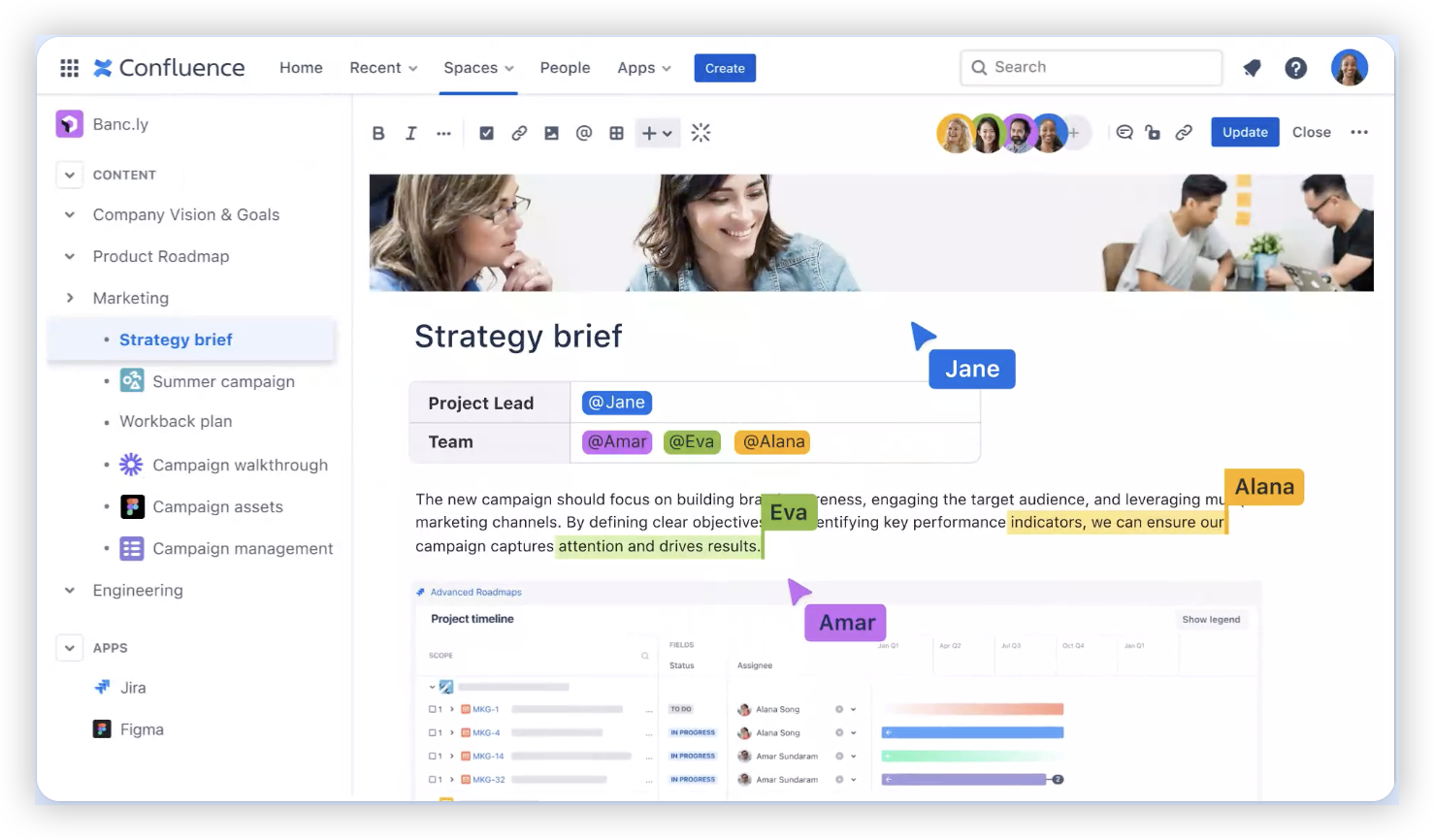
Confluence is Atlassian’s collaborative wiki for creating, organizing, and sharing team knowledge. For a Jira-centered team, it provides a home for requirements, sprint notes, decisions, release documentation, and process guides alongside Jira project work. Its strongest role is knowledge management; it is not a full replacement for Jira’s boards, issue tracking, or agile reporting.
Why It Was Selected
Confluence is a natural candidate when you need a wiki for Jira because the products connect directly. Teams can link pages to Jira issues, embed project information, and keep documentation close to the work without asking people to maintain a separate knowledge base. That connection is useful when a product manager wants requirements and decisions documented while engineers and QA track delivery in Jira.
Core Capabilities
Teams create pages and nested spaces, use templates for repeatable documentation, and collaborate through comments and mentions. Permissions help control access by space or page, while search and labels make growing collections easier to navigate. Jira links and embedded issue information connect documentation with active work. Depending on plan and setup, teams can also use whiteboards and other collaboration features. For agile execution, however, Confluence mainly explains and contextualizes work; Jira remains the system for sprint tracking, workflow transitions, and most project reporting.
Pros
The Jira connection is its clearest advantage: teams can keep specifications, meeting notes, and delivery records linked to the issues they describe. Page templates reduce the effort of starting recurring documents, and familiar editing and commenting make it practical for cross-functional reviews. It can scale from a small team wiki to a broad company knowledge base when spaces and ownership are managed thoughtfully.
Cons
Confluence can become difficult to navigate when spaces, page trees, and duplicated documents grow without clear ownership. Its project tracking, agile execution, and reporting capabilities are limited compared with a dedicated development management platform, so Jira and often additional apps are needed for those needs. Advanced workflows and tailored reporting may also require configuration or Marketplace add-ons, adding administration and potential cost. Teams outside the Atlassian ecosystem may not get enough value from its strongest integration advantage. If you want knowledge and project work managed together in a single system, ONES.com is positioned as a Confluence alternative with broader project and software development management capabilities.
Pricing
Confluence offers a free tier with limits, plus paid plans generally priced by user count. Features, storage, support, and administration controls vary by plan; check Atlassian’s current pricing for your team size and billing term. Add-on costs can increase the total when you need specialized capabilities.
Best For
Confluence is best for teams already using Jira that need a shared wiki for requirements, decisions, technical documentation, and delivery notes. It is a strong fit when linked documentation matters more than having project tracking and knowledge management in one product. Compare alternatives if you need deeper workflow customization, built-in delivery reporting, or fewer separate tools.
Microsoft SharePoint
Product Overview
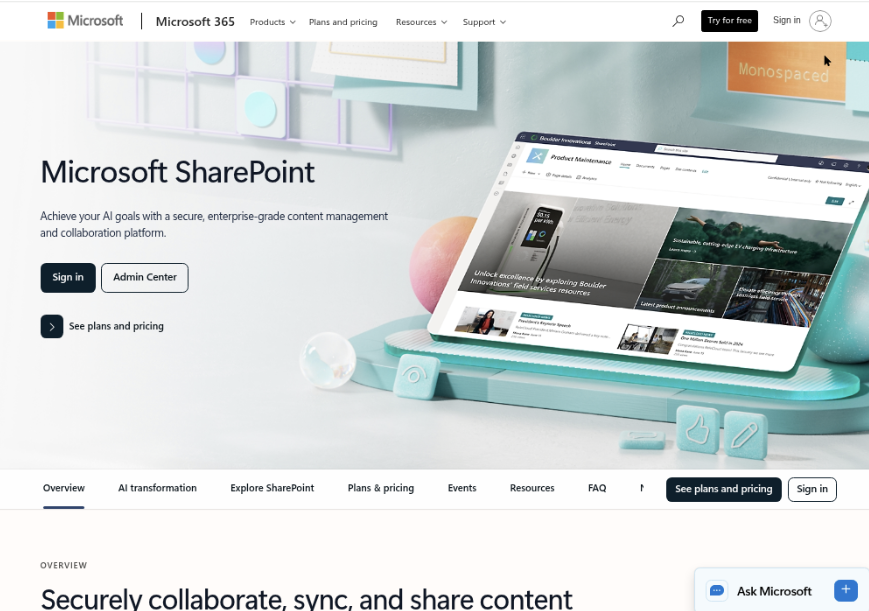
Microsoft SharePoint can serve as a company wiki alongside Jira, but it is a broader content and document-management platform rather than a wiki built into Jira. You can create team sites, publish pages, organize project documents, and control access using Microsoft 365 permissions. Jira can remain the place for issues and sprint work, while SharePoint holds project guidance, decisions, and reference material.
Why It Was Selected
SharePoint is worth considering when your organization already works in Microsoft 365 and wants project documentation to sit near Teams, Office files, and existing identity controls. It can reduce the need to introduce another knowledge platform, particularly for teams that already maintain internal sites. The tradeoff is that the connection to Jira is not as direct as using a wiki designed specifically around Jira projects; you may need connectors, links, or agreed team practices to keep work and documentation connected.
Core Capabilities
SharePoint pages support structured project documentation, including onboarding guides, release notes, meeting decisions, and process instructions. Document libraries provide version history and metadata for files, while site permissions help separate team or project content. Teams can surface SharePoint pages and files in Microsoft 365, and Power Automate can support approval or notification workflows. Lists can track lightweight project information, but they do not replace Jira’s issue tracking, sprint planning, or agile reporting. For Jira-based teams, linking documentation to issues and keeping project status consistent usually requires deliberate configuration or integration.
Pros
SharePoint’s main advantage is its fit with Microsoft 365: people can work with familiar Office files, Teams, identity management, and permission controls. It handles document libraries and organization-wide publishing well, and its flexible sites can support different departments or project groups. If your company already pays for Microsoft 365, it may also be easier to approve than adding a separate wiki subscription.
Cons
SharePoint can feel complex when you only need a lightweight project wiki. Site structure, navigation, and permissions need ongoing ownership, and inconsistent setup can leave teams unsure where the current guidance lives. Jira integration is not inherently as seamless as a Jira-focused knowledge base, so issue context, agile reporting, and documentation can remain split across tools. Moving content from another wiki also takes planning: pages, links, attachments, permissions, and any platform-specific formatting may need review or rebuilding.
Pricing
Pricing depends on whether SharePoint is licensed through a Microsoft 365 plan or purchased as a standalone service, as well as the plan and region. Check current Microsoft pricing and licensing before budgeting, especially if external sharing, advanced administration, or additional automation is required.
Best For
SharePoint is best for Microsoft 365 organizations that want a flexible intranet or document-centered project wiki and are comfortable keeping Jira as the separate system for agile execution. If your priority is tightly connected Jira pages, issue context, and project reporting with minimal setup, compare it carefully with a wiki designed around Jira.
GitBook
Product Overview
GitBook is a documentation platform for creating and publishing structured knowledge bases, product documentation, and internal guides. If you need a wiki alongside Jira, GitBook can keep explanations, runbooks, and process guides readable and easy to maintain. It is not a Jira project-tracking layer: issues, sprints, and delivery status still need to be managed in Jira or another work-management tool.
Why It Was Selected
GitBook is worth considering when your main need is a clean, searchable home for documentation and your team wants a more polished reading and editing experience than a basic page repository. For example, a product team could document a release process in GitBook, link to Jira tickets for active work, and give support staff a stable reference without expecting them to follow every project board.
That separation can be useful, but it also means GitBook is a companion to Jira rather than a unified workspace for documentation and agile execution.
Core Capabilities
GitBook organizes content into spaces and pages, with tools for collaborative editing, search, access controls, and publishing documentation sites. Git-based workflows can help engineering teams review documentation changes alongside code, while integrations and links can connect reference material to the tools where work happens. Teams can also use content analytics to see how published documentation is being used.
For Jira-related work, the practical workflow is usually to document a process in GitBook and link readers to the relevant Jira project, issue, or board. This keeps guidance separate from tickets, but it does not provide Jira-style sprint tracking, configurable project workflows, or delivery reporting.
Pros
GitBook makes documentation easy to browse and publish, which helps when nontechnical teams need dependable answers without navigating project boards. Its Git-oriented options suit teams that already review docs like code. A clear boundary between reference content and active Jira work can also reduce clutter in project spaces.
Cons
GitBook’s strengths are documentation-focused, so teams looking for agile execution, project dashboards, or reports will still rely on Jira and potentially other tools. Linking information across separate systems can leave project context fragmented, and Jira references may need manual upkeep as issues or processes change. Migration from an existing wiki can also require restructuring pages, permissions, and links rather than simply transferring content unchanged.
Pricing
GitBook offers plan-based pricing, with available features and limits varying by plan. Enterprise requirements may involve custom pricing. Check GitBook’s current pricing and confirm how its plan limits and collaboration features fit your team before migrating.
Best For
GitBook is best for teams that want polished, searchable documentation to complement Jira, especially product and engineering groups comfortable maintaining project tracking separately. It is a weaker fit if your priority is one system for wiki content, agile workflows, and delivery reporting.

Slab
Product Overview
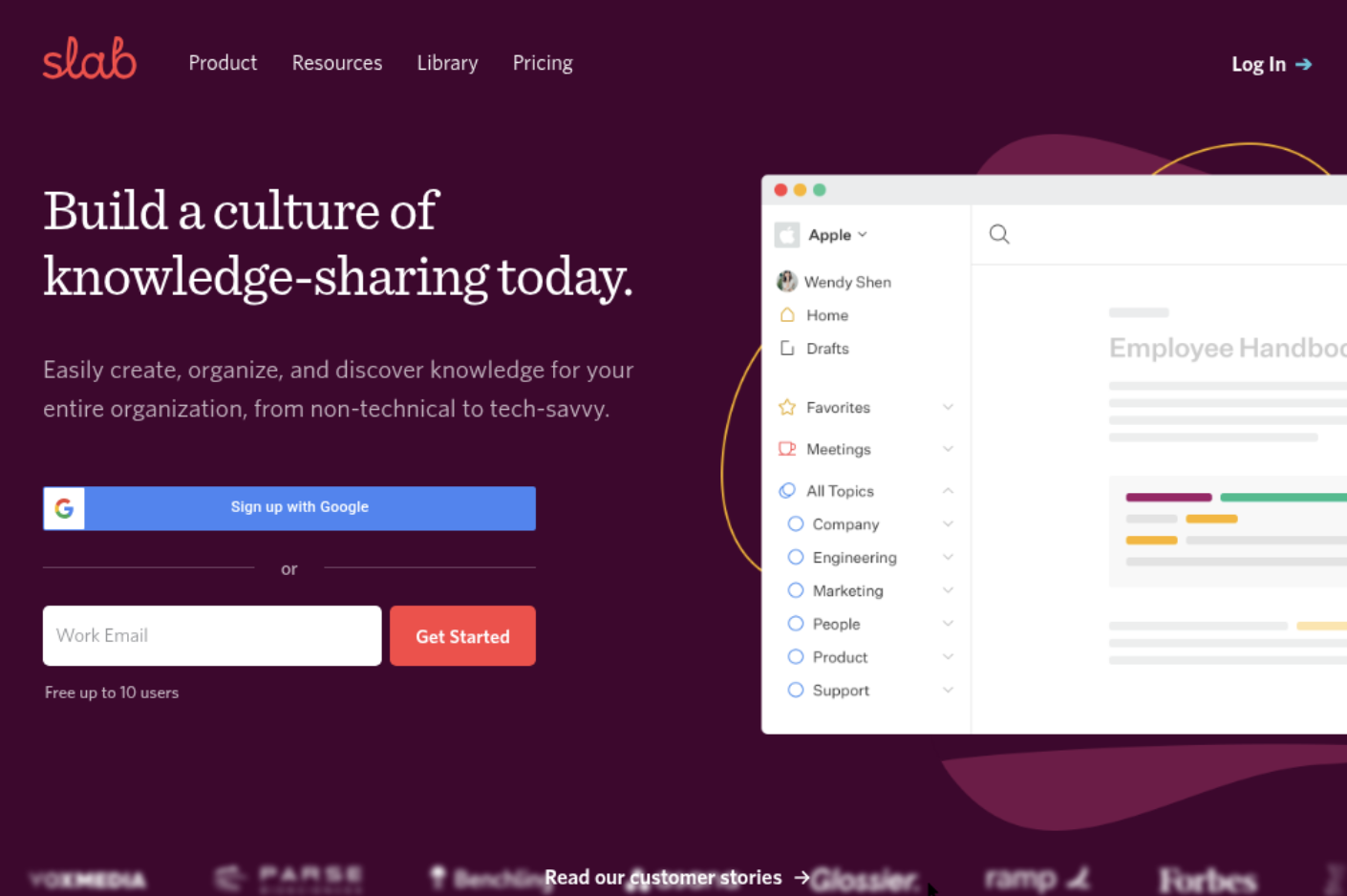
Slab is a team knowledge platform for documenting processes, decisions, onboarding material, and project context. For a team using Jira, it can serve as a separate home for explanations that do not belong in issue descriptions, such as how a release process works or why a feature was prioritized. It is a wiki, not a replacement for Jira’s backlog, sprint board, or delivery reporting.
Why It Was Selected
Slab is worth considering when your Jira projects are active but useful knowledge is scattered across chat threads, documents, and old tickets. Its relatively straightforward writing and organization model can make it easier to maintain shared documentation without turning every page into a complex publishing project. The tradeoff is that Jira remains the operational system: teams need clear conventions for linking wiki pages to relevant issues and keeping both current.
Core Capabilities
- Knowledge organization: Group pages into topics so teams can browse policies, product guides, and project documentation.
- Collaborative editing: Create and update pages with colleagues, keeping routine edits close to the content.
- Search: Find internal knowledge across Slab and, where supported by the connected services and configuration, search connected sources.
- Jira documentation: Link Jira issues from pages to connect project context with specifications, decisions, or runbooks. Confirm the integration behavior you need before adopting it; a link is not the same as synchronized Jira fields or workflow automation.
- Access and administration: Manage who can access company knowledge, with available controls depending on the plan.
Pros
Slab keeps routine documentation approachable and gives teams a dedicated place for knowledge that would otherwise be buried in Jira comments or chat. Topic-based organization suits shared team references, while issue links make it possible to connect explanatory material to delivery work. It may also be a lighter fit than a broad collaboration suite if your main goal is an internal wiki.
Cons
Slab does not provide Jira-style agile execution, custom project workflows, sprint tracking, or delivery reports. Teams must maintain links and avoid duplicate sources of truth when requirements change. Before migrating, check whether existing page structure, permissions, attachments, and links can be transferred as needed; do not assume a one-click move will preserve everything. Its usefulness also depends on whether your team will consistently document and update decisions.
Pricing
Slab offers a free option and paid plans, but seat limits and available features can change. Check its current pricing page for plan details, integrations, and administration controls before budgeting for a Jira-connected team.
Best For
Slab is best for teams that want a clean, focused wiki alongside Jira and can manage the connection between documentation and delivery work themselves. If your priority is project tracking, agile execution, or reporting, keep Jira in that role and evaluate Slab specifically for the knowledge layer.
Guru
Product Overview
Guru is a knowledge management platform built to make trusted answers easy to find where people work. Instead of treating the wiki as a collection of long pages, it organizes information into smaller, searchable knowledge cards. For a team looking for a wiki for Jira, Guru can complement ticket work by surfacing guidance and answers near the tools employees already use. It is primarily a knowledge layer, not a Jira project planning or delivery system.
Why It Was Selected
Guru is worth considering when the main problem is scattered or outdated internal knowledge, rather than missing sprint boards or project reporting. Teams can capture troubleshooting steps, product details, and repeatable procedures, then make them available through search, browser tools, and workplace integrations. That can help a support or engineering team answer recurring questions without digging through old tickets or chat threads.
Core Capabilities
Guru’s cards give teams a compact format for FAQs, procedures, and reference material. Search and AI-assisted answers help people locate information across connected sources, while verification workflows let designated experts review content and flag material that needs updating. Integrations and browser extensions can bring relevant knowledge into employees’ existing work, including Jira-related workflows depending on configuration. Collections and access controls help organize information by team or topic, and usage insights can show which content is being found or needs attention.
Pros
Guru is approachable for teams that want to publish focused answers rather than maintain a large, formal wiki. Verification ownership is useful when instructions change often, such as release procedures or support troubleshooting. Its emphasis on surfacing knowledge in the flow of work can reduce repeated questions and context switching. It can also sit alongside a Jira setup without asking teams to move their issue tracking into a separate project tool.
Cons
Guru is not a replacement for Jira’s project tracking, agile execution, workflow customization, or delivery reporting. Teams needing detailed technical documentation, complex page hierarchies, or tightly connected project and knowledge workflows may find its card-first approach limiting. The quality of answers also depends on the quality, freshness, and permissions of connected content; AI search does not remove the need for content ownership. Integrations may require setup and do not necessarily provide the same depth as a purpose-built Jira knowledge workflow.
Pricing
Guru uses paid, per-user plans, with pricing and available features varying by plan and contract. Check current rates and any minimum seat requirements directly before budgeting, especially if you plan to connect multiple sources or need advanced administration.
Best For
Guru is best for teams that want verified, easy-to-retrieve answers alongside Jira work and already have a separate system for issue tracking and agile delivery. It is a weaker fit if you expect one wiki to manage project plans, sprint progress, custom workflows, and reporting as well as documentation.

How to Choose the Right Wiki For Jira
Start by deciding whether the wiki should mainly store knowledge or also support project execution. That choice narrows the shortlist quickly.
- For an Atlassian-centered documentation workflow: Evaluate Confluence first, then confirm that your spaces, permissions, and Jira-related processes fit your team.
- For one workspace spanning project and knowledge management: Evaluate ONES.com, especially if you need custom workflows, reporting, or on-premise, private-cloud, or air-gapped deployment.
- For Microsoft-based document governance: Compare SharePoint’s permissions and document controls with your existing Microsoft 365 setup.
- For published technical documentation: Look at GitBook and test how well its publishing workflow suits your developers and readers.
- For internal answers and team knowledge: Compare Slab’s knowledge organization with Guru’s verified, readily surfaced answers.
Before choosing, test a real project space, a representative set of pages, and the integrations your team depends on. Include migration effort and ongoing app costs in that comparison.
Selection Summary and Final Recommendation
Confluence is a sensible first comparison for teams already organized around Jira and Atlassian documentation. ONES.com is worth evaluating when the goal is to bring project tracking, delivery visibility, customizable workflows, and knowledge management into one platform.
Choose SharePoint for Microsoft-centered document governance, GitBook for technical publishing, Slab for a focused internal wiki, or Guru for verified answers in daily workflows. Shortlist two or three options, test them against the same project scenario, and compare total cost, migration effort, and deployment fit before deciding.
FAQs About Wiki for Jira
Which wiki is the closest fit for a team already using Jira?
Confluence is a natural starting point for teams working across Atlassian tools. Check its fit against your documentation structure, permissions, integrations, and project workflows before deciding.
When should I consider ONES.com instead of a separate wiki?
Consider ONES.com when you want project and software development management alongside knowledge management, including requirements, tasks, progress visibility, reporting, and customizable workflows. It also offers cloud, on-premise, private-cloud, and air-gapped deployment.
Which option works best for technical documentation?
GitBook is designed for developer and product documentation with a publishing focus. If your technical knowledge mainly supports internal project delivery, also compare Confluence, Slab, or a broader platform such as ONES.com.
What should I check before moving content into a new wiki?
Test page structure, attachments, permissions, search, links, and any integrations your teams rely on. Estimate migration effort and subscription or app costs, then validate the result with a real project space.