Jira Admin Certification: A Step-by-Step Exam Prep Guide
Ready for Jira admin certification? Follow this step-by-step exam prep guide to build practical skills and study with confidence. Read now to get started.
Preparing for Jira admin certification can feel difficult because the exam expects more than familiarity with menus. You need to understand how configuration choices affect users, projects, permissions, and everyday work.
That pressure grows when you study scattered topics without knowing which skills deserve the most practice. You may recognize a workflow setting yet struggle to predict what happens when a permission scheme changes. A focused plan helps you connect concepts, practice realistic administration tasks, and walk into the exam with a clear approach.
How to Prepare for Jira Admin Certification
Use these steps to build a practical study plan. Start by confirming the credential you want, then connect each topic to hands-on Jira administration work.
- Confirm the current credential and exam scope. Atlassian certification names, exam formats, and availability can change. Check Atlassian’s certification pages before you commit to a study plan. Record the current exam objectives, registration requirements, and any recommended experience.
- Choose the Jira environment you need to know. Cloud administration differs from managing Jira Data Center. Focus your preparation on the product and environment named in the current credential objectives. If your work involves both, study their differences separately.
- Turn the objectives into a skills checklist. Group topics such as users, groups, project roles, permissions, workflows, fields, screens, issue types, automation, and reporting. Mark each topic as familiar, uncertain, or new. This shows you where to spend practice time.
- Build a safe practice environment. Use a trial or training site where you can change settings without affecting a live team. Create a sample project, a few issue types, and test users with different roles. Then observe how configuration changes affect each user.
- Practice complete administration tasks. For example, create a workflow with a review step, restrict a transition, and test it with a user who lacks permission. This connects configuration decisions to their practical effects.
- Review errors and explain the cause. When a test user cannot see an issue, check project permissions, issue security, and role membership. Write down what you checked and why. Explaining the reasoning helps you handle scenario-based questions.
- Use timed practice before exam day. Work through practice questions under a time limit, then revisit every uncertain answer. Keep a short list of concepts to review instead of repeatedly rereading topics you already understand.
But here's the truth: memorizing labels is not enough. You need to predict what a setting will do, spot dependencies, and choose a safe solution for the situation described.

Understand the Exam Scope Before You Study
Start with the current exam objectives rather than assuming an older guide still matches the credential. Certification names and requirements can change, so confirm the current details before buying a course or scheduling an exam.
Here's why: Jira administration spans several connected areas. A workflow change may depend on issue types, screens, field configuration, and permissions. Studying each setting in isolation can leave gaps when an exam question combines them.
Group topics into administration domains
Sort the exam objectives into practical groups: access control, project configuration, issue workflows, automation, and reporting. This makes it easier to plan practice sessions and track weak areas.
- Access control: Understand users, groups, project roles, permission schemes, and issue security.
- Project configuration: Review project types, issue types, fields, screens, and notification settings.
- Workflows: Practice statuses, transitions, conditions, validators, and post functions where they apply.
- Automation and reporting: Learn how rules, dashboards, filters, and reports support everyday work.
You might be wondering: how much time should you spend on each group? Let your confidence and the current exam objectives guide that decision. Give extra practice to areas you cannot explain clearly.
Build Hands-On Practice Around Real Admin Tasks
Jira administration makes more sense when you can see how a configuration behaves. Use a practice site to test changes and confirm the result with different user roles.
For example, create a project with a simple workflow: Open, In Review, and Done. Add a transition to In Review, then test whether a user without the right project role can access it. This small exercise connects workflow behavior with permissions.
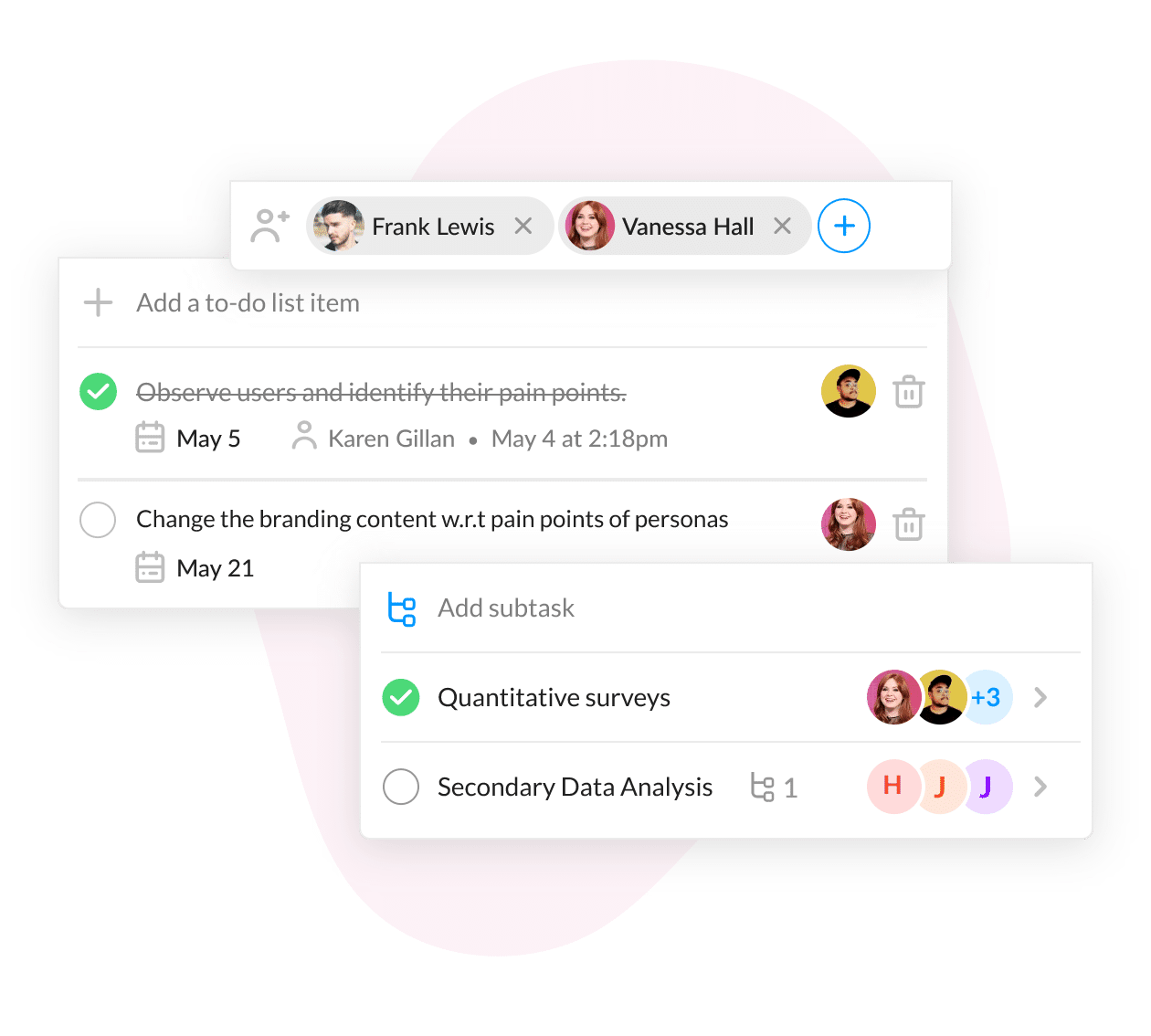
Practice safely and methodically
Change one setting at a time and note what it affects. If you alter a field, check the relevant screens and issue types. If you update permissions, test the result with a standard user rather than relying only on an administrator account.
Let me explain: an administrator may see options that a regular project member cannot. Testing with both accounts helps you catch visibility and access differences that are easy to miss during passive study.
Connect Jira Settings to Their Effects
Exam questions may describe a problem rather than name the setting you need. Build a habit of tracing the symptom to its likely cause before choosing an answer.
Suppose a team member can open a project but cannot edit an issue. Check whether the permission scheme grants edit access, whether the person belongs to the needed role, and whether an issue-level restriction applies. Each check narrows the possibilities.
Use a simple troubleshooting sequence
- Identify the user, project, and action involved.
- Check whether the user has the relevant project role or group membership.
- Review the permission scheme and any issue security restrictions.
- Confirm that the issue type, workflow, and screen allow the expected action.
- Test the correction with an account that reflects the affected user’s access.
This approach also helps with configuration questions. Instead of guessing which setting sounds familiar, connect the requirement to the feature that controls it.
Prepare for the Exam Without Cramming
A short, repeatable study routine is often easier to sustain than a last-minute marathon. Set aside sessions for reading objectives, practicing configurations, and reviewing mistakes.
The best part? You can use missed questions as a map for your next practice session. If you repeatedly confuse project roles with groups, create a test project and compare how each grants access.
Use a weekly review cycle
- Review one administration domain and summarize its purpose in your own words.
- Complete one practical task in a safe Jira environment.
- Answer practice questions and explain why each option is correct or incorrect.
- Return to uncertain topics a few days later to check what you retained.
Near exam day, prioritize sleep, registration details, and a calm review of key concepts. Avoid trying to learn every unfamiliar feature at the last minute.
Jira Administration Practice with ONES.com
Value proposition: ONES.com brings project management and knowledge management together, with ONES Project for project work and ONES Wiki for team knowledge. You can use a controlled workspace to practice administrative processes and keep study notes organized.

ONES Project is a Jira alternative with Jira-compatible workflows, sprint management, automation, built-in reporting, and customizable workflows and fields. ONES Wiki is a Confluence alternative. ONES Project and ONES Wiki are sold separately, so you can select the product that fits your needs.
Core capabilities for learning and administration
- Scattered practice tasks → ONES Project organizes project work in one workspace → you can track exercises and see what remains.
- Unclear workflow behavior → Jira-compatible workflows let you model common status and transition patterns → you can practice explaining workflow choices.
- Limited sprint experience → Sprint management supports planning and tracking work → you can explore how teams organize iterative delivery.
- Repetitive administration work → Automation helps handle recurring actions → you can examine where rules reduce manual steps.
- Reporting gaps → Built-in reporting helps teams review project progress → you can connect project activity with useful status views.
- Different team requirements → Custom workflows and fields support tailored processes → you can practice how configuration reflects team needs.
- Plugin-heavy environments → Native capabilities can reduce reliance on extra plugins for common work → you can keep more functions within the platform.
- Deployment restrictions → Cloud, On-Premise, Private Cloud, and Air-gapped deployments are available → teams can choose an environment suited to their constraints.
ONES.com offers a free plan for up to 30 seats. Its cloud and self-hosted versions have full feature parity, which can help organizations keep familiar capabilities across deployment choices.
Application scenarios
Certification practice: A learner can create a sample project, model a workflow, and record the purpose of each configuration choice in ONES Wiki. The practice project provides a place to test ideas, while the knowledge space keeps explanations accessible.
Team process review: An administrator can map a team’s existing workflow in ONES Project, review reporting needs, and identify repetitive work that may suit automation. This offers a practical way to discuss process design alongside certification study.
ONES.com does not replace learning Jira’s own administration experience when the credential covers Jira. It can support project and knowledge workflows while you build the concepts, habits, and explanations needed for the exam.
Common Challenges in Certification Preparation
- Studying an outdated exam outline. Credential details can change. Check Atlassian’s current certification information before setting your study schedule, and revisit it if you delay your exam.
- Memorizing settings without understanding dependencies. A screen, field, permission, or workflow can affect what a user can do. Practice complete scenarios and explain each configuration choice.
- Using only an administrator account for testing. Admin access can hide the problems ordinary users face. Test with accounts that have different roles and permissions.
- Spending too long on familiar topics. Repeated review can feel productive while leaving weak areas untouched. Track confidence by objective and focus practice on concepts you cannot apply consistently.
- Rushing through practice questions. A quick guess does not show whether you understand the configuration. Review wrong answers and explain why the correct option fits the scenario.
Frequently Asked Questions
What should I study for Jira admin certification?
Begin with the current objectives for the credential you plan to take. Common administration areas include users and groups, project roles, permissions, workflows, issue types, fields, screens, automation, and reporting. The exact scope can vary, so confirm the current exam details. Practice tasks in a safe environment and make sure you can explain how each configuration affects a user.
Do I need hands-on Jira experience before taking the exam?
Hands-on experience is valuable because administration questions often involve connected settings. You can build familiarity by creating a practice project, configuring a basic workflow, and testing permissions with different accounts. If you already administer Jira at work, use practice exercises to cover areas you rarely handle. Check the current credential requirements for any formal experience recommendations.
How long should I study before scheduling the exam?
There is no single study period that fits everyone. Your timeline depends on your Jira experience, familiarity with the current exam objectives, and available practice time. Review the objectives first, then set a schedule that gives you time to learn, configure examples, and revisit weak areas. Consider scheduling only when you can explain and apply the main topics consistently.
What is the best way to practice Jira administration questions?
Use practice questions to identify gaps, then recreate the scenario in a safe environment where possible. For a permissions question, test the relevant role and scheme with a non-admin account. For a workflow question, configure the transition and observe its effect. Reviewing why an answer works is more useful than memorizing a list of correct choices.
Conclusion
Jira admin certification preparation works best when you combine current exam objectives with practical configuration exercises. Focus on the relationships among workflows, permissions, fields, and user roles, then test your understanding with realistic scenarios.
If studying feels scattered, choose a small weekly plan and use mistakes to guide your next practice session. With steady preparation, you can approach the exam with clearer reasoning and a stronger grasp of Jira administration.