Jira and Agile Development: A 6-Step Process Guide for Teams
Want clearer sprints and fewer stalled tickets? This 6-step guide to jira and agile development helps teams build a consistent workflow. Read now.
Jira can make Agile work visible, yet a board full of tickets does not automatically create a useful development process. Teams often struggle with vague backlog items, overloaded sprints, and progress reports that arrive too late to help. Those problems can turn stand-ups into status checks and leave people unsure what to build next.
But here's the truth: Jira works best when your team agrees on a simple workflow and uses it consistently. You can connect planning, development, review, and improvement without adding unnecessary steps. This six-step guide shows how to shape that process, configure Jira around your team’s work, and spot common issues early. You’ll also see when a different project management approach may fit better.
A Six-Step Jira Process for Agile Development
Start with a clear goal, then move work through a repeatable cycle: prepare the backlog, plan a sprint, build, review, and improve. Jira provides the board and workflow; your team supplies the agreements that make each step useful.
Agree on the outcome and working rules. Define what the team is trying to deliver, how often it will review progress, and what “done” means. For example, a team building account recovery might agree that work is complete only after testing, review, and release notes.
Build and refine the backlog. Add work items that describe a user need or technical task. Give each item a clear outcome, acceptance criteria, and an owner when appropriate. Split a large item, such as “improve onboarding,” into smaller pieces that can be completed and reviewed.
Set up a workflow that matches real work. Begin with a few meaningful statuses, such as To Do, In Progress, and Done. Add a review or testing status only when it helps the team see a real handoff. Keep transitions understandable so people can update work without guessing.
Plan a manageable sprint. Review priorities, availability, and past delivery before committing to work. Select items that support the sprint goal, then check that each is small enough to finish. A team with one developer away may choose fewer items rather than carrying unfinished work forward.
Coordinate work and surface blockers. Use the Jira board during daily coordination to notice stalled items and resolve dependencies. Keep ticket updates brief and useful. If testing is waiting on an environment, record the blocker and agree on who will address it.
Review the outcome and adjust. At the end of the sprint, demonstrate completed work and compare the result with the goal. In a retrospective, choose one practical improvement, such as adding acceptance criteria before sprint planning. Check whether that change helps in the next cycle.
Here's why: each step gives your team a decision point. Jira can show what is happening, while regular conversations help you decide what to do next.

Prepare a Backlog That Supports Better Decisions
A useful backlog is ordered by value and ready for discussion. It does not need to contain every possible future task. Keep near-term work detailed enough to estimate, while leaving distant ideas open to change.
For example, “add password reset” is too broad if it includes email delivery, expired links, and account security checks. Separate the work into reviewable items, then describe the expected behavior in plain language. This makes planning more concrete and helps developers and testers share the same understanding.
Let me explain: refinement is ongoing, not a one-time cleanup. A short weekly session can clarify upcoming work, remove outdated requests, and reveal dependencies before they disrupt a sprint.
Shape Jira Boards Around the Team’s Workflow
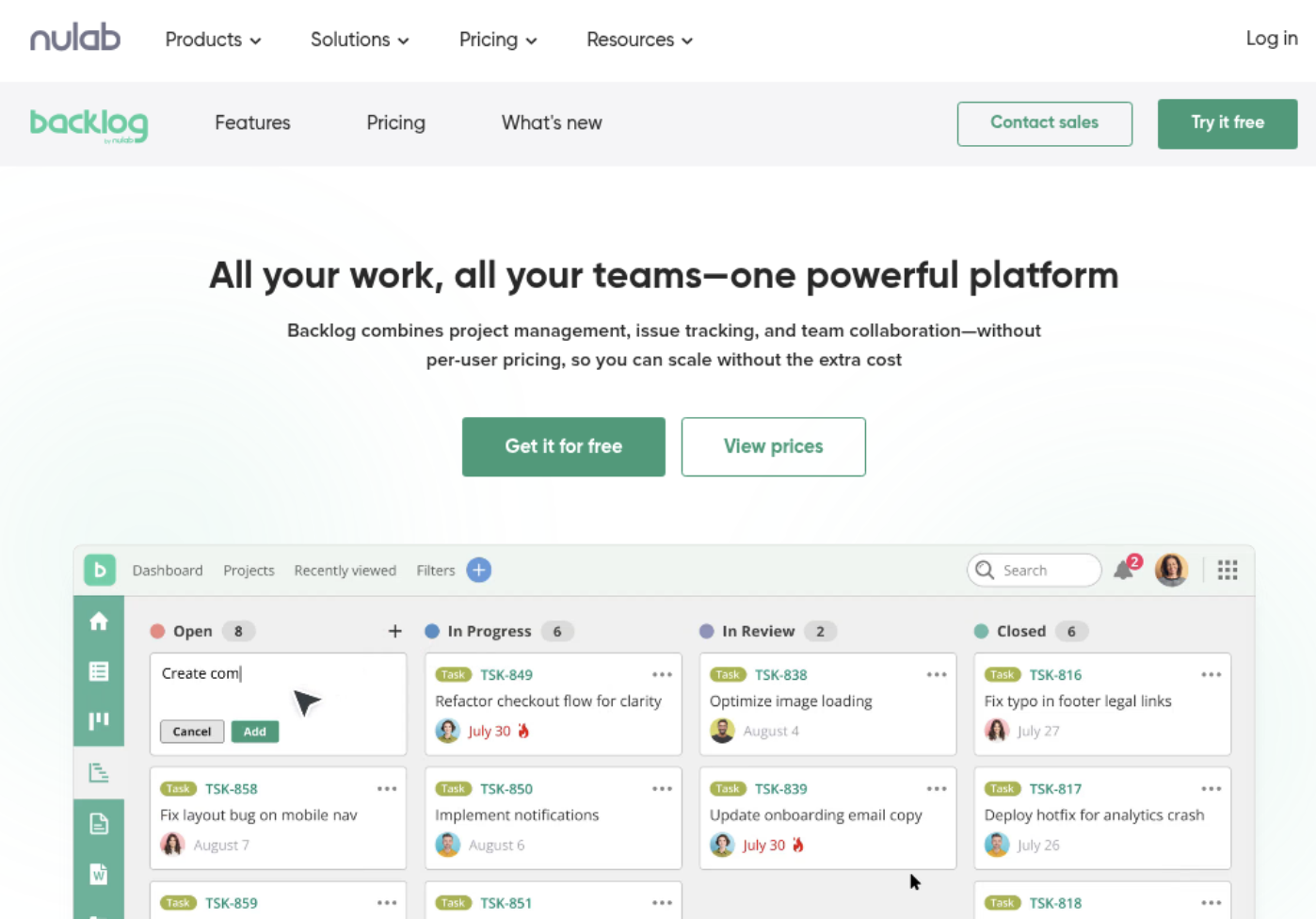
A board should reflect how work moves, rather than reproduce every internal conversation. If a task spends most of its life in progress, adding many tiny status columns may hide delays instead of making them easier to spot.
Imagine a team whose tickets wait several days for review. A dedicated review status can make that queue visible. The team can then discuss review capacity instead of treating the delay as an unexplained slowdown.
The best part? A small workflow is often easier to maintain. Add a status, field, or automation when it solves a recurring problem, and review whether it remains useful after the process changes.
Use Sprint Planning and Daily Coordination Together
Sprint planning sets a shared direction; daily coordination helps the team respond when conditions change. Jira’s sprint view can show selected work and current status, but the team still needs to discuss trade-offs when new requests appear.
For instance, a production issue may need immediate attention after a sprint starts. Make the change visible, then agree whether another item should leave the sprint. This keeps the sprint goal meaningful and prevents unplanned work from disappearing into side conversations.
Use estimates as planning aids, not performance targets. If the team consistently carries several items forward, investigate the work size, interruptions, or unclear acceptance criteria before simply increasing the next sprint’s commitment.
Review Progress and Improve the Next Cycle
Jira reports can help you see patterns in completed work, unresolved issues, and sprint progress. Treat a chart as a prompt for discussion rather than a verdict. A sudden change may reflect holidays, a shifting priority, or a different mix of work.
In a review, show a working feature and invite feedback from the people who requested it. In a retrospective, focus on one process change the team can test. For example, if tasks repeatedly wait for testing, reserve review capacity earlier in the sprint.
Here's the practical test: after choosing an improvement, check whether it changes the team’s experience in the next cycle. If it adds overhead without helping work flow, revise or remove it.
ONES.com Solution for Agile Project Work

Value Proposition
ONES.com combines project management and knowledge management in one platform, with ONES Project for project work and ONES Wiki for team knowledge. The products are sold separately, so you can choose the capabilities that fit your team’s workflow.
For teams comparing Jira alternatives, ONES Project offers familiar Agile work patterns alongside deployment choices that include cloud and self-hosted environments. That can help teams keep planning and execution connected while selecting an environment that meets their requirements.
Core Capabilities
Disconnected planning and team knowledge: ONES.com provides ONES Project for managing work and ONES Wiki for knowledge management. The result is a clearer place to organize project activity and team guidance.
Jira migration concerns: Jira-compatible workflows help teams preserve familiar ways of moving work. This can make it easier to evaluate a Jira alternative without redesigning every process at once.
Limited visibility into delivery: Built-in reporting gives teams a way to review progress and work patterns. That helps project leads discuss issues while there is still time to respond.
Workflows that do not match team needs: Custom workflows and fields let teams represent their own handoffs and work details. This can reduce the need to force different teams into one rigid process.
Sprint planning needs: Sprint management supports planning and tracking Agile work. Teams can keep sprint goals and selected tasks visible through the delivery cycle.
Repeated manual updates: Automation can handle selected routine actions. That gives team members more time for development, review, and coordination.
Plugin-heavy setups: Native capabilities can reduce reliance on additional plugins for common project management needs. Fewer dependencies may make the environment easier to maintain.
Deployment constraints: ONES.com offers Cloud, On-Premise, Private Cloud, and Air-gapped deployments. Its cloud and self-hosted versions have full feature parity, so teams can assess deployment needs without giving up product capabilities.
Application Scenarios
A software team replacing a Jira setup: The team can map its current statuses to Jira-compatible workflows, then review which custom fields and automations it still needs. This gives the team a practical way to assess a Jira alternative while limiting unnecessary configuration.
A team working in a restricted network: An air-gapped deployment may suit an environment that cannot use public cloud services. The team can still manage project work with the same feature parity available across cloud and self-hosted versions.
A group connecting project work with internal guidance: A team may use ONES Project for tasks and sprints, then select ONES Wiki for organized knowledge. Because these products are sold separately, the team can adopt the combination that suits its needs.
Common Challenges in Jira and Agile Work
Tickets are too large to finish: Large items can remain active across several sprints. Break them into smaller outcomes that can be reviewed independently, and use refinement to clarify scope before planning.
The board has too many statuses: Excessive workflow stages can make updates confusing. Review each status with the team and remove stages that do not represent a meaningful handoff or decision.
Sprints regularly carry unfinished work: This can indicate oversized items, unplanned interruptions, or optimistic commitments. Compare planned work with actual availability and adjust the next sprint rather than treating carryover as routine.
Reports are treated as individual scorecards: Metrics lose value when they create pressure to optimize numbers instead of delivery. Discuss trends at team level and use them to identify process questions, not to rank people.
Jira configuration becomes hard to maintain: Custom fields, rules, and plugins can accumulate over time. Review them periodically, remove unused elements, and keep the workflow focused on the team’s current needs.
Frequently Asked Questions
How does Jira support Agile development?
Jira helps teams organize work items, plan sprints, visualize progress on boards, and review delivery through reports. The team defines its workflow, priorities, and working agreements. For example, a Scrum team can prepare a backlog, select work for a sprint, track progress, and discuss completed items in a review.
Can a team use Jira without Scrum?
Yes. Jira can support teams that use Kanban or a workflow shaped around their own delivery needs. A Kanban team might track work continuously instead of planning fixed-length sprints. Choose a board and workflow that reflect how work is actually requested, completed, and reviewed.
What should a Jira sprint board include?
Include the work selected for the sprint, a clear sprint goal, and statuses that show meaningful progress. Some teams use To Do, In Progress, Review, and Done. Keep the board simple enough for everyone to update accurately, then add fields or stages only when they help coordination.
How can a team make Jira workflows easier to use?
Start with a small number of clear statuses and explain when work moves between them. Ask team members where they hesitate or make inconsistent updates. If a handoff repeatedly causes confusion, adjust that part of the workflow and check whether the change improves visibility without adding needless steps.
Conclusion
Effective Agile work in Jira comes from a shared process: clarify the goal, prepare useful backlog items, plan realistically, coordinate openly, and learn from each cycle. The board helps make work visible, while team agreements turn visibility into action.
If your process feels heavy, simplify one part and test the change in your next sprint. When your team needs a different project management environment, compare its workflow, reporting, deployment, and maintenance needs with options such as ONES Project. A practical process should help you deliver and adapt, not make routine work harder.