Jira and monday.com Integration: A 2026 Setup Guide [Steps]
Tired of duplicate tickets and mismatched statuses? Set up jira monday integration with this 2026 guide. Read now for clear steps.
Jira and monday.com can keep engineering work and cross-functional project tracking connected, but a loose setup can create duplicate issues, mismatched statuses, and confusing ownership. If a ticket changes in one system and the other board stays untouched, teams quickly lose confidence in the integration.
But here's the truth: connecting the platforms is only the first step. You also need to decide which updates should travel, how fields map, and which platform owns each decision. Otherwise, a simple sync can become another process to maintain.
This guide walks you through a practical setup, from choosing a connection method to testing real updates. You’ll learn how to limit unnecessary syncing, handle common permission and mapping problems, and keep both teams clear on where work stands.
Jira and monday.com integration: setup steps
The quickest route is usually monday.com’s Jira integration, when it is available for your account and Jira deployment. Choose the boards, projects, fields, and update directions your teams need, then test with a few issues before expanding.
Here's why: a connector may support several recipes, but each recipe moves particular information under particular conditions. A deliberate setup keeps Jira issues and monday.com items aligned without copying every change everywhere.
-
1. Choose the work each platform will manage
Write down what belongs in Jira and what belongs in monday.com. For example, engineering may manage bugs, estimates, and sprint status in Jira, while a launch team tracks milestones and owners on a monday.com board.
Decide which platform is authoritative for each detail. Jira might own the issue status, while monday.com owns the launch date. This avoids competing edits to the same field.
-
2. Check account access and connector support
Ask a monday.com administrator and Jira administrator to confirm they can authorize integrations. The connection may require permission to install or approve an app and access the relevant board or Jira project.
Check the integration options shown in your monday.com account. Support can vary by plan, Jira deployment, and connector version, so confirm whether your Jira Cloud, Data Center, or other environment is supported.
-
3. Connect Jira and monday.com
Open the integrations area for the monday.com board you plan to use. Find Jira, choose a suitable integration recipe, and follow the prompts to authorize the Jira account.
During authorization, confirm that the right Jira site and account are selected. If a company approval screen appears, ask the Jira administrator to review the requested permissions before approving access.
-
4. Select a board, Jira project, and issue type
Choose the monday.com board and Jira project that represent the same body of work. Narrow the connection to relevant issue types, such as bugs or stories, instead of syncing every Jira issue.
For example, a product launch board could connect to one Jira project and create an issue only when a team marks an item “Ready for engineering.” That trigger keeps planning tasks from crowding the engineering queue.
-
5. Map fields and set sync directions
Match equivalent fields, such as the monday.com item name to the Jira summary. Map owners, dates, priority, and status only when the connector supports them and the teams use compatible values.
Review whether each recipe sends updates one way or both ways. A one-way recipe might create a Jira issue from a monday.com item, while a separate recipe reflects Jira status changes back to the board.
-
6. Test the connection with real examples
Create a test item and confirm that the expected Jira issue appears. Change a mapped field in Jira, then check whether the matching monday.com item updates as intended.
Also test what happens when an item is archived, an owner changes, or a status value has no matching option. Record the expected behavior so teams know what the integration does and where manual work remains.
-
7. Roll out gradually and review the results
Start with one project and a small group of users. After a few days, review duplicates, missed updates, and fields that do not match team expectations.
Once the connection behaves consistently, expand it to additional boards or projects. Give users a short explanation of which platform owns each field and where they should report a sync problem.
Choose a sync design that fits the work
Before adding more recipes, decide whether Jira and monday.com need one-way updates, two-way updates, or a mix. One-way syncing is easier to govern when a single platform owns a field. Two-way syncing can help teams collaborate, though it needs clear rules for conflicting changes.
For example, Jira may own engineering status while monday.com shows a simplified project status. The integration can pass status changes from Jira to monday.com, while launch owners update dates directly on the monday.com board.
Let me explain: syncing every field is rarely the best starting point. A release team may need issue status and target dates, but not internal engineering notes or every technical label.
Map statuses and fields before inviting everyone
Field names can look similar while representing different processes. A Jira status such as “In Review” may not have a direct monday.com equivalent, and a monday.com people column may behave differently from a Jira assignee field.
Write down the intended mapping in plain language. For instance, “Jira Done updates the monday.com status to Complete” gives both teams a specific result to test.
The best part? A small mapping plan can prevent weeks of cleanup. If teams use different priority scales, agree on a conversion or leave that field unsynced until there is a clear shared meaning.
Set permissions and ownership carefully
Integrations typically act through an authorized account or app connection. If that account loses access to a board or Jira project, updates may stop, even though the recipe still appears configured.
Use an account with only the access needed for the chosen work. Document who can authorize changes and who should be contacted when the integration disconnects. Review access when administrators or project owners change roles.
For a practical example, a team can limit a launch board connection to one Jira project rather than granting broad access across the Jira site. That boundary makes the setup easier to review and troubleshoot.
Test changes, exceptions, and duplicate handling
A successful first sync does not prove every later update will work. Test edits made from both platforms, including changes to status, owner, dates, and issue titles.
Check how the connection treats repeated triggers. If creating an item creates a Jira issue, decide how your team will recognize the linked issue before someone triggers the same action again.
Keep a short list of expected behaviors, such as “one monday.com item links to one Jira issue.” When a result differs, compare it with the recipe’s settings before changing permissions or rebuilding the connection.
Keep the integration useful as teams change
Review the connection after a workflow redesign, a Jira project migration, or a monday.com board restructure. A renamed status or removed field can leave teams with stale or incomplete updates.
Choose an owner who checks the integration periodically and gathers feedback from both groups. If the connector no longer supports a required workflow, consider a marketplace app or a custom API connection, with appropriate technical oversight.
For example, a team that adds a “Blocked” status can update its field mapping and test the new value before relying on it for release reporting.
ONES.com as a project and knowledge management option
ONES.com combines project management and knowledge management in one platform, with ONES Project for project work and ONES Wiki for team knowledge. The products are sold separately, so teams can adopt the part that fits their needs.
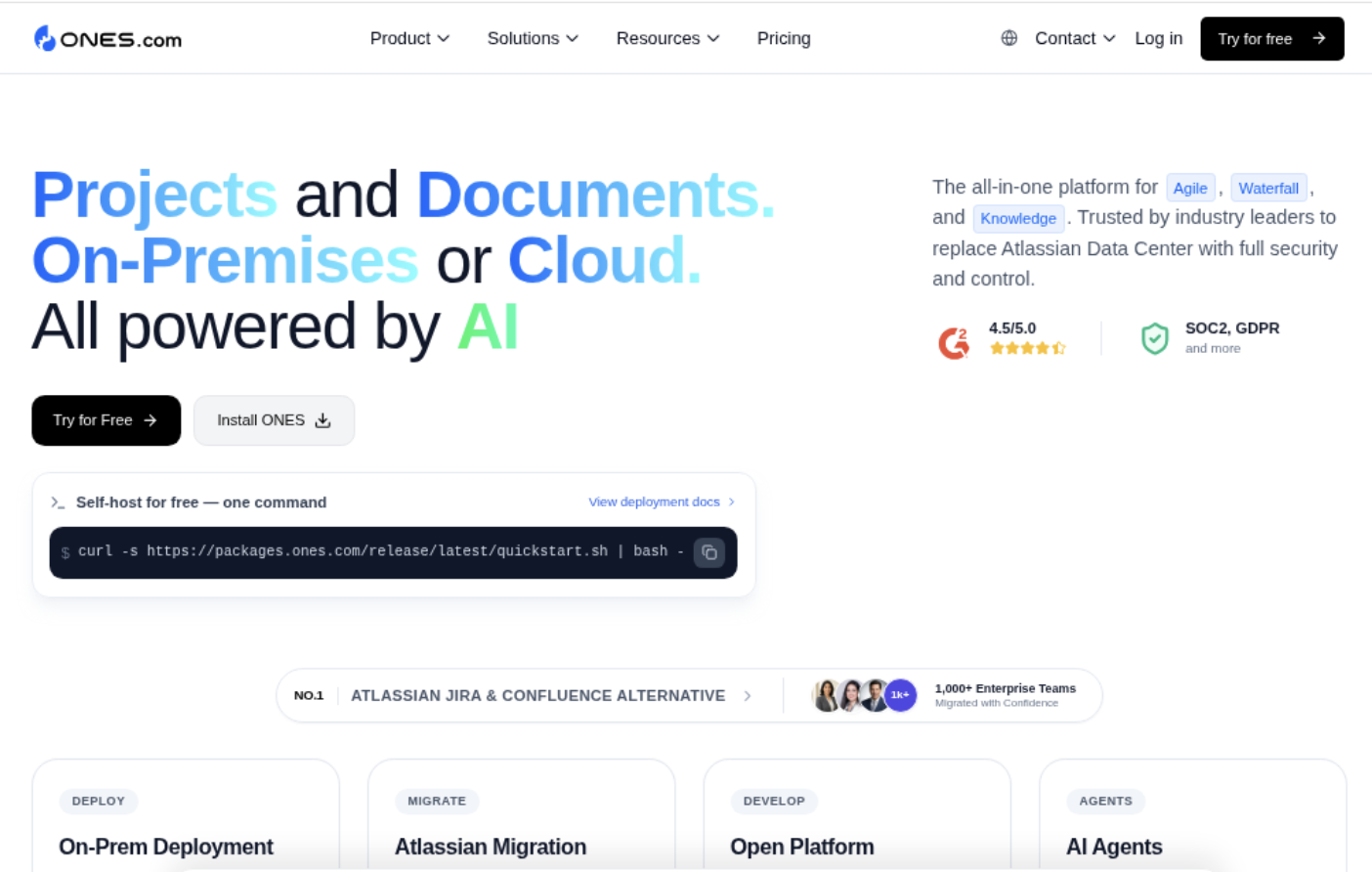
If your goal is to bring project tracking and team knowledge into one environment, ONES.com may be worth evaluating alongside a Jira-and-monday.com setup. ONES Project is a Jira alternative; ONES Wiki is a Confluence alternative. It is a separate platform choice, rather than a connector for syncing Jira with monday.com.
Core capabilities
- Several project tools create a maintenance burden: ONES Project brings workflows, fields, sprint management, automation, and reporting together, helping teams reduce reliance on extra plugins.
- Existing Jira processes are costly to replace: Jira-compatible workflows help teams carry familiar patterns into an alternative project environment.
- Teams need different approval steps: Custom workflows let administrators shape work around the team’s actual review and handoff process.
- Default fields do not capture the work: Custom fields provide a way to track team-specific details without forcing them into unrelated properties.
- Sprint work is hard to coordinate: Sprint management gives teams a dedicated way to plan and follow iterative delivery.
- Repeated actions take time: Automation can handle configured workflow actions, reducing routine manual steps.
- Progress is difficult to inspect: Built-in reporting helps teams review work and spot delivery concerns within the project environment.
- Deployment rules differ between organizations: ONES.com offers Cloud, On-Premise, Private Cloud, and Air-gapped deployments. Its cloud and self-hosted versions have full feature parity.
ONES.com offers a free plan for up to 30 seats. Teams can evaluate its project and knowledge management options while considering deployment requirements, including whether on-premise or air-gapped operation matters.
Application scenarios
A product team that wants one project platform for backlog planning and sprint delivery could assess ONES Project as a Jira alternative. It can compare its workflow needs against ONES Project’s compatible workflows, custom fields, automation, and reporting.
An organization seeking a separate knowledge space alongside project work could evaluate ONES Wiki. A company with strict network controls can also review the available self-hosted deployments and their feature parity with Cloud.
Common challenges and practical fixes
Updates stop appearing
Problem: A recipe appears active, but changes no longer reach the other platform. The authorizing account may have lost access, or an administrator may have changed a permission.
Solution: Check the connection status and account permissions in both platforms. Reauthorize only after confirming the intended account and access scope.
Teams see duplicate Jira issues
Problem: A repeated trigger or an unclear process may create more than one issue for the same monday.com item.
Solution: Test the trigger conditions and make the linked Jira issue easy to identify. Explain which action creates an issue and who should use it.
Status values do not match
Problem: A Jira status has no corresponding monday.com option, leaving a blank or unexpected board value.
Solution: Agree on an equivalent status, update the mapping if supported, and test the transition. If the meanings differ, keep the fields separate rather than implying a false match.
Users are unsure where to make edits
Problem: When both platforms display similar fields, team members may update different copies and expect them to reconcile automatically.
Solution: Assign ownership by field and label the team’s preferred editing location. Share a short example, such as “Update engineering status in Jira; update launch date on the monday.com board.”
FAQs about connecting Jira and monday.com
Can Jira and monday.com sync automatically?
They can sync selected updates when an available integration recipe or approved connector supports the fields and actions you need. The setup may create Jira issues from monday.com items, reflect particular Jira changes on a board, or both. Check each recipe’s conditions before relying on it, because a connection does not automatically mean every field or activity syncs both ways.
Is the integration one-way or two-way?
It depends on the recipes you configure. Some recipes send a change in one direction, while a separate recipe may carry selected updates back. Confirm the direction for every field, especially status, owner, and due date. If both teams can edit the same value, agree on how to resolve conflicts before enabling two-way updates.
Can I connect a Jira Data Center environment?
Support depends on the connector, your monday.com plan, and the Jira deployment setup. Check the integration options available in your monday.com account and ask both administrators to confirm compatibility. If the built-in connection does not support your environment, a marketplace app or custom API approach may be possible, subject to your organization’s security and network requirements.
What should I do if a Jira field does not appear in monday.com?
First, confirm that the field is available to the connected Jira account and supported by the recipe. Then check whether the board has a suitable matching column and whether the field type can be mapped. Some fields may not be supported by a connector. In that case, leave the value unsynced or assess another integration method instead of forcing an unreliable mapping.
How can I avoid creating duplicate issues?
Limit issue creation to a clear trigger, such as a specific status change or button action, and test it before rolling out the connection. Make the linked Jira issue visible on the monday.com item if the recipe supports that behavior. Explain who can trigger issue creation, and review the process if duplicates appear after a workflow change.
Conclusion
Connecting Jira and monday.com works best when you decide what each platform owns before configuring recipes. Select only the projects, fields, and updates that support a real handoff, then test changes from both sides.
Start small, check permissions, and give teams clear editing rules. That approach reduces duplicate work and makes sync problems easier to trace. If your wider goal is to consolidate project and knowledge management, compare platforms such as ONES.com against your workflow and deployment needs.