Jira Data Center API: A Step-by-Step Integration Guide 2026
Struggling with Jira integrations? Learn to set up the Jira Data Center API securely and reliably, step by step. Read now to avoid costly errors.
A Jira integration can fail before it reaches its first useful result. A wrong base URL, expired token, or missing field permission can turn a simple request into hours of troubleshooting.
That frustration grows when you need reliable issue updates across systems. A script that works once may later miss changes, create duplicates, or expose credentials in logs. But here's the truth: a dependable Jira Data Center API integration starts with a few careful checks, then adds secure authentication, pagination, and recovery handling. This guide walks you through that process with practical REST examples. You’ll learn how to find the right endpoint, read and create issues, and prepare your integration for production.
How to integrate with the Jira Data Center API
Use Jira Data Center’s REST API to connect an application to projects, issues, users, and other permitted resources. Start by confirming your Jira version and base URL, then authenticate with a least-privilege account and test one request before building further.
- Confirm your Jira version and base URL. Ask your Jira administrator which Data Center version is running and whether Jira has a context path, such as
/jira. Check the REST API reference for that specific release because available endpoints and fields can vary.
- Choose an authentication method. Personal access tokens are available in supported Jira Data Center versions, including versions 8.14 and later. Your administrator may also permit other authentication methods. Use the option approved for your environment and store credentials in a secrets manager.
- Test access with a small request. Try the current-user endpoint to verify the URL, token, network access, and account permissions before requesting project information.
- Read issues with a targeted query. Use JQL to narrow the request to a project or a defined group of issues. Request only the fields your integration needs.
- Handle pagination and changing results. Jira commonly returns a portion of matching issues at a time. Track the pagination values and request each page until you have processed the result set.
- Write only after confirming required fields. Create or update an issue with the fields accepted by your Jira configuration. Test the operation in a non-production project before enabling it for active work.
- Prepare for failures and change. Add timeouts, careful retries, logging, and a way to detect duplicate updates. Recheck your integration when administrators change Jira configuration or upgrade the instance.
The example below uses a personal access token and a Jira instance with no context path. Replace the host with your own address, and keep the token out of scripts committed to shared repositories.
curl --request GET \
  --url "https://jira.example.com/rest/api/2/myself" \
  --header "Authorization: Bearer $JIRA_TOKEN" \
  --header "Accept: application/json"
A successful response confirms that Jira recognized the account. If you receive a permission or authentication error, check the token, account status, network route, and instance URL before changing the request.

Endpoints, authentication, and permissions
Jira Data Center exposes REST endpoints under its base URL, commonly through /rest/api/2. If the instance uses a context path, include it before the REST route. For example, https://jira.example.com/jira/rest/api/2 includes the /jira context path.
Here’s why: authentication alone does not grant access to every project or issue. The account behind your integration must also have the relevant Jira permissions, such as permission to browse a project or create issues there.
Check the instance before building
Use the server information endpoint to check what the instance reports about itself. Confirm the result with your administrator, especially when Jira is behind a proxy or uses a custom context path.
curl --request GET \
  --url "https://jira.example.com/rest/api/2/serverInfo" \
  --header "Accept: application/json"
Endpoint availability and returned fields can differ across Jira releases. Consult the REST reference for your installed version when a route returns an error or behaves differently than expected.
Use secure, limited credentials
A personal access token can be sent with a bearer authorization header when the Jira version and administrator settings support it. Keep the token private, rotate it when required, and grant its account only the permissions needed for the integration.
Use HTTPS for requests, and avoid printing authorization headers in application logs. If your environment uses a proxy or single sign-on layer, ask the Jira administrator how API traffic should pass through it.
Read issues with JQL and pagination
The issue search endpoint lets you combine JQL with a list of requested fields. For example, this request searches one project and asks for its issue key, summary, status, and last update time.
curl --get "https://jira.example.com/rest/api/2/search" \
  --header "Authorization: Bearer $JIRA_TOKEN" \
  --header "Accept: application/json" \
  --data-urlencode "jql=project = DEMO ORDER BY updated DESC" \
  --data-urlencode "startAt=0" \
  --data-urlencode "maxResults=50" \
  --data-urlencode "fields=key,summary,status,updated"
startAt identifies where the next page begins, while maxResults requests a page size. Jira may apply a maximum page size, so use the response’s pagination information rather than assuming every request returns the requested number of issues.
Build a reliable retrieval loop
Read the response’s issue list and pagination values. Increase the starting position for each request until you have reached the end. Avoid sending a large page size without testing how your Jira instance handles the request.
For recurring synchronization, query for issues updated since the previous successful run. Keep a small overlap between runs, then deduplicate by issue key and update time. That gives you a better chance of catching changes made while a previous run was in progress.
Create and update issues safely
To create an issue, send a POST request to /rest/api/2/issue with the project, issue type, summary, and any other required fields. The exact fields depend on your Jira configuration and the issue type.
curl --request POST \
  --url "https://jira.example.com/rest/api/2/issue" \
  --header "Authorization: Bearer $JIRA_TOKEN" \
  --header "Accept: application/json" \
  --header "Content-Type: application/json" \
  --data '{
    "fields": {
      "project": { "key": "DEMO" },
      "issuetype": { "name": "Task" },
      "summary": "Check the nightly integration"
    }
  }'
Jira administrators can make additional fields mandatory or restrict issue creation by project. If Jira rejects a request, read the response body for field-level errors. Confirm the project key, issue type, and required custom fields before retrying.
Prevent duplicate writes
A timeout does not always mean Jira rejected a request. The issue may have been created while the response failed to reach your integration. Before retrying a create operation, check whether the intended issue already exists.
For updates, keep a clear record of the issue key and the fields your integration changed. Send only necessary updates, and avoid overwriting values that people may have edited after your integration last ran.
Test, monitor, and maintain the integration
Test read and write requests with a Jira test project before connecting production workflows. Include cases for missing permissions, invalid fields, empty search results, and network timeouts. A successful test should verify the result in Jira, not just confirm that your code received a response.
Let me explain: a basic integration needs more than a successful request. Monitor response codes, request duration, and repeated failures. Redact tokens and sensitive issue details from logs, and alert someone when synchronization stops progressing.
Use retries carefully. Temporary network problems may clear on a later attempt, while repeated authorization or validation errors usually need a configuration change. If your Jira instance or an intermediary returns a rate-limit response, respect any retry guidance it provides and slow down requests.
Review your integration after Jira upgrades, permission changes, or workflow edits. A new required custom field can break issue creation even when the endpoint and authentication remain unchanged.
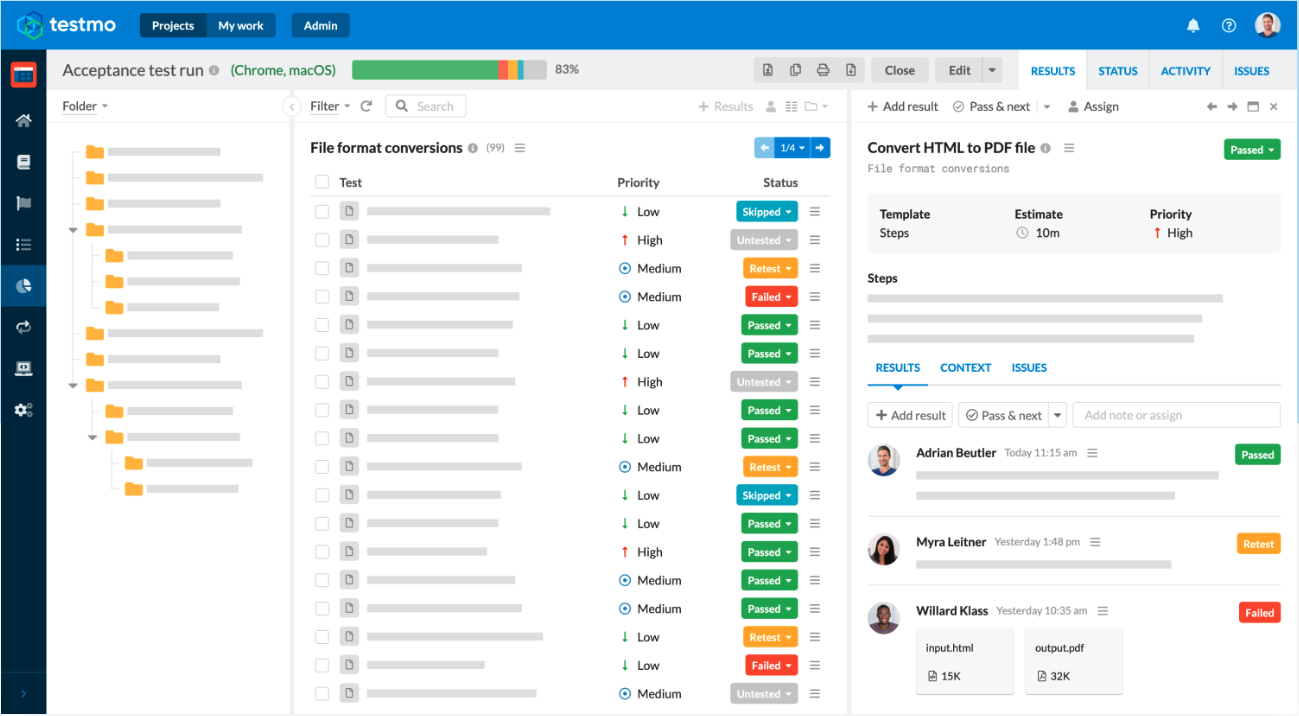
Project management beside a Jira API workflow: ONES.com
ONES.com is a unified project management and knowledge management platform powered by ONES Assistant. ONES Project handles project management, while ONES Wiki provides a knowledge base; they are sold separately.

ONES.com is an adjacent platform option for teams reviewing how they manage projects and team knowledge. It is not a Jira Data Center API client, and Jira API compatibility should not be assumed. If your main need is API integration, continue validating Jira endpoints and permissions directly.
Core capabilities
- Project work spread across separate systems: ONES Project provides project management capabilities, helping teams organize delivery work in one project workspace.
- Workflows that do not match team processes: Custom workflows let teams shape task progression around their approval or delivery steps, reducing reliance on a fixed workflow.
- Project fields that miss important details: Custom fields give teams room to capture information relevant to their work, so project tracking can reflect team needs.
- Sprint planning that needs clearer structure: Sprint management supports planning work into iterations, making it easier for teams to review progress during a cycle.
- Repeated manual project actions: Automation can handle configured recurring actions, which can reduce routine administrative work.
- Limited visibility into project progress: Built-in reporting gives teams a way to review project information without relying entirely on separate reporting plugins.
- Existing Jira habits that are difficult to replace: Jira-compatible workflows can help teams retain familiar ways of organizing work while evaluating a different project platform. This does not mean Jira API requests work unchanged.
- Knowledge kept apart from project work: ONES Wiki provides knowledge management capabilities, giving teams a dedicated place for shared guidance. It is a separate product from ONES Project.
Deployment and application scenarios
ONES.com offers Cloud, On-Premise, Private Cloud, and Air-gapped deployments. Its cloud and self-hosted versions have full feature parity, and the free plan supports up to 30 seats.
A team modernizing project operations could evaluate ONES Project for sprint management, custom workflows, and built-in reporting while documenting its current Jira processes. A team working in a restricted network could assess an air-gapped deployment as part of its infrastructure review.
For teams that need both project tracking and shared knowledge, ONES Project and ONES Wiki can be evaluated as separate products. Compare their fit with your workflow and deployment needs; keep Jira Data Center API integration requirements as a separate technical decision.
Common Jira API integration challenges
- Authentication fails unexpectedly. Check that the token is valid, the request uses the correct authorization format, and the account remains active. Confirm that your Jira version and administrator settings support the chosen method.
- A request works in one environment but not another. Compare base URLs, context paths, proxy routing, and certificate settings. A missing context path can send an otherwise valid request to the wrong route.
- Issue creation returns a field error. Review the response details and check the project’s issue type requirements. Add required fields only after confirming their expected values in your Jira configuration.
- Some matching issues never arrive. Check pagination and whether your search results changed during retrieval. Use smaller requests and an overlapping update window for recurring synchronization.
- Retries create duplicate issues. A timeout may occur after Jira has completed the operation. Check for an existing issue before retrying a create request, and track successful writes by issue key.
Frequently asked questions
What REST API version does Jira Data Center use?
Many Jira Data Center integrations use REST API routes under /rest/api/2. The available routes and fields depend on the Jira release and configuration. Check the REST reference for your installed version rather than assuming every Jira product or release supports the same endpoint.
How do I authenticate to the Jira Data Center API?
Personal access tokens are supported in Jira Data Center versions that provide the feature, including versions 8.14 and later. A token is commonly sent as a bearer token in the authorization header. Your administrator may restrict authentication options, so confirm the permitted method and account permissions first.
How can I find Jira issues through the API?
Use the issue search endpoint with a JQL query, such as a project filter, and request the fields your integration needs. For example, a search can return issue keys, summaries, statuses, and update times. Handle pagination so your integration processes every matching issue rather than only the first page.
Why does creating an issue return an error?
Jira may require fields beyond the project, issue type, and summary. A workflow, project permission, or custom field configuration can also affect issue creation. Read the error response, verify the account can create issues in that project, and test the required field values in a safe project before retrying.
Does a timeout mean Jira rejected my request?
No. The server may have processed a request even if your integration did not receive the response. This matters most when creating issues, because a blind retry can create duplicates. Check whether the intended issue exists before sending the same create request again.
Conclusion
A reliable Jira Data Center API integration begins with the right base URL, a supported authentication method, and an account with the necessary permissions. From there, test small requests, use JQL for focused searches, handle pagination, and check results before retrying writes.
The frustration of a brittle connection is real, especially when missing updates or duplicate issues disrupt daily work. A careful build, clear monitoring, and regular checks after Jira changes can make the integration far more dependable. If you are also reviewing your project management setup, assess platforms such as ONES.com separately from your API implementation.