Jira Personal Access Token Setup: 5 Steps to Stay Secure
Need Jira integrations without exposing your password? Set up a jira personal access token securely in 5 steps. Read now to protect your Jira environment.
A Jira integration suddenly stops working, or a script needs access to an account without using your password. A personal access token can solve that problem, but a poorly managed token may give an attacker a quiet route into your Jira environment.
That risk grows when tokens have broad permissions, never expire, or sit in code where other people can find them. One forgotten credential can keep working long after its original purpose has disappeared.
But here's the truth: setup is straightforward when you know which Jira version you use and how to handle the token afterward. Follow these five steps to create the right credential, limit exposure, test it safely, and revoke it when you no longer need it.
How to set up a Jira personal access token securely
First, check whether you use Jira Cloud or Jira Data Center. Jira Data Center supports personal access tokens in supported versions; Jira Cloud typically uses Atlassian API tokens instead.
Here's why: the setup screens and authentication details differ. Use the steps below as a secure workflow, then follow the version-specific guidance in Step 2.
- Confirm your Jira deployment and access. Check whether your organization uses Jira Cloud or Jira Data Center, and make sure your account can create tokens. An administrator may control token settings or restrict access.
- Create the appropriate credential. In Jira Data Center, open your profile settings and locate Personal access tokens. Choose an expiration date and the narrowest available permissions. In Jira Cloud, open your Atlassian account security settings and create an API token, using scopes and an expiry where available.
- Copy the token once and store it securely. Many systems show the token only during creation. Save it in an approved secrets manager, not in a chat, email, public code repository, or shared notes.
- Connect the integration using the right authentication method. For Jira Cloud API requests, the usual method uses your Atlassian account email and API token with HTTP Basic authentication over HTTPS. For Jira Data Center, follow your version’s supported bearer-token method.
- Test, monitor, and remove access when finished. Make a low-risk request to confirm the integration works. Review token activity where available, rotate credentials when needed, and revoke any token that is unused or exposed.
For example, a scheduled report script should have only the access it needs to read the relevant Jira projects. It should not inherit broader account permissions merely because setup is faster that way.
Jira Cloud and Data Center use different credentials
The phrase “Jira personal access token” is common, but the credential you need depends on your deployment. Jira Data Center offers personal access tokens in supported versions. Jira Cloud commonly relies on Atlassian API tokens.
In Jira Cloud, an API token is associated with an Atlassian account. It is generally paired with the account email for API authentication. In Data Center, a personal access token is typically sent as a bearer token, subject to that installation’s version and configuration.
Let me explain: treating these credentials as interchangeable can lead to failed requests or unsafe workarounds. For instance, copying a Cloud Basic authentication example into a Data Center integration may not match the supported method.
Before creating anything, check your Jira URL and deployment with your administrator. If the token controls differ from the steps above, follow your organization’s guidance and the product instructions for your exact version.
Choose narrow permissions and a realistic expiry
A token should do only the job you created it for. If a reporting integration reads issues from one project, avoid granting write access across every project unless its task genuinely requires that scope.
Where Jira offers scopes or permissions, select the smallest practical set. Also choose an expiry that fits the integration’s expected lifetime. A short-lived test token might last only long enough for a trial, while a maintained service integration may need a planned renewal schedule.
The best part? Narrow access limits the damage a token can cause if someone exposes it. Think of it like giving a contractor a key to one room instead of a master key to the whole building.
Some environments do not provide fine-grained controls for every token type. In that case, reduce risk through account permissions, careful storage, monitoring, and prompt revocation.
Store and use the token without exposing it
Once you create a token, handle it like a password. Keep it in an organization-approved secrets manager or secure environment variable, and restrict access to the people and services that need it.
Do not paste a live token into a public code repository, a browser-based script, a support ticket, or a team chat. Avoid placing it directly in a command that may be saved in shell history or visible in process logs.
For example, a deployment service can retrieve a credential from its secret store when the job runs. That is safer than embedding the token in a script that every contributor can inspect.
Use HTTPS for API requests, and never send credentials over an unencrypted connection. If you suspect a token appeared in a log or message, revoke it immediately and investigate where it may have been copied.
Plan token rotation, monitoring, and revocation
Token creation is only the beginning. Keep a simple inventory of each token’s owner, purpose, creation date, expiry, and related integration. This makes it easier to identify credentials that no longer have a clear use.
Schedule renewal before an important token expires, and test the replacement before removing the old credential when your integration allows a safe transition. A missed renewal can interrupt a nightly sync or automated report.
You might be wondering: should you revoke a token after a suspected leak, even if it still works? Yes. Revoke it promptly, create a replacement with appropriate access, and update the integration through your approved secret-handling process.
Remove tokens when a project ends, an integration is retired, or an account owner no longer needs them. Where audit or activity views are available, review them for unexpected use and follow your organization’s incident process.
Troubleshoot common authentication problems
Authentication errors often come from a mismatch between Jira Cloud and Data Center instructions. Confirm the deployment first, then check that the request uses the correct authentication method for that environment.
If a Cloud request returns an authentication error, verify the Atlassian account email, token status, expiry, and required scopes. For Data Center, confirm the token is active and sent using the method supported by your installed version.
A permission error may mean the account lacks access to the project or issue, even when the token itself is valid. Try a permitted, low-impact request and ask an administrator to review the account’s Jira permissions.
When an integration stops after a credential change, check its secret store and deployment settings. Avoid adding broader permissions as a quick fix; identify the missing permission and grant only what the task requires.
ONES.com as a project management alternative
Value proposition: ONES.com combines project management and knowledge management in one AI-powered platform, with ONES Project and ONES Wiki sold separately. ONES Project is a Jira alternative for teams seeking configurable workflows and built-in project capabilities, including self-hosted deployment options.
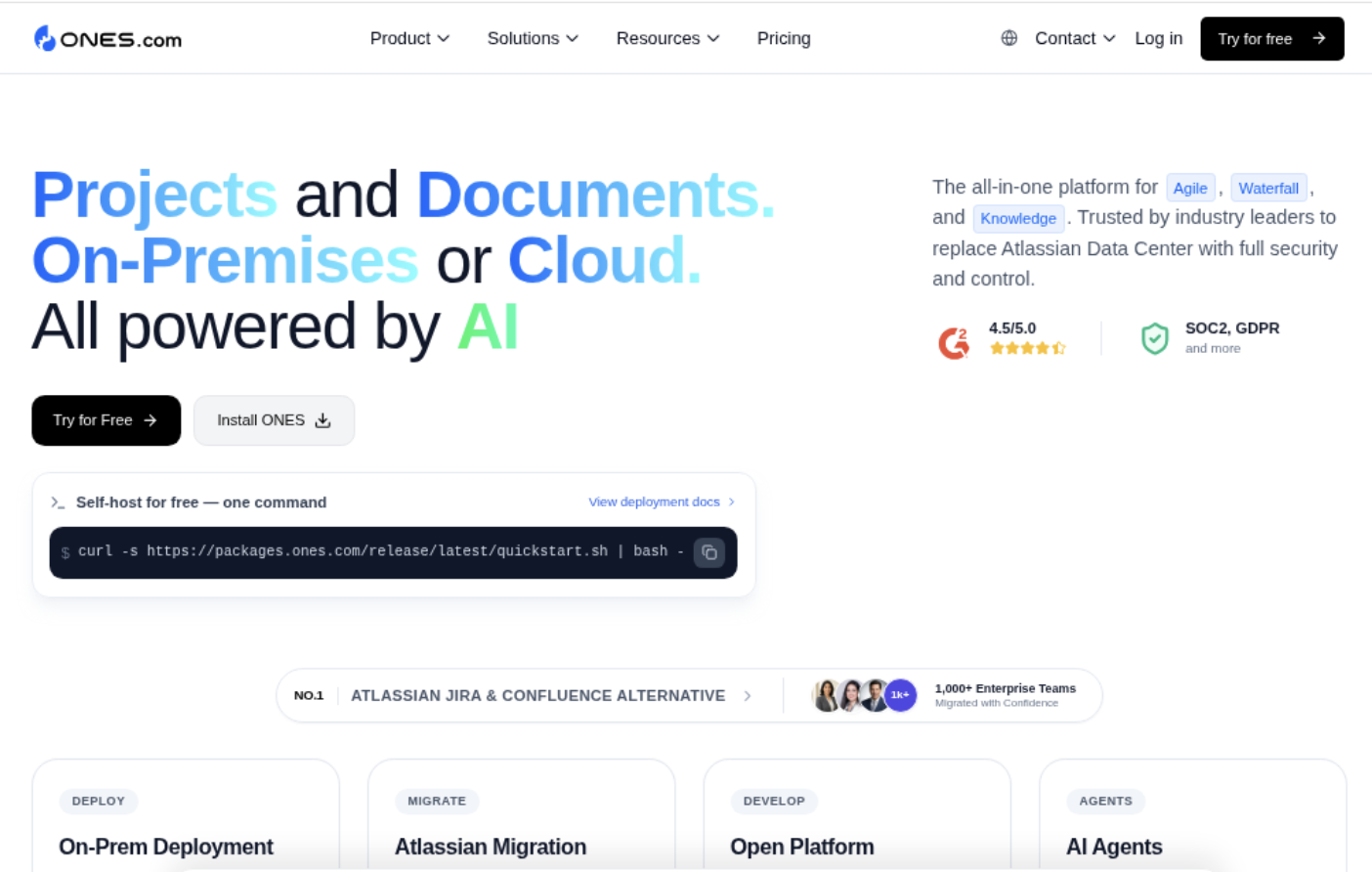
Managing Jira credentials is one part of a wider project security routine. If your team is reviewing its project platform as well, compare access controls, deployment needs, workflow flexibility, and the number of add-ons required for daily work.
Core capabilities
- Fragmented project work → ONES Project brings project management capabilities together → teams can coordinate work in a unified environment.
- Complex processes → Custom workflows and fields let teams reflect their working practices → requests and status changes can follow a clearer path.
- Limited sprint planning → Sprint management supports iterative planning → teams can organize work around their delivery cycles.
- Manual status reporting → Built-in reporting provides project visibility → teams can review progress without relying on a separate reporting add-on.
- Repeated routine tasks → Automation handles supported workflow actions → teams can reduce manual handoffs.
- Jira workflow transition concerns → Jira-compatible workflows help teams preserve familiar patterns → migration planning can focus on process fit.
- Plugin sprawl → Native capabilities can reduce reliance on plugins → teams have fewer separate extensions to maintain.
- Restricted hosting requirements → Cloud, On-Premise, Private Cloud, and Air-gapped deployments are available → organizations can select an option that fits their environment.
ONES.com offers a free plan for up to 30 seats. Its cloud and self-hosted versions have full feature parity, giving teams more choice about deployment without losing feature access.
Application scenarios
A software team reviewing its Jira setup: The team maps existing workflows, sprint routines, custom fields, and reporting needs before comparing alternatives. Jira-compatible workflows and built-in reporting may help it evaluate whether ONES Project fits its current way of working.
An organization with restricted network requirements: A team that cannot use a public cloud service can assess ONES Project’s On-Premise, Private Cloud, or Air-gapped deployment options. It can review hosting requirements alongside workflow and access needs.
Common challenges and practical fixes
- Problem: The token setup option is missing. An administrator may have restricted token creation, or the account may be on a different Jira deployment. Confirm your environment and ask the administrator which credential method is approved.
- Problem: A token works for one request but fails elsewhere. The account may lack the required project permission, or the integration may use the wrong authentication method. Check the request, account access, token status, and deployment-specific guidance.
- Problem: The integration breaks after rotation. The replacement credential may not have reached the service that runs the integration. Update the approved secret store, confirm the service can retrieve it, and test a low-risk request.
- Problem: No one knows who owns an old token. Add ownership and purpose details to your credential inventory. If nobody can confirm a current need, coordinate with the administrator and revoke it safely.
FAQs about Jira access tokens
Is a Jira personal access token the same as an API token?
Not always. Jira Data Center supports personal access tokens in supported versions, while Jira Cloud commonly uses Atlassian API tokens. The names, creation steps, and authentication methods can differ. Confirm your deployment before following a tutorial, and use the credential type Atlassian supports for that environment.
Does Jira Cloud support personal access tokens?
Jira Cloud commonly uses Atlassian API tokens for API authentication rather than the personal access token feature associated with Jira Data Center. Cloud token options may include expiry and scopes, depending on the current account settings. Check your Atlassian security settings and your administrator’s requirements before creating one.
How should I authenticate to the Jira API?
For Jira Cloud, API requests commonly use your Atlassian account email and API token with HTTP Basic authentication over HTTPS. Jira Data Center commonly uses a bearer-token method for personal access tokens, but verify the supported method for your installed version. Keep credentials out of public code and logs.
What should I do if I accidentally expose a token?
Revoke the exposed token promptly, then check where it may have appeared, such as a public repository, log, or message. Create a replacement with the narrowest practical access and update the integration securely. Follow your organization’s incident process, especially if the token could access sensitive projects.
Conclusion
A Jira token can help an integration connect without repeatedly using your account password. The safer approach is to identify your Jira deployment, create the correct credential, limit permissions, store it carefully, and plan expiry and revocation.
But here's the truth: a token remains a valuable credential after setup. Keep track of who owns it and why it exists, and remove it when its job is done. That simple routine can reduce avoidable access risks while keeping essential Jira integrations running.
If your team is also reviewing its project management environment, assess workflow needs, hosting requirements, and plugin dependence alongside credential practices. A clear fit between the platform and your processes makes secure project work easier to maintain.