Jira Poker Planning: A Step-by-Step Team Estimation Guide
Struggling with rushed sprint estimates? Use jira poker planning to align your team and size Jira issues with this step-by-step guide. Read now.
Planning poker can make sprint estimates more thoughtful, but a poorly run session can still end with rushed guesses and unclear Jira tickets. If one person anchors the discussion, quieter teammates may simply agree, leaving your estimates less useful for planning.
That uncertainty can carry into sprint commitments. A team might size a tricky integration at three points, then discover hidden dependencies halfway through the work. Jira can keep estimates connected to issues, but your team still needs a clear process for choosing them.
But here's the truth: a simple, repeatable routine makes planning poker easier to run and easier to trust. This guide walks you through preparing Jira, estimating together, handling disagreement, and turning the results into a realistic sprint plan.
How to Run Jira Poker Planning Step by Step
Planning poker works best when your team estimates each issue independently, discusses meaningful differences, and records one agreed estimate in Jira. Try this sequence during your next refinement or sprint-planning meeting.
- Choose the issues to estimate. Select a manageable group of backlog items, such as the next eight stories your team may consider for a sprint. Avoid estimating work that is too vague to discuss.
- Clarify each story. Read the goal and acceptance criteria aloud. Invite questions about dependencies, edge cases, and what counts as complete before anyone chooses a card.
- Agree on an estimation scale. Use a scale your team understands, such as Fibonacci values: 1, 2, 3, 5, 8, and 13. Explain what the values represent for your team.
- Estimate privately. Each participant picks a value without announcing it. In a digital session, everyone submits a vote before the group reveals its estimates.
- Discuss the spread. Ask the people with the highest and lowest estimates to explain their reasoning. For example, one person may see a routine change while another expects an authentication dependency.
- Vote again if needed. After discussing assumptions, let the team make another private estimate. If the estimates remain far apart, identify missing information or split the story.
- Record the agreed estimate in Jira. Update the team’s agreed estimation field on the issue, then note important assumptions or follow-up work where teammates can find them.
- Review the result before planning. Check that the story is understood, its estimate reflects the discussion, and any blockers or dependencies are visible before selecting sprint work.
For example, imagine a story receives estimates of 3, 5, and 13. The highest estimate may reveal an overlooked permission change. Clarifying that requirement could bring the next round closer together.
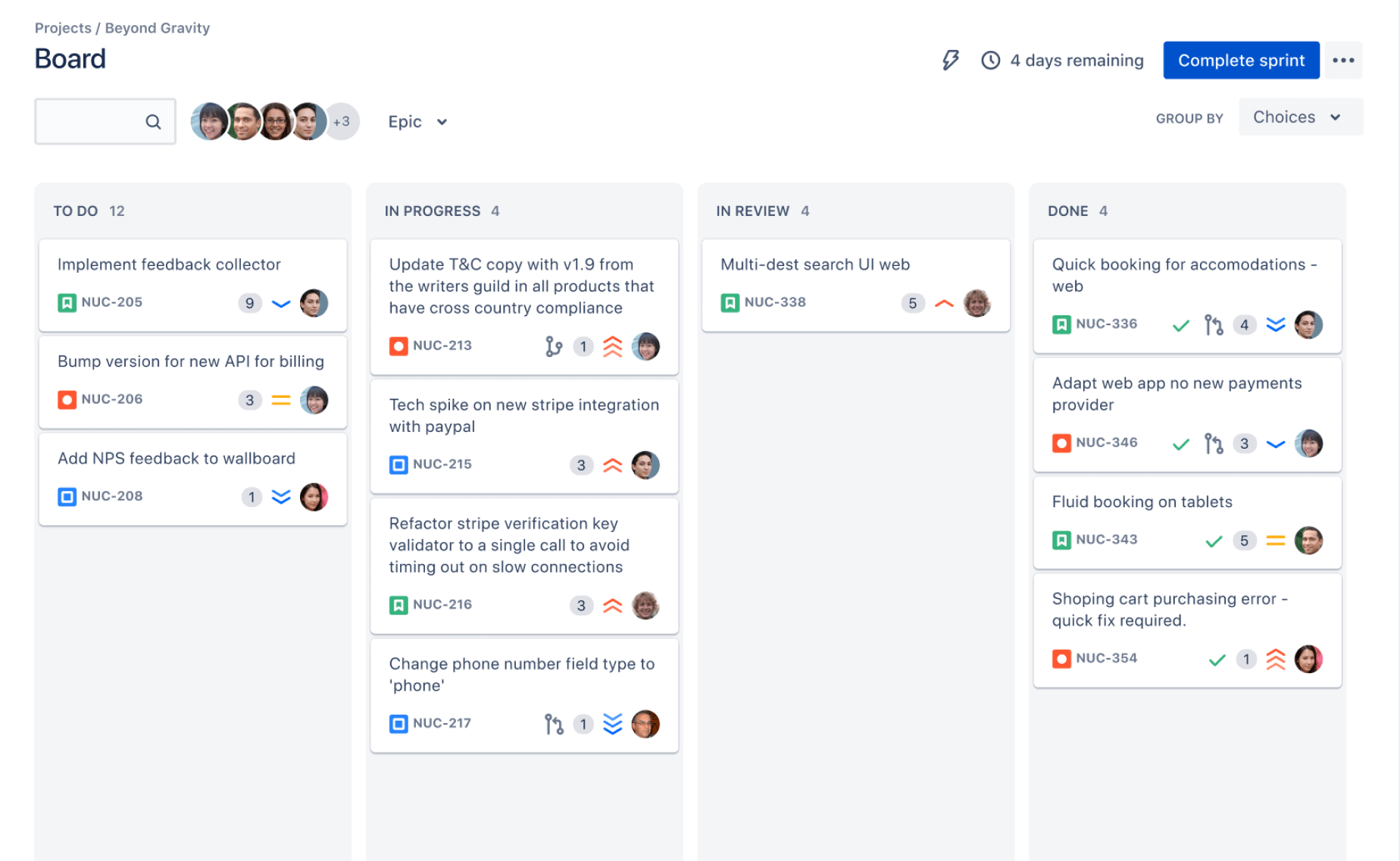
What Planning Poker Means for a Jira Team
Planning poker is a collaborative estimation method in which team members choose effort values privately, reveal them together, discuss differences, and agree on an estimate. A Jira team uses the method to connect those decisions with backlog issues and sprint planning.
The estimate usually represents relative effort, uncertainty, and complexity rather than a promise about hours. A story valued at 8 should feel more demanding than one valued at 3, though the exact ratio is not a time conversion.
Here's why: private estimates reduce the chance that the first number spoken will sway everyone else. A developer who sees a hidden integration risk can explain it before the team settles on a value.
Use a Scale Your Team Can Explain
Many teams use Fibonacci-style values because larger estimates leave room for uncertainty. Your team can use another scale, but agree on its meaning before estimation starts.
- 1–2: Small, familiar work with few unknowns.
- 3–5: Moderate work that may involve several tasks or coordination.
- 8 or higher: A complex story, substantial uncertainty, or a possible need to split the work.
These examples are starting points, not universal definitions. If your team routinely estimates small fixes as 5, discuss why and adjust your shared reference points.
Prepare Jira Issues Before the Estimation Session
Good estimation starts with a clear Jira issue. Before the meeting, check that each candidate story explains the user need, expected outcome, and acceptance criteria in language the whole team can understand.
For example, “Improve search” leaves too much open. A more useful story might specify which records people can search, what filters they need, and how the results should behave when nothing matches.
Check the Issue Details and Estimation Field
Confirm which Jira field your team uses for estimates and where team members can see it. Jira projects and configurations can differ, so check your own setup instead of relying on a particular menu path.
Also look for unresolved questions, external dependencies, and work that belongs in a separate issue. A story that needs a security decision may require clarification before its estimate can support sprint planning.
- Make the expected outcome clear.
- Include acceptance criteria the team can discuss.
- Flag dependencies and unanswered questions.
- Confirm that everyone knows where the final estimate belongs.
Let me explain: a planning session is a poor place to discover that half the stories lack basic context. A short refinement review can keep estimation focused on effort rather than missing details.
Run the Discussion Without Letting One Voice Set the Estimate
After revealing the first round, invite the people with the lowest and highest estimates to explain their assumptions. Ask what they noticed, rather than asking them to defend a number.
Suppose one teammate estimates a payment change as 3 because the interface already supports similar work. Another estimates 8 because they expect a payment-provider review. The conversation should establish whether that review is required and whether it belongs in this story.
Keep the Discussion Focused
Set a reasonable time limit for each issue. If the team cannot resolve a major uncertainty quickly, record the question and assign someone to investigate it before the next estimation round.
The best part? A large disagreement can reveal useful information even when the team does not settle on a number immediately. The team might split a story, add an acceptance criterion, or identify a dependency that was easy to miss.
- Invite quieter participants to share their reasoning.
- Keep the conversation about assumptions and work, not personal performance.
- Pause or split a story when the team lacks enough information.
- Capture follow-up actions so unresolved questions do not disappear.
Turn Jira Estimates Into a More Useful Sprint Plan
Once the team agrees on estimates, use them alongside priority, dependencies, and recent delivery patterns when discussing sprint capacity. An estimate helps compare work; it does not guarantee exactly how much your team will finish.
For instance, a team might have completed 20 story points in each of its last three sprints. That history can inform a conversation about capacity, but planned leave or a new team member may change what is realistic this time.
Review completed work after the sprint. If similarly sized stories keep taking very different amounts of effort, explore the reasons together. A hidden testing step or recurring dependency may suggest a change to your refinement process.
Keep the estimate and the discussion connected to the Jira issue. Clear notes about assumptions help the next person understand why a story received its value, especially when priorities change before work begins.
ONES.com for Structured Estimation Workflows
ONES.com is a unified project management and knowledge management platform powered by ONES Assistant. ONES Project provides project management capabilities as a Jira alternative, while ONES Wiki provides knowledge management as a Confluence alternative. They are sold separately.
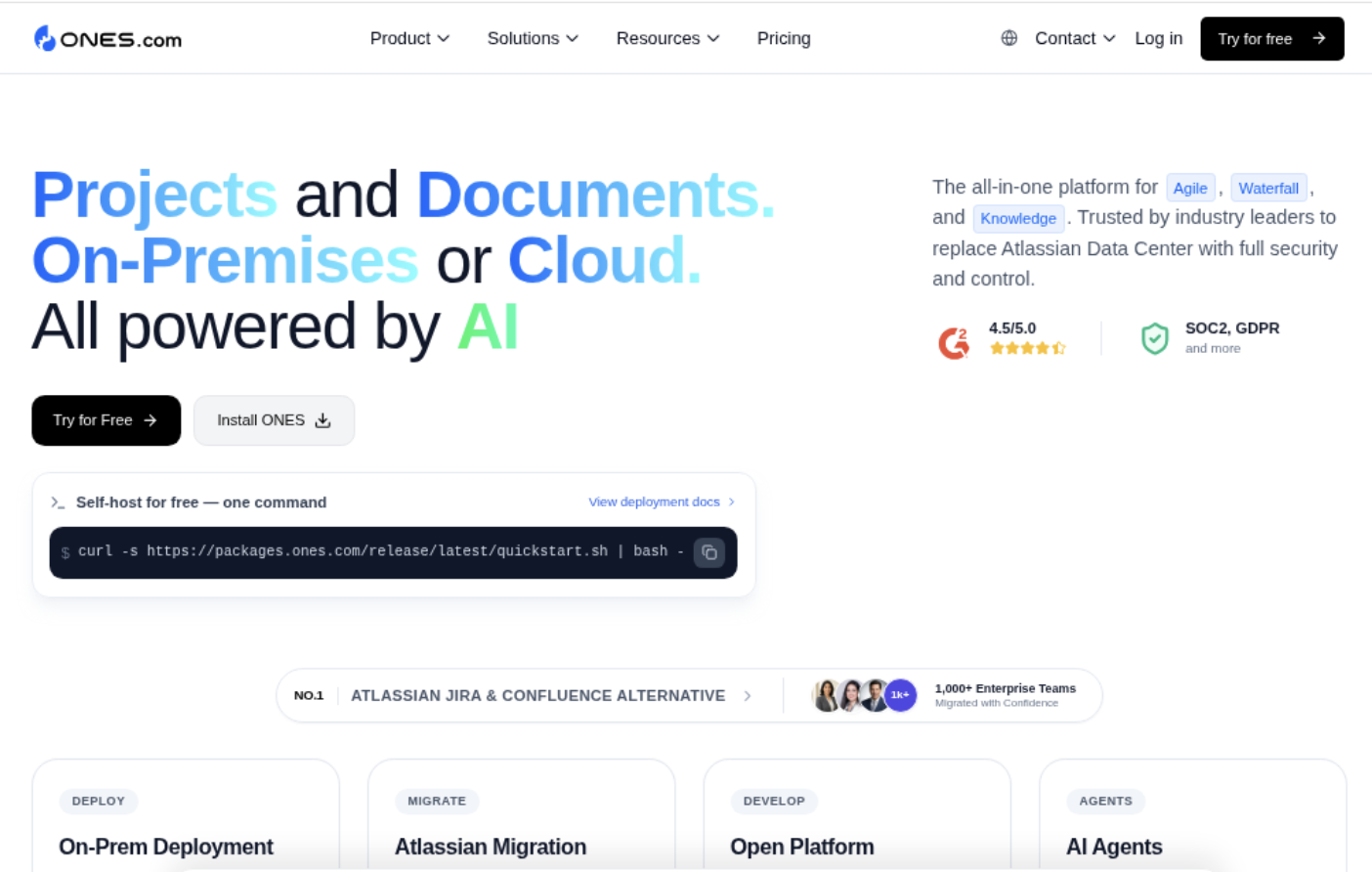
For a team that estimates work in Jira today, ONES Project offers Jira-compatible workflows and tools for managing issues, sprint work, and reporting. You can use custom workflows and fields to reflect how your team prepares and reviews estimates.
Core Capabilities for Estimation and Sprint Work
- Estimates are hard to keep consistent → Custom fields → Define where your team records an agreed estimate and keep that information visible on the relevant work item.
- Issue stages do not match your process → Custom workflows → Set up stages for refinement, ready-for-estimation, and sprint-ready work to make progress easier to follow.
- Sprint planning feels disconnected from estimation → Sprint management → Organize estimated work into sprints and review the plan alongside the work your team has selected.
- Teams rely on extra plugins for routine project needs → Built-in reporting → Review project progress and sprint information within the platform, reducing reliance on plugins for common workflows.
- Repeated project tasks take time → Automation → Automate suitable workflow actions so routine handoffs require less manual coordination.
- Jira migration raises workflow concerns → Jira-compatible workflows → Support familiar project practices while adapting workflows and fields to your team’s needs.
- Self-hosting is important → On-premise, private cloud, and air-gapped deployments → Choose a deployment option that fits your organization’s environment and requirements.
- Cloud and self-hosted teams worry about feature gaps → Full feature parity → Use the same feature set across cloud and self-hosted versions.
Where Teams Might Apply It
A software team could create a refinement stage, add an estimation field, and move clarified work into sprint planning. During the meeting, teammates discuss each issue and record the agreed estimate in its field.
A team working in a restricted network could use an air-gapped deployment while keeping its estimation and sprint workflow within that environment. ONES.com offers four deployment options: Cloud, On-Premise, Private Cloud, and Air-gapped.
ONES.com offers a free plan for up to 30 seats. If you need both project and knowledge management, remember that ONES Project and ONES Wiki are sold separately.
Common Challenges With Jira Poker Planning
One Person’s Estimate Influences Everyone Else
Problem: The first number spoken can anchor the discussion, especially when a senior teammate shares it. Solution: Ask everyone to choose privately and reveal estimates at the same time.
The Team Cannot Agree on the Scale
Problem: One person treats 5 as a small task, while another sees it as a large commitment. Solution: Discuss a few completed examples and write down what your team’s common values generally mean.
Stories Receive High Estimates Because They Are Vague
Problem: Team members may estimate uncertainty in the requirements rather than the work itself. Solution: Clarify acceptance criteria, identify unanswered questions, or split the story before estimating again.
Estimates Are Treated as Hourly Commitments
Problem: A point value can become a deadline promise, even though it represents relative effort. Solution: Explain the purpose of your scale and use sprint history and current capacity when planning delivery.
FAQs About Jira Poker Planning
Does Jira include planning poker by default?
Jira teams can use planning poker with a compatible add-on or a separate voting method, depending on their setup. Features and configuration vary, so check what your Jira instance supports before a session. Whatever method you use, make sure everyone can estimate independently, reveal their choices together, and record the team’s agreed value on the issue.
Should planning poker estimates represent hours?
Usually, teams use planning poker to estimate relative effort, complexity, and uncertainty rather than exact hours. A 5-point story should be more demanding than a 2-point story in your team’s context. Avoid converting points directly into a fixed number of hours unless your team has a clear reason and understands the limitations.
What should we do when estimates remain far apart?
Ask the people with the highest and lowest estimates what assumptions led them there. The gap may point to a hidden dependency, missing requirement, or different understanding of the work. If the team cannot resolve the issue during the meeting, record the unanswered question, assign a follow-up, and return to the estimate once you have clarity.
How many stories should we estimate in one session?
There is no single ideal number. Choose a group your team can discuss without rushing; eight well-prepared stories may be more useful than twenty unclear ones. If people lose focus or conversations become shallow, break the session into smaller groups and schedule another refinement meeting for the remaining work.
Can we change an estimate after work begins?
Teams sometimes discover important information after a story starts. Discuss whether the original estimate still reflects the work, then follow your team’s practice for updating it. Keep the reason visible to the team so the change informs future estimation. Avoid changing estimates simply to make completed work appear more predictable.
Conclusion
Jira poker planning gives your team a structured way to estimate work: clarify the issue, vote privately, discuss differences, and record an agreed value. The routine helps surface assumptions before they become sprint surprises.
Start with a small set of well-prepared stories and a scale everyone understands. If disagreement points to missing information, capture the question rather than forcing a quick estimate. Then use the team’s recent experience to plan work with care.
When the process is clear, estimates become more useful conversations about complexity and uncertainty. Keep the Jira workflow easy to follow, review what your team learns each sprint, and adjust your approach as the work changes.