Jira Premium Features: A Clear Guide to What’s Included in 2026
Need better control across projects? Explore jira premium features for planning, automation, administration, and support. Read now to see what’s included in 2026.
Jira Standard can handle everyday issue tracking, but growing teams often hit limits when planning work across projects, testing changes, or meeting tighter support expectations. Those gaps can create extra admin effort and make delivery harder to coordinate.
Jira Premium adds planning, administration, automation, and support capabilities, yet the exact value depends on how your team works. Paying for a higher tier without understanding its limits can leave useful features untouched.
Here's the truth: Jira Premium is most useful when you need to coordinate several teams or manage work at scale. This guide explains what it includes, how its features help, what to check before upgrading, and how to compare your options in 2026.
Jira Premium at a Glance: What You Get
Jira Premium is a Jira Cloud plan that adds advanced planning, administration, automation, and service features to the capabilities available in lower tiers. Its main appeal is helping teams coordinate work across multiple projects while giving administrators more control.
Here’s why: a team managing one small project may get little practical value from cross-project planning. A product organization coordinating several teams, releases, and dependencies may benefit much more.
| Capability | What it helps you do |
|---|
| Advanced planning | Coordinate work across projects, map dependencies, and plan capacity. |
| Sandbox and release tracks | Test changes and manage how updates reach your Jira environment. |
| Higher automation capacity | Run more automation rules as your team’s workflows grow. |
| Premium support and SLA | Access enhanced support and a stated uptime commitment. |
| Unlimited storage | Reduce storage constraints as project content accumulates. |
Plan details can change, and an organization’s contract or region may affect its entitlements. Check the current Atlassian plan page and your subscription details before making a purchase decision.
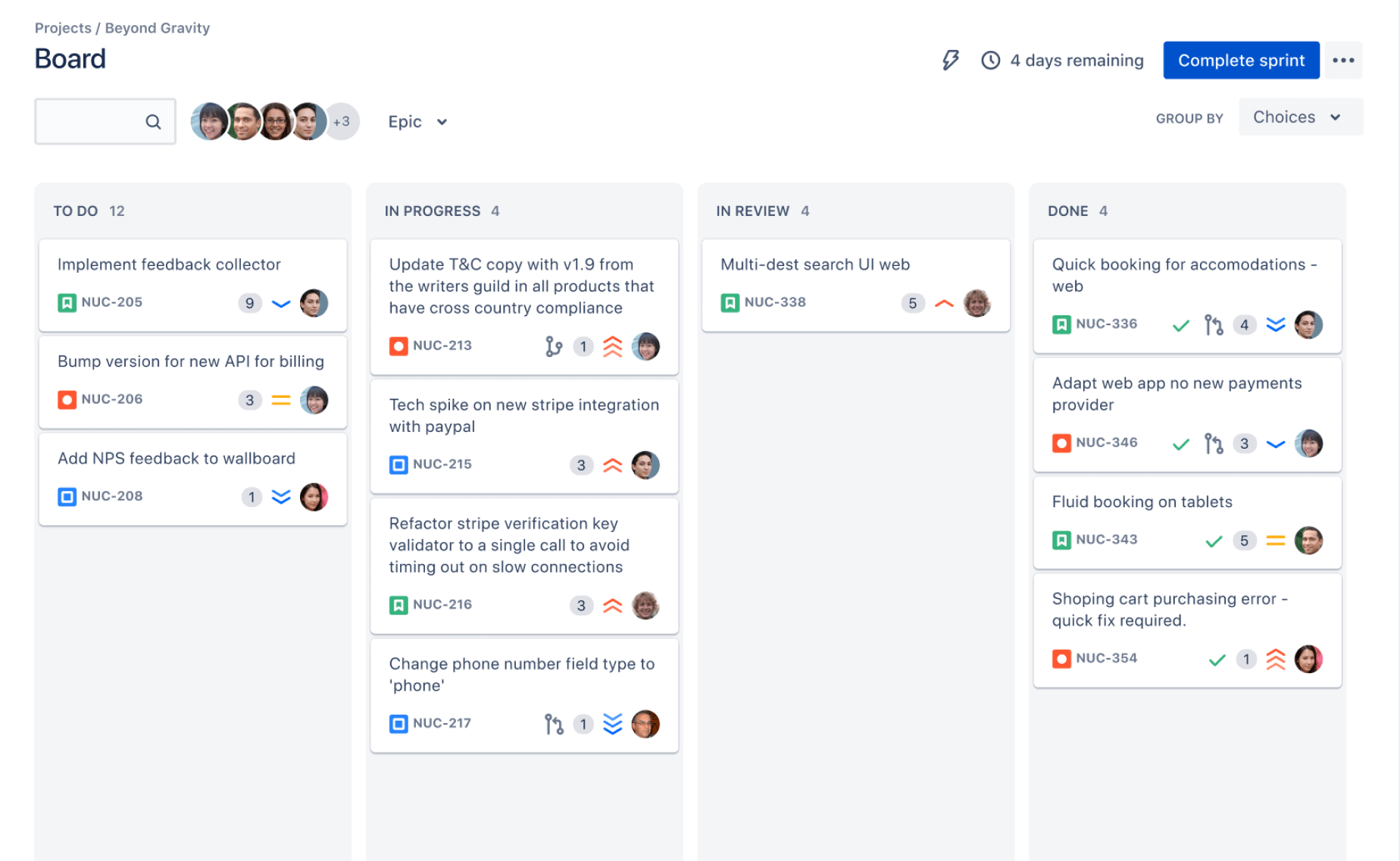
Jira Premium Features in Detail
Advanced planning with Plans
Plans help you view and coordinate work across multiple projects. You can map dependencies, review team capacity, and create a higher-level view of schedules and milestones.
For example, a mobile app release might depend on a platform upgrade and a security review. A plan can show those relationships together, helping you spot delays before they affect the launch.
Planning views are especially useful when teams need to discuss priorities at different levels. Individual teams can manage their issue details, while program leads review timing and dependencies across projects.
Sandbox environments for safer changes
A sandbox gives administrators a separate environment for testing configuration changes before applying them to a live Jira site. You can check how a workflow adjustment or app configuration behaves without making the change directly for everyone.
Imagine you want to change how work moves from “In Progress” to “Ready for Review.” Testing the new workflow in a sandbox can reveal missing permissions or confusing transitions before the team relies on it.
Sandbox availability and management rules can depend on the current plan and setup. Confirm the limits that apply to your organization, including how environments are refreshed and who can use them.
Release tracks and controlled updates
Release tracks give administrators more control over when certain product changes reach their Jira environment. That can help teams prepare for updates and coordinate internal testing.
This is helpful for organizations with change-management procedures. An administrator can assess upcoming changes with a smaller group before the wider team encounters them, where the available track options support that approach.
Release controls do not mean every change can be postponed indefinitely. Review the current controls and update policies so your rollout expectations match what Atlassian provides.
More room for automation
Automation can handle repetitive work, such as assigning an issue when its component changes or notifying a channel when a high-priority bug is created. Premium raises automation capacity compared with lower plans.
Consider a support team that routes incoming requests by product area. A rule can assign each issue to the right group and add a label, saving staff from repeating the same steps throughout the day.
Higher capacity is useful when many rules run across projects, but it does not replace good rule design. Review which automations provide value, remove duplicate actions, and monitor usage against your current plan allowance.
Uptime commitment, support, and storage
Jira Premium includes a stated uptime SLA and enhanced support compared with lower tiers. Atlassian also lists unlimited storage for Premium, which can reduce concerns about reaching a plan storage cap.
These benefits matter most when Jira supports work that cannot easily pause. A company with teams in several time zones may value around-the-clock support more than a small group with flexible schedules.
Read the SLA terms carefully. An uptime commitment has defined conditions and remedies; it is not a promise that service interruptions will never occur.
How Premium Compares With Jira Standard
Jira Standard can be enough when your team needs issue tracking, project workflows, and everyday collaboration. Premium becomes more relevant when cross-project planning, sandbox testing, higher automation capacity, or enhanced support addresses a clear operational need.
For example, a five-person team tracking a single website refresh may not need program-level planning. A company coordinating software, operations, and compliance teams across several releases may need dependency visibility and capacity planning.
| Need | What to assess |
|---|
| One or two straightforward projects | Check whether Standard already covers the team’s planning and administration needs. |
| Work across several teams and projects | Assess Plans, cross-project visibility, dependencies, and capacity planning. |
| Frequent workflow or configuration changes | Consider whether sandbox testing and release controls reduce risk. |
| Many automated actions | Measure current rule usage and compare it with Premium’s allowance. |
| Higher service expectations | Review the SLA terms and support access against your business requirements. |
The best comparison starts with actual needs, not a feature count. List the problems your team faces, estimate how often they occur, and identify which Premium capability would address each one.
Who Benefits Most From Jira Premium?
Jira Premium tends to suit organizations where work crosses project boundaries. Program managers can use Plans to understand dependencies, while team leads can use capacity views to discuss whether schedules are realistic.
It can also help Jira administrators who regularly test configuration changes or manage many automation rules. A sandbox provides a place to check changes, and greater automation capacity can support larger workflows.
Premium may be less compelling for teams with stable workflows and a small number of projects. If no one needs advanced planning or additional administrative controls, the higher tier may add cost without changing daily work.
You might be wondering: how can you tell before upgrading? Pick a real initiative, such as a quarterly release, and map its projects, dependencies, and recurring admin tasks. Then test whether Premium features solve specific points of friction.
How to Decide Whether to Upgrade
- List your current constraints. Record where work gets delayed, such as unclear dependencies, limited automation, or risky configuration changes.
- Connect each constraint to a feature. Match a planning issue to Plans, a testing concern to sandbox capabilities, or support needs to the Premium support terms.
- Check actual usage. Review automation activity, project complexity, and the frequency of changes instead of estimating from memory.
- Estimate the impact. Consider time saved, fewer coordination mistakes, or reduced release risk. Use a recent project as a practical example.
- Confirm current plan terms. Verify pricing, feature access, limits, support coverage, and any contract-specific conditions with Atlassian.
- Review after the change. Set a date to see whether the features are being used and whether they address the constraints you identified.
Let me explain: a feature can look valuable in a product tour and still go unused. If no one owns cross-project planning, for instance, Plans may not improve coordination by itself.
A short evaluation with defined measures helps. You might track how often teams discover a dependency late, how much time administrators spend testing changes, or whether automation limits interrupt routine work.
Value Proposition
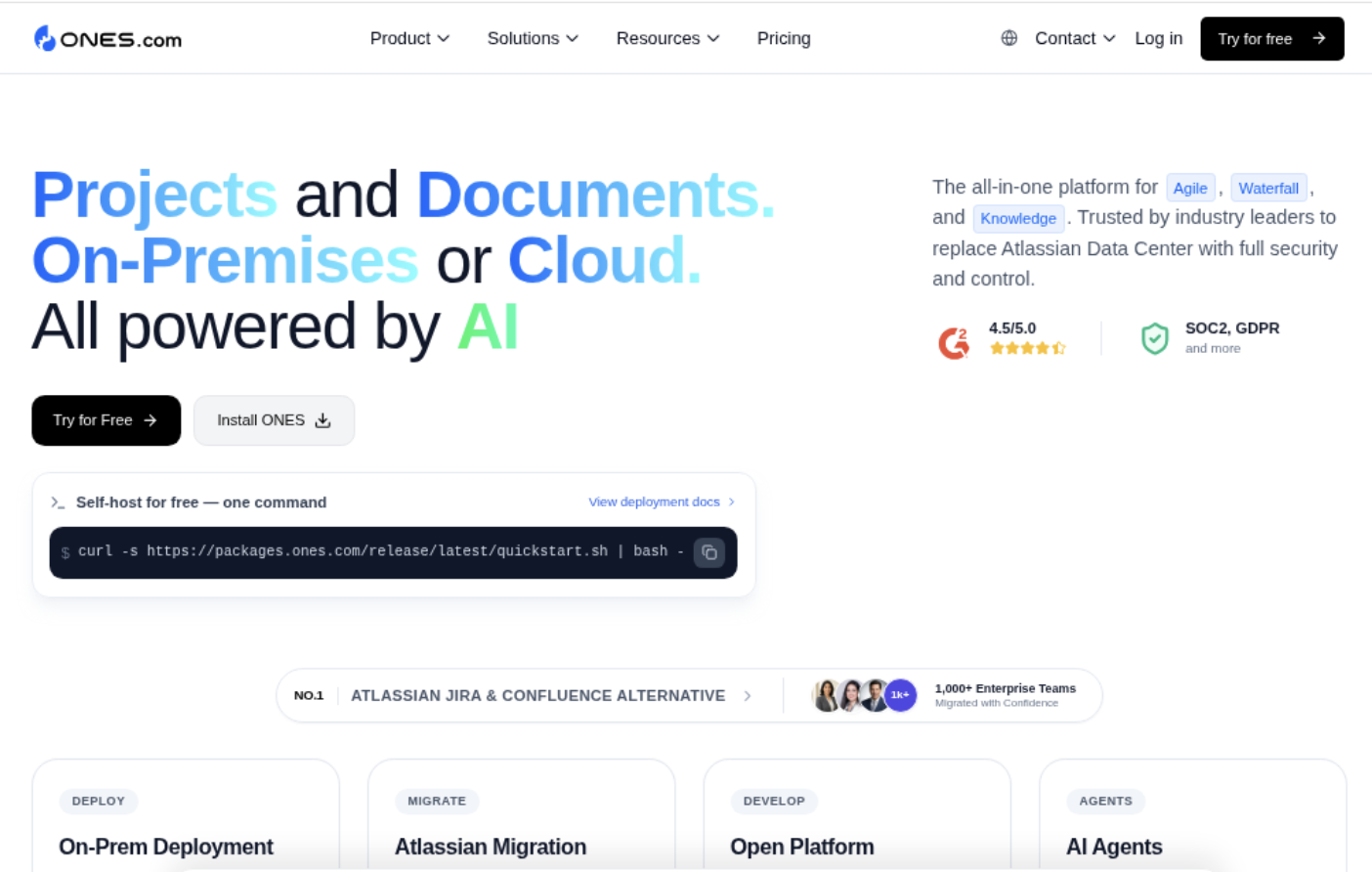
ONES.com combines project management and knowledge management in one platform, with separate products for each need. ONES Project offers project workflows for teams comparing Jira alternatives, while ONES Wiki provides a knowledge base option as a Confluence alternative.
For teams assessing deployment flexibility, ONES.com is available in Cloud, On-Premise, Private Cloud, and Air-gapped deployments. Its free plan supports up to 30 seats, and the cloud and self-hosted versions have full feature parity.
Core Capabilities
- Need Jira-compatible workflows → ONES Project supports Jira-compatible workflows → teams can evaluate a familiar issue-tracking approach while considering a Jira alternative.
- Need project reporting → Built-in reporting provides project visibility → teams can review progress without relying on a separate reporting add-on.
- Need custom processes → Custom workflows and fields let teams shape issue tracking → teams can reflect their own approval steps and work categories.
- Need sprint coordination → Sprint management supports iterative planning → delivery teams can organize and review work in sprint cycles.
- Need routine actions handled automatically → Automation supports repeatable workflow actions → teams can reduce manual updates and routing.
- Need project and knowledge work together → ONES.com brings project management and knowledge management under one platform → teams can choose ONES Project, ONES Wiki, or both.
- Need an on-premise or restricted-network option → ONES.com offers On-Premise, Private Cloud, and Air-gapped deployments → organizations can assess deployment choices that fit their operating environment.
- Need a lower-risk evaluation → The free plan supports up to 30 seats → a small team can explore the platform before considering a wider rollout.
Application Scenarios
A software team comparing Jira Premium alternatives could evaluate ONES Project against its existing workflows. It can check custom fields, sprint planning, reporting, and automation with a representative project before deciding whether the setup fits.
An organization with strict network requirements could assess an Air-gapped or self-hosted deployment. It can also consider ONES Wiki separately if teams need a knowledge base alongside project management.
ONES.com products are sold separately. Compare the exact functions, deployment terms, and commercial details your team needs, then run a practical evaluation with the people who will administer and use the system.
Common Challenges When Evaluating Jira Premium
Paying for features the team does not use
Problem: A team upgrades for a specific capability but never changes its planning or administration habits.
Solution: Assign an owner to each feature you intend to use. Set a review date and check whether the capability has changed a real workflow.
Assuming every Premium feature is relevant
Problem: A long feature list can make an upgrade feel automatically worthwhile.
Solution: Prioritize the two or three constraints that create the most friction. Evaluate the corresponding features and leave the rest out of the decision.
Underestimating automation growth
Problem: New rules can increase automation usage quickly, especially when copied across multiple projects.
Solution: Review rule activity, remove duplicate logic, and confirm the current allowance for your subscription before adding more automations.
Overlooking rollout and administration effort
Problem: Planning tools and sandboxes need ownership, access rules, and clear procedures to provide value.
Solution: Decide who maintains plans, tests configuration changes, and communicates updates. Include this work in the upgrade assessment.
Frequently Asked Questions
What are the main features included in Jira Premium?
Jira Premium’s main additions include advanced planning through Plans, sandbox environments, release-track controls, increased automation capacity, enhanced support, a stated uptime SLA, and unlimited storage. The exact entitlements and limits can change, so check the current plan details for your subscription. Your team should focus on the features that address its specific planning, administration, or service needs.
Does Jira Premium include Advanced Roadmaps?
Jira’s advanced planning capabilities are available through Plans, which support work across projects, dependencies, and capacity planning. Teams often associate these capabilities with the earlier Advanced Roadmaps name. Check the current Jira interface and plan details to confirm the available functions, because product names and packaging can change over time.
Is Jira Premium worth it for a small team?
It depends on the work the team needs to coordinate. A small team managing one straightforward project may not need cross-project planning or expanded administration features. A small group handling several connected projects, frequent workflow changes, or demanding support requirements could still benefit. Compare the cost with concrete problems rather than team size alone.
Does Jira Premium guarantee there will be no downtime?
No. Premium includes a stated uptime SLA, which describes a service commitment under defined terms. It does not mean interruptions are impossible. Review the SLA conditions, coverage, and applicable remedies so you understand what the commitment means for your organization’s operating requirements.
How should I evaluate Jira Premium against another platform?
Start with a representative project and identify the workflows, reporting, planning, deployment, and administration requirements that matter most. Test those tasks in each platform, and include the effort required to configure and maintain them. Compare current pricing and support terms as well. A practical trial gives your team stronger evidence than a feature checklist alone.
Conclusion
Jira Premium adds advanced planning, sandbox testing, release controls, higher automation capacity, enhanced support, an uptime commitment, and unlimited storage. Those features can help teams coordinating complex work, while simpler projects may find Standard sufficient.
Before upgrading, connect each feature to a real constraint and confirm the current plan terms. If you are comparing alternatives, include deployment needs, workflows, reporting, and administration effort in the evaluation.
The best choice is the one that removes friction your team actually encounters. Start with a clear problem, test a practical solution, and review whether it improves the way work gets delivered.