Jira Python Integration: A Step-by-Step Setup Guide (2026)
Need to automate Jira without API or credential errors? Set up a secure jira python integration step by step with REST API and requests. Read now.
Connecting Python to Jira can turn repetitive project work into a reliable automation routine. But a wrong API version, expired credential, or missing permission can stop your script before it creates a single issue.
That kind of failure is frustrating when you only need a small task done, such as checking an issue or creating one from a form. It can also expose sensitive credentials if you put them directly into your code.
Here's the truth: you can build a safe, useful Jira integration with Python using Jira’s REST API and the requests package. I’ll walk you through setup, authentication, a working API call, common problems, and practical ways to keep the integration dependable.
How to connect Python to Jira: step-by-step setup
The quickest path is to use Jira’s REST API with Python’s requests library. For Jira Cloud, authenticate with your Atlassian account email and an API token; for Jira Data Center, use an authentication method supported by your administrator.
-
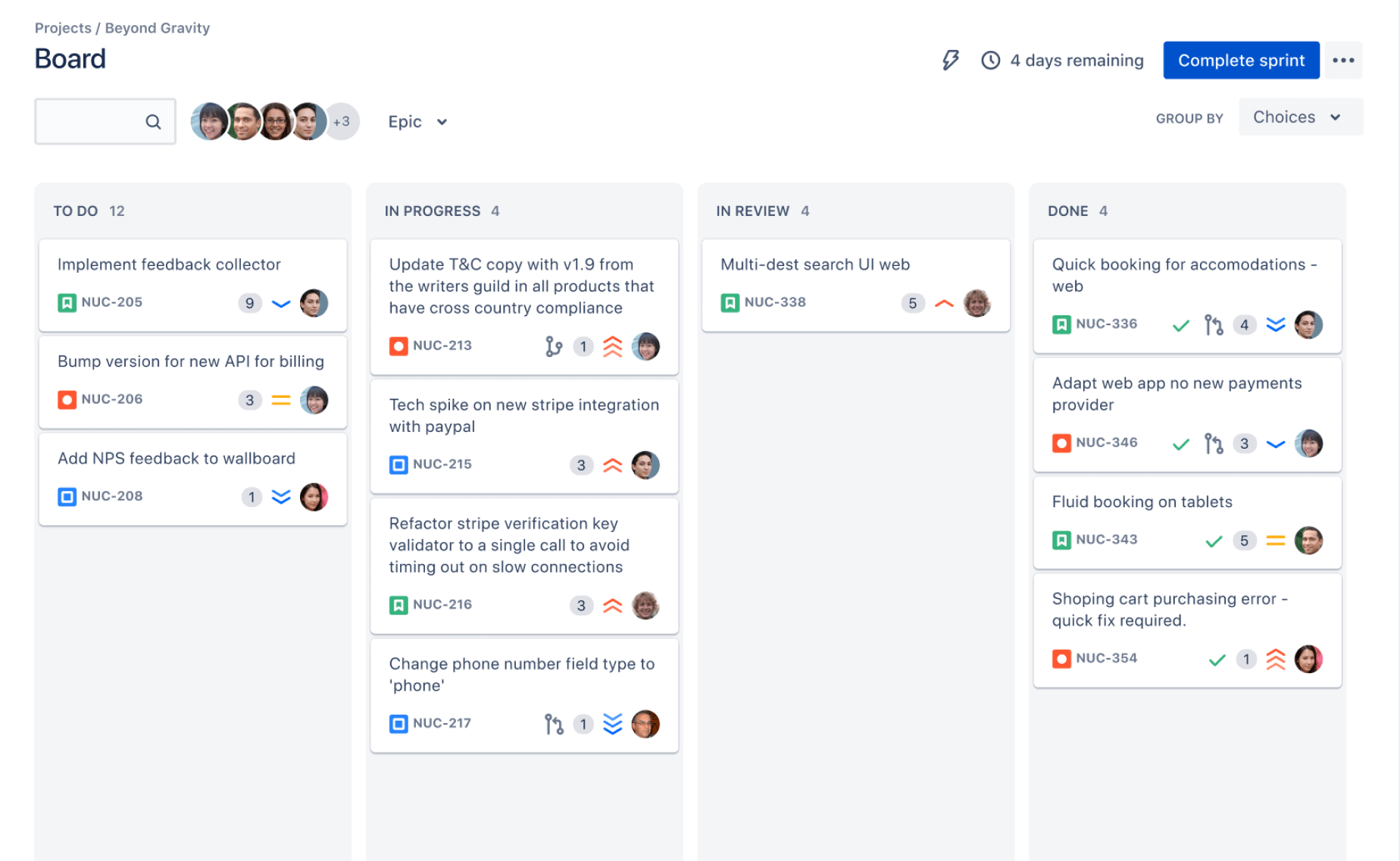
Confirm your Jira type and access
Check whether your organization uses Jira Cloud or Jira Data Center. The base address and API version depend on that choice. Cloud sites often look like https://your-company.atlassian.net; Data Center sites commonly use a company-managed address.
Make sure your account can view the project and issue you plan to access. If your script will create or edit issues, ask a Jira administrator to confirm those permissions before you start.
-
Set up Python and install requests
Use a supported Python 3 version, then install the HTTP library in your project environment:
python -m pip install requests
If you use a virtual environment, activate it before installing the package. That keeps the integration’s dependencies separate from other Python projects on your computer.
-
Create credentials for the right environment
For Jira Cloud, create an Atlassian API token and use it with the email address associated with your Atlassian account. Treat the token like a password: give it only to the integration and revoke it if it is exposed.
For Data Center, ask your administrator which option is enabled. Depending on the installation, that may be a personal access token or another approved authentication method. Avoid putting credentials directly in your Python script.
-
Store your settings outside the script
Set environment variables for your Jira address, account email, token, and API version. For example, you could use JIRA_BASE_URL, JIRA_EMAIL, JIRA_TOKEN, and JIRA_API_VERSION.
Cloud generally uses REST API version 3; many Data Center installations use version 2. Confirm the supported version for your Jira installation rather than assuming both environments behave identically.
-
Make a test request
Try retrieving one issue that you are allowed to view. Set your environment variables before running this example, and replace the issue key with one from your project.
import os
import requests
from requests.auth import HTTPBasicAuth

base_url = os.environ["JIRA_BASE_URL"].rstrip("/")
email = os.environ["JIRA_EMAIL"]
token = os.environ["JIRA_TOKEN"]
api_version = os.environ.get("JIRA_API_VERSION", "3")
issue_key = "DEMO-42"

response = requests.get(
    f"{base_url}/rest/api/{api_version}/issue/{issue_key}",
    auth=HTTPBasicAuth(email, token),
    headers={"Accept": "application/json"},
    timeout=30,
)

response.raise_for_status()
issue = response.json()

print(issue["key"], issue["fields"]["summary"])
A successful response prints the issue key and summary. If the request fails, check the status code and error message before changing the code; the message often points to an authentication, permission, or address problem.
-
Add issue creation only after the test works
Creating an issue needs a project key, summary, and issue type that exist in your Jira project. This example sends a basic request; your project may require additional fields.
payload = {
    "fields": {
        "project": {"key": "DEMO"},
        "summary": "Created through a Python integration",
        "issuetype": {"name": "Task"}
    }
}

response = requests.post(
    f"{base_url}/rest/api/{api_version}/issue",
    auth=HTTPBasicAuth(email, token),
    headers={
        "Accept": "application/json",
        "Content-Type": "application/json"
    },
    json=payload,
    timeout=30,
)

response.raise_for_status()
print(response.json()["key"])
Start by creating a test issue in a non-production project. Once you confirm the required fields and permissions, adapt the request to your workflow and add clear logging.
Choose the right authentication and API version
Authentication depends on where Jira runs. Jira Cloud and Jira Data Center may use different credentials and API behaviors, so identify the environment before debugging a request.
For a Cloud script, HTTP Basic authentication commonly combines the Atlassian account email with an API token. It does not mean you should use your normal account password. For Data Center, follow the authentication method your administrator has enabled.
Here's why: a request can be syntactically correct and still fail if it uses credentials intended for another environment. For example, a Cloud API token will not automatically work on a private Data Center installation.
API versions can also affect how fields are represented. Jira Cloud’s REST API v3 uses Atlassian Document Format for some rich-text fields, while many Data Center integrations use v2. Check the REST API documentation for your specific Jira release when reading or writing complex fields.
Read, search, and create issues with Python
Once authentication works, keep each script focused on a specific task. A status checker might retrieve an issue by key, while a project utility could search for issues matching a JQL query.
For a simple issue lookup, the endpoint in the setup example is often enough. To search, use Jira’s issue search REST endpoint and pass a JQL query such as project = DEMO AND status = "In Progress". Confirm the current endpoint and pagination method for your Jira version.
The best part? You can start small. For example, retrieve an issue’s key, summary, and status before building a report that checks many issues or creates follow-up tasks.
When creating issues, send only fields that your project accepts. A team’s Task type might require a component or priority, while another project may reject those same fields. Test changes in a safe project before automating a production workflow.
Handle errors, pagination, and rate limits
A dependable integration expects requests to fail sometimes. A 401 response often points to credentials, while a 403 response usually means the account lacks permission. A 404 may indicate an incorrect address or an issue the account cannot access.
Use raise_for_status() for basic error detection, then add logging that records the status code and a useful message. Never print tokens or full authorization headers. For temporary network errors or rate limits, use a controlled retry with a delay instead of sending requests repeatedly.
Search results may arrive in pages rather than one complete response. Follow the pagination details returned by the API and stop when no more results remain. For example, a project report covering hundreds of issues should request each page and combine the relevant fields as it goes.
Let me explain: an API request is a conversation with Jira, not a guaranteed one-time operation. A timeout may happen after Jira has received a create request, so retrying blindly can create duplicate issues. Use a practical check or idempotency approach where repeated actions would cause problems.
Protect credentials and maintain the integration
Keep tokens in environment variables or a managed secrets service rather than hard-coding them. Limit access to the account used by the integration, rotate credentials when required, and revoke tokens that are no longer needed.
Separate configuration from behavior so a test environment and production environment can use different Jira addresses and credentials. Before deployment, verify that logs exclude secrets and that the script handles missing settings clearly.
Jira projects change over time. Administrators may rename issue types, add required fields, or adjust permissions. A small scheduled check can help you spot authentication or API failures before someone relies on an outdated report.
You might be wondering: should you build a full application immediately? Usually, no. First automate one well-defined task, such as checking for overdue issues. Add more features after you understand its API behavior and operational needs.
Jira Python Integration: ONES.com for broader project work
Value proposition
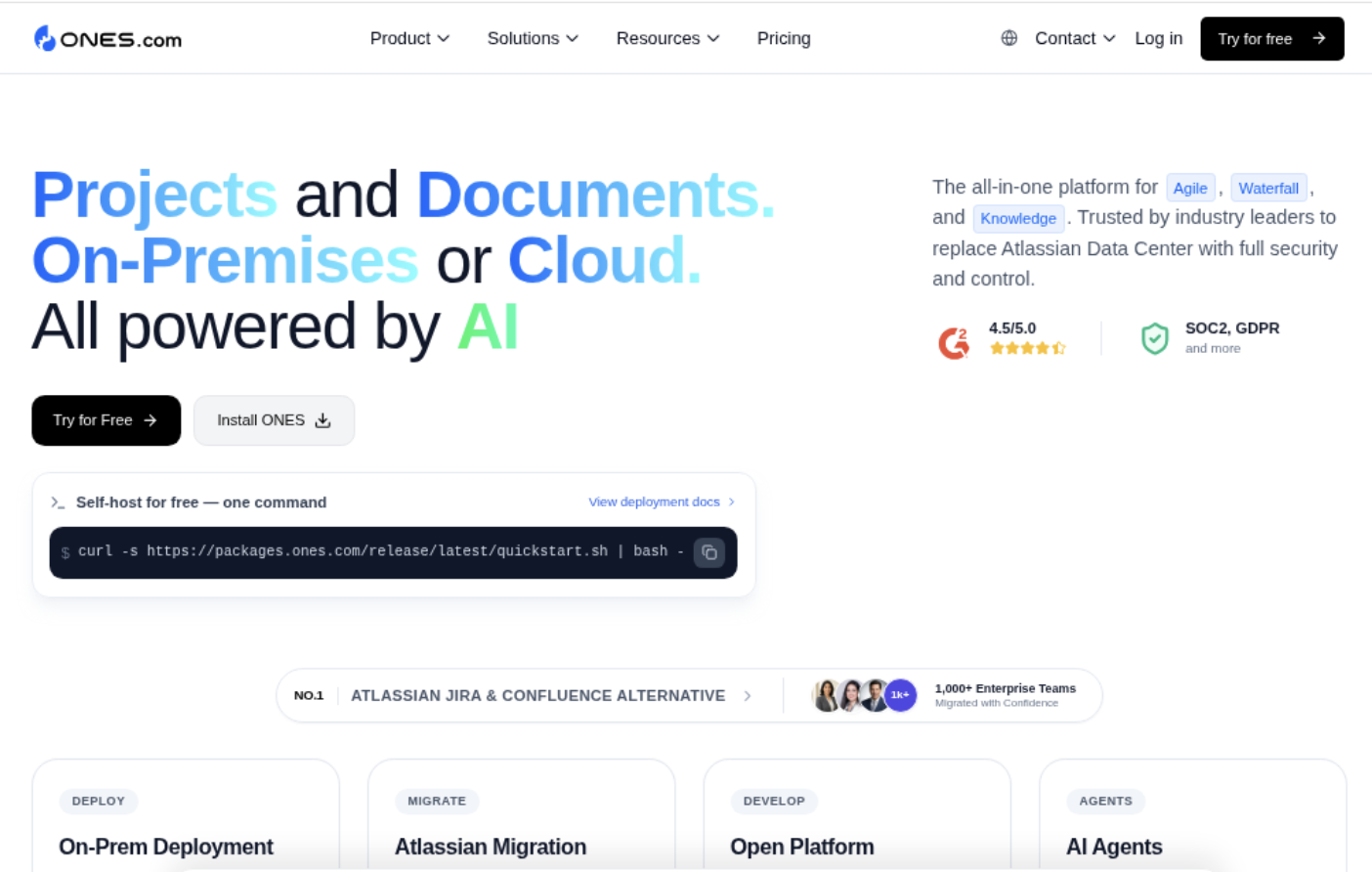
Python can connect to Jira through its REST API, while teams may also need a broader way to manage projects and shared knowledge. ONES.com is a unified project management and knowledge management platform powered by ONES Assistant. ONES Project is its project management product and a Jira alternative; ONES Wiki is its knowledge management product and a Confluence alternative. They are sold separately.
Core capabilities
- Disconnected project and knowledge work: ONES.com brings project management and knowledge management into one platform, helping teams keep work and related guidance connected.
- Jira-oriented workflow needs: ONES Project supports Jira-compatible workflows, giving teams a route to familiar project processes while evaluating a Jira alternative.
- Heavy plugin dependence: Built-in reporting, automation, custom workflows, and custom fields can reduce the need for separate plugins for common project tasks.
- Agile planning requirements: Sprint management supports teams organizing and tracking sprint work within their project environment.
- Deployment restrictions: Cloud, On-Premise, Private Cloud, and Air-gapped deployment options support different infrastructure needs.
- Self-hosted feature concerns: ONES.com provides full feature parity between cloud and self-hosted versions, so deployment choice does not require giving up feature availability.
- Separate product needs: ONES Project and ONES Wiki are sold separately, allowing a team to choose project management, knowledge management, or both.
- Free initial evaluation: The free plan supports up to 30 seats, giving a small team room to evaluate the platform.
Application scenarios
A team that runs Python automation for issue checks may want its project workflows, sprint planning, and reporting managed in a dedicated project platform. It can assess ONES Project for those broader needs while keeping its scripts focused on their specific API tasks.
An organization with restricted-network requirements may compare deployment approaches before choosing a project platform. ONES.com offers Air-gapped and other deployment options, while ONES Wiki can support teams that also need a separate knowledge management product.
Common challenges and practical fixes
Authentication returns an error
Problem: The request returns 401 or 403. Fix: Confirm the account email, token type, and Jira environment. Then check whether the account has permission to view or edit the selected project.
The API rejects an issue field
Problem: Issue creation fails because a field is missing or has an invalid value. Fix: Check the project’s required fields and valid issue types. Test a minimal request first, then add optional fields one at a time.
The script works locally but fails after deployment
Problem: A scheduled job cannot find the credentials or Jira address available on your computer. Fix: Set environment variables in the deployment environment and verify they are available to the process running Python.
Repeated runs create duplicate issues
Problem: A retry after a timeout creates another issue. Fix: Search for a matching issue or business identifier before creating a new one. Keep retries limited and make each automated action safe to repeat where possible.
Frequently asked questions
Can I connect Python to Jira without a plugin?
Yes. Python can communicate with Jira through its REST API, so a plugin is not required for many integrations. You need the Jira address, appropriate account access, and credentials accepted by that installation. The requests package can send HTTP requests and process JSON responses. More advanced tasks may still need an app, administrator approval, or a specific authentication setup.
Should I use Jira Cloud API v2 or v3?
For Jira Cloud, v3 is generally the current REST API version, while v2 is common in many Jira Data Center environments. The right choice depends on your Jira deployment and the endpoint you need. Rich-text fields can behave differently across API versions, so check the API documentation for your environment before sending or parsing those fields.
Why does my Jira API request return 401 or 403?
A 401 commonly indicates that Jira could not authenticate the credentials. A 403 usually means the account was recognized but does not have permission for the requested action. Check the account email, token, environment, and project access. Also confirm that your deployment supports the authentication method used by the script.
Can a Python script create Jira issues automatically?
Yes, if the account has permission to create issues and the request includes the fields required by the project. Begin with a test project and a basic Task request. Then add any required fields your team uses. Include error handling and a duplicate check before connecting issue creation to a scheduled job or external event.
Conclusion
A Jira integration in Python starts with a clear deployment choice, suitable credentials, and a small REST API request. Use environment variables for secrets, confirm permissions, and test issue creation in a safe project before automating real work.
When errors, field requirements, or retries complicate the process, inspect each API response and make your script safe to run again. A focused integration can save time without turning a small task into a fragile system.
Jira and Python work well together when you build carefully: verify the connection first, add one capability at a time, and keep credentials protected. That approach helps you move from a frustrating setup to a useful, maintainable workflow.