Jira Tasks vs. Stories: Key Differences, Uses, and Examples
Unsure about the difference between task and story in Jira? Learn when to use each with examples for clearer planning. Read now to choose well.
A Jira board can look busy while still leaving one important question unanswered: what kind of work does each issue represent? If you label every item a task, the customer value behind larger pieces of work can disappear. If you turn every small action into a story, planning becomes harder than the work itself.
That confusion affects estimates, sprint commitments, and conversations between product and engineering. A developer might see “update payment screen” and wonder whether it describes a customer outcome or a specific implementation step.
Here’s the quick answer: a story usually describes value someone needs, while a task usually describes a piece of work to complete. But here's the truth: Jira configurations can vary, so understanding the intent matters more than the label.
The Difference Between Jira Tasks and Stories
A Jira story describes a user need or outcome, while a Jira task tracks a specific piece of work that helps complete a goal. Stories commonly use a user-focused format; tasks can cover technical, operational, or administrative work.
For example, “As a shopper, I want to save a payment method” describes a story. “Add payment-method validation” is a task that could help deliver it.
| Aspect | Story | Task |
|---|
| Primary purpose | Describe a user need or outcome | Track a defined piece of work |
| Typical wording | “As a shopper, I want to save a card so checkout is faster.” | “Add card validation to checkout.” |
| Success measure | The need is met and acceptance criteria pass | The assigned work is completed and checked |
| Common relationship | May be delivered through several tasks | May support a story or stand alone |
Jira projects can use different issue types and settings. Some teams customize their issue hierarchy, so check how your project defines each type before changing established practices.

When to Choose a Story or a Task
Choose a story when the work can be explained through a user’s need and has a clear outcome. A story should help the team understand why the work matters, not merely what someone will code.
Choose a task when the work is specific and useful to track, but does not naturally describe a user-facing need. Examples include upgrading a service, reviewing logs, or setting up a test environment.
Here's why: the issue type shapes the conversation. “Improve account security” invites discussion about customer protection, while “rotate encryption keys” points to a concrete technical action.
- Use a story: A customer or internal user needs a meaningful capability.
- Use a task: Someone needs to complete a defined activity or technical change.
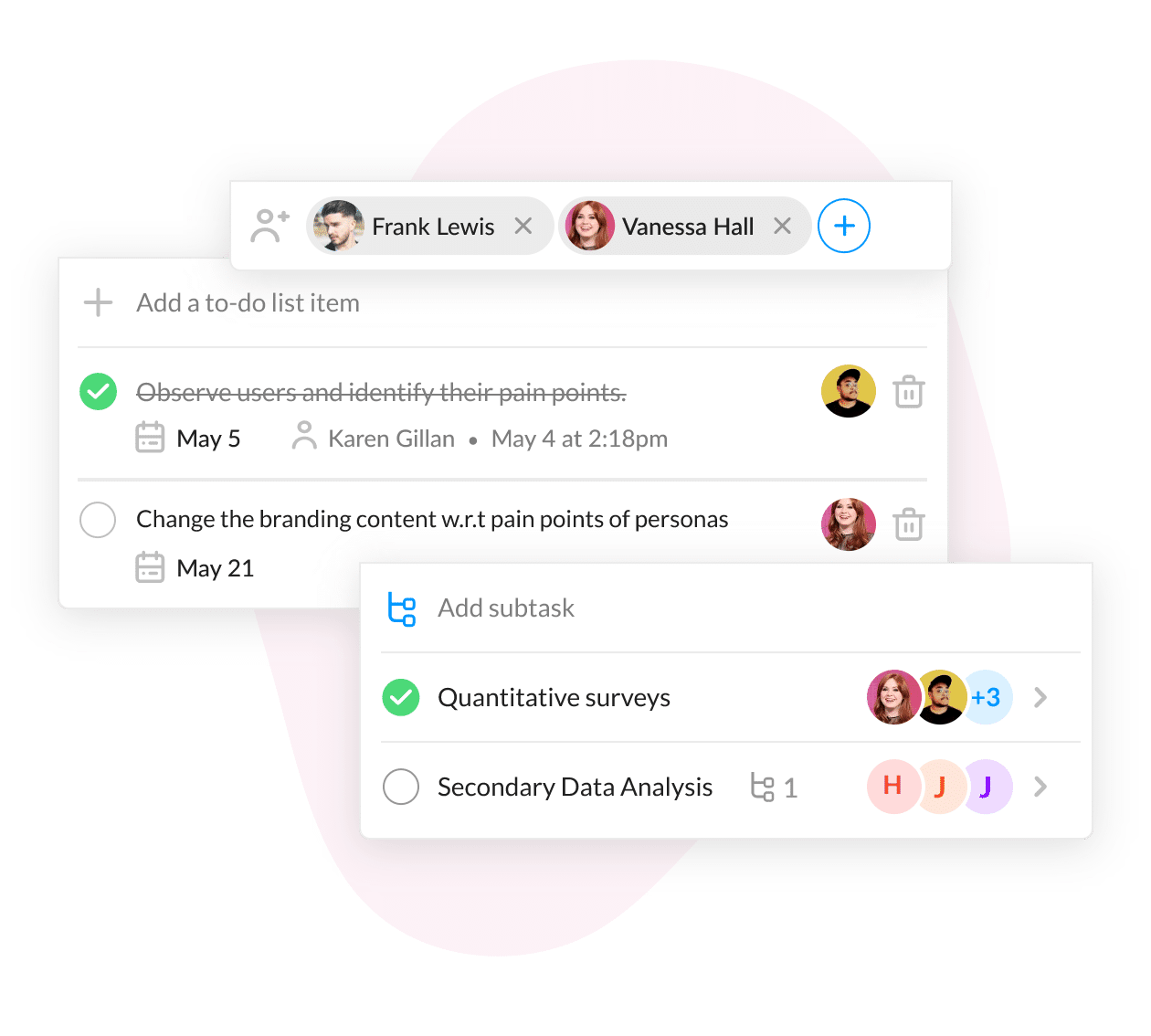
- Use a sub-task: A larger issue needs smaller, trackable pieces assigned or completed separately.
Examples That Make the Distinction Clear
Imagine your team is improving password recovery. “As an employee, I want to reset my password without contacting support” is a story because it states a user need and desired outcome.
That story might involve tasks such as building the reset endpoint, adding an email notification, and checking the reset flow for common security risks. Each task contributes to the result, but none fully expresses the employee’s need on its own.
A task can also stand alone. “Upgrade the test environment’s browser version” may be important maintenance, even if no specific user story explains it. The team can still record its purpose and completion criteria.
Example: Reporting an issue type
Suppose a product team wants customers to download a monthly activity summary. The story could be “As an account owner, I want to download my activity summary so I can review recent changes.”
Supporting tasks might include designing the export, creating the download action, and checking that the summary displays correctly. Those tasks describe implementation work; the story captures the customer outcome.
How Stories, Tasks, and Sub-Tasks Fit Together
A Jira issue hierarchy helps show how work relates. In many Jira setups, an epic groups larger work, stories or tasks track deliverable items, and sub-tasks break an issue into smaller actions.
For example, an epic called “Improve account management” could include a story for editing contact details. Tasks or sub-tasks might cover the form, validation, and testing.
Let me explain: the hierarchy is a planning aid, not a substitute for clear writing. A story can stand on its own, and a task may be linked to a larger goal when that relationship helps the team plan.
Keep issue levels useful
If each issue contains too many steps, progress becomes difficult to see. If every small action becomes a separate issue, people spend more time maintaining the board than completing work.
Break work down when it improves ownership, sequencing, or progress tracking. For instance, a task that requires different specialists or several days of effort may benefit from smaller sub-tasks.
Write Clear Issues and Acceptance Criteria
A useful story explains who needs something, what they need, and why it matters. A familiar format is “As a [person], I want [capability], so that [benefit].” Adapt it when that wording feels awkward.
For a task, use a direct action and name the expected result. “Add validation to the contact form so invalid email addresses receive a clear error” gives more guidance than “fix form.”
Acceptance criteria describe how the team will recognize completion. For a password reset story, criteria might specify that the link expires, an invalid address receives a clear response, and a valid reset allows sign-in.
- Keep the goal understandable without a long explanation.
- Include the conditions that affect completion.
- Link related work when that connection helps planning.
- Review the issue type if the wording describes a different kind of work.
ONES.com for Connected Project and Knowledge Management
ONES.com brings project management and knowledge management into one platform powered by ONES Assistant. ONES Project supports Jira-compatible project workflows as a Jira alternative, while ONES Wiki provides knowledge management as a Confluence alternative. They are sold separately.

For teams clarifying stories, tasks, and delivery expectations, this setup can keep planning work and team guidance close together. ONES.com offers a free plan for up to 30 seats and four deployment options: Cloud, On-Premise, Private Cloud, and Air-gapped. Cloud and self-hosted versions have full feature parity.
Core capabilities
- Issue-type confusion: Custom workflows and fields let you define how stories and tasks move through your process, helping teams make issue intent clearer.
- Scattered sprint planning: Sprint management supports planning and tracking work, so commitments are easier to review as the sprint progresses.
- Limited progress visibility: Built-in reporting helps teams inspect project status without relying on a collection of separate add-ons.
- Repeated manual steps: Automation can handle routine transitions or notifications, leaving people more time for review and delivery.
- Different team conventions: Jira-compatible workflows help teams carry familiar practices into a different project management environment.
- Plugin sprawl: Native capabilities can reduce dependence on extra plugins for common project workflows, which can simplify administration.
- Restricted hosting requirements: On-Premise, Private Cloud, and Air-gapped deployments give organizations deployment choices for their operating environments.
- Separate project guidance: ONES Wiki can support knowledge management alongside ONES Project, helping teams keep working practices accessible.
Application scenarios
A software team moving from Jira could use ONES Project to maintain familiar workflows while adjusting custom fields for its story and task definitions. Built-in reporting can help the team review sprint progress as it adapts.
An organization with restricted network requirements could consider a self-hosted deployment. Its team can manage project work in ONES Project and use ONES Wiki separately for knowledge management, with deployment options that include Air-gapped environments.
Common Challenges and Practical Fixes
Every issue becomes a task
Problem: The board lists implementation activities, but the user outcome is hard to see. Fix: Add a story when a need can be expressed clearly, then connect the tasks that contribute to it.
Stories are too broad
Problem: A story such as “Improve the website” is difficult to estimate and verify. Fix: Narrow it to one useful outcome, such as letting a customer update a saved address.
Tasks duplicate the story
Problem: A task repeats the story title without identifying a separate piece of work. Fix: Give each task a distinct action, owner, or completion check, or remove the extra issue if it adds no value.
Teams disagree about issue types
Problem: One person uses “task” for all work, while another reserves it for technical activity. Fix: Agree on brief definitions, apply them to a few real examples, and reflect the decisions in your team guidance.
FAQs About Jira Tasks and Stories
Can a Jira task be part of a story?
Yes. A team can associate tasks with a story when the tasks represent separate implementation activities that contribute to the story’s outcome. For example, a story about saving a payment method could include tasks for validation and confirmation messaging. Jira’s available issue relationships can depend on project configuration, so check which links or hierarchy your project supports.
Should every customer request become a story?
No. A request may need investigation before the team understands its outcome, scope, or value. You could track that investigation as a task, then create a story once the user need is clear. For a small request with an obvious customer outcome, creating a story directly may work well. Choose the type that makes the work easiest to understand and verify.
Are stories always more important than tasks?
No. Issue type describes the kind of work, not its priority. A security maintenance task could be more urgent than a low-priority story. Use your team’s priority and planning methods to decide what should happen first, and keep the issue type focused on what the work represents.
What should I do if our Jira project has different issue types?
Review the project’s issue-type definitions and ask the project administrator how they are configured. Teams can customize workflows and issue types, so the labels in one Jira project may not match another team’s conventions. Once you understand the local setup, agree on examples that show when to create each type and share that guidance with the people creating issues.
Conclusion
Stories describe needs and outcomes; tasks describe defined work. That distinction can make planning clearer, whether you are tracking customer-facing improvements, technical maintenance, or smaller implementation steps.
When issue types blur together, teams can lose sight of value and spend time untangling their boards. Define each type, write a clear completion check, and use relationships to show how the work connects.
Start with one upcoming piece of work and ask what it represents: a user outcome, a specific activity, or a smaller step within a larger issue. That simple check can make your Jira planning easier to follow and easier to deliver.