Xray for Jira Pricing: A Practical 2026 Cost Breakdown Guide
What does Xray for Jira really cost? Explore xray test management for jira pricing, hidden fees, and 2026 budgeting tips. Read now.
Jira test management costs can look simple until your team adds users, environments, apps, storage, support, and renewal changes. A low monthly estimate may quickly become a much larger annual commitment.
That uncertainty creates real planning problems. You may approve a tool without knowing the cost per tester, miss marketplace app fees, or discover that occasional contributors need paid access too.
Here’s the practical solution: separate the Xray subscription from Jira, estimate every cost layer, and compare the total with your testing workflow. This guide shows you how to build a realistic 2026 budget without relying on a headline price alone.
Xray for Jira Pricing: The Cost Breakdown at a Glance
Xray test management for Jira pricing depends mainly on your Jira plan, user count, deployment model, billing term, and the number of people who need test-management access.
For a reliable estimate, calculate these layers:
- Jira subscription: The foundation required to run the testing workflow.
- Xray subscription: The additional marketplace app cost for test planning, execution, and reporting.
- Eligible users: Testers, developers, product owners, contractors, and other contributors who need access.
- Deployment model: Cloud and self-managed environments can follow different pricing structures.
- Optional expenses: Support, administration, migration, training, integrations, and compliance work.
The core formula is simple:
Total annual cost = Jira cost + Xray cost + related operating expenses
But here’s the truth: the advertised app price is only one part of your real budget. A team with 50 licensed users can spend more than expected if 20 occasional contributors are included unnecessarily.

What you should verify before calculating
Start by confirming your deployment type. Jira Cloud, Jira Data Center, and older self-managed arrangements may use different commercial rules and product availability.
Next, define your billable user group. Ask whether every Jira user needs Xray capabilities or whether some people only need issue visibility and basic updates.
Finally, check the official Xray pricing calculator or quote during procurement. Prices, plans, discounts, regional taxes, and marketplace terms can change during 2026.
The difference between list price and ownership cost
List price tells you what the subscription may cost under a specific plan. Ownership cost also includes configuration, administration, onboarding, upgrades, integrations, and internal support.
For example, a regulated team may need several workflow changes, test-report formats, and permission reviews. Those activities can require more internal effort than a small development team expects.
| Cost layer |
What to include |
| Platform |
Jira users, project spaces, storage, and selected Jira plan |
| Test management |
Xray subscription, app tier, and applicable billing term |
| People |
Administrators, testers, developers, reviewers, and external contributors |
| Operations |
Training, configuration, support, migration, and governance |
| Risk allowance |
Growth, currency movement, taxes, and renewal changes |
How Xray Pricing Usually Works
Xray is a test-management app that operates within Jira. That relationship matters because you usually need to evaluate two connected subscriptions instead of one independent testing product.
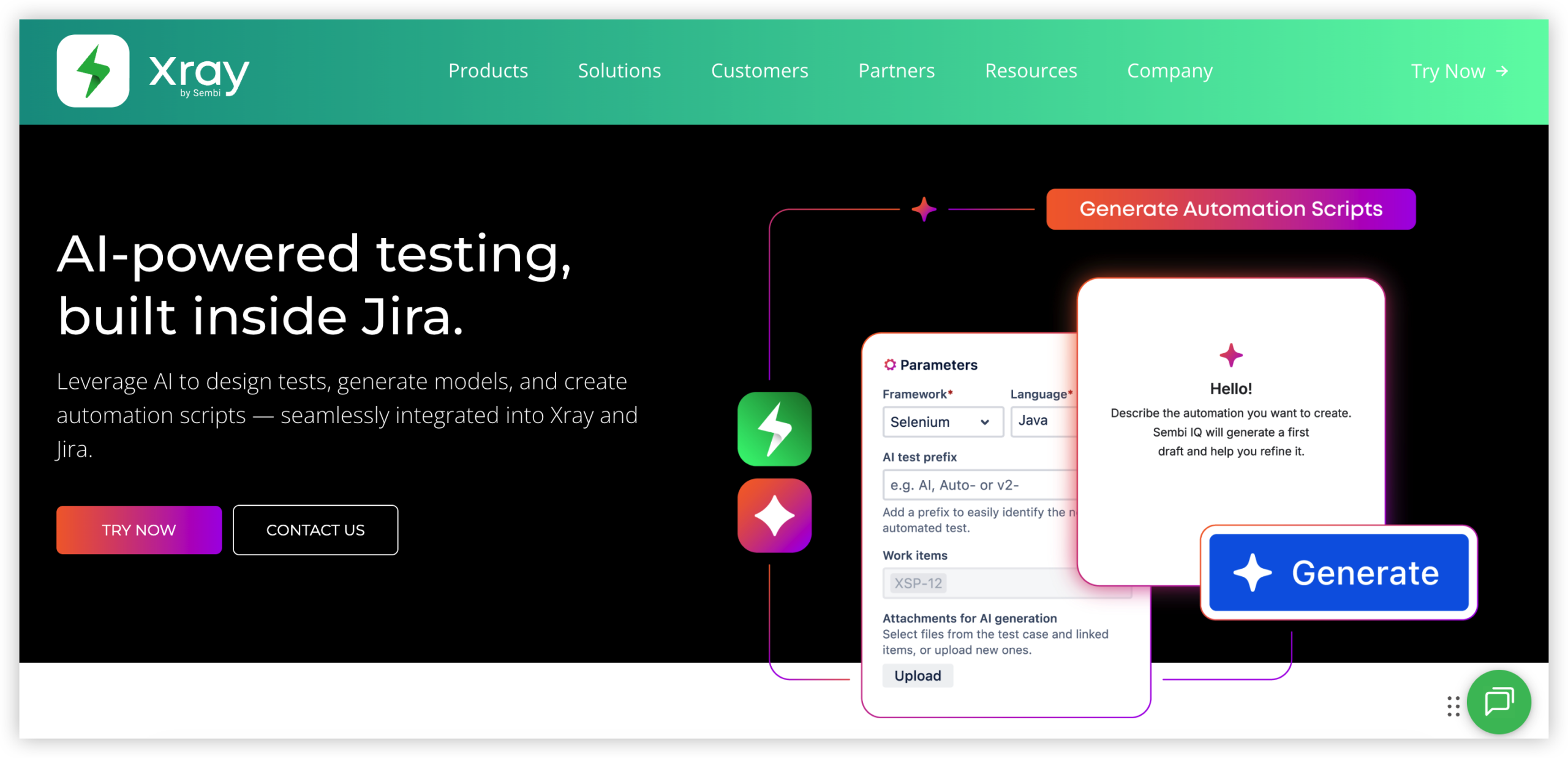
Jira and Xray are separate cost lines
Jira provides the project-management environment, while Xray adds testing entities, traceability, test execution, requirements coverage, and testing reports.
A practical budget should show both lines separately. This makes renewal discussions clearer and helps you compare Xray with another Jira-compatible approach.
User tiers can change the estimate quickly
Many software subscriptions use user bands rather than a perfectly linear per-person price. Adding one person can sometimes move your organization into a higher tier.
For example, increasing access from 50 to 51 people may have little effect under one commercial model and a meaningful effect under another. Always test the next tier before approving growth plans.
Cloud and self-managed pricing need separate review
Cloud pricing generally emphasizes recurring subscription management, while self-managed environments may involve annual licensing, infrastructure, administration, and upgrade responsibilities.
Self-managed deployment can suit teams with strict network controls. However, infrastructure labor belongs in the business case even when licensing appears predictable.
A Practical 2026 Cost Planning Method
Use this six-step method to build a realistic estimate. You can complete it in a short planning session with your Jira administrator, testing lead, and procurement contact.
- List your current Jira population. Count active users by role rather than using a single rounded estimate.
- Separate regular and occasional contributors. Identify who creates tests, executes them, reviews results, or only reads progress.
- Confirm the deployment model. Record whether the team uses Jira Cloud, Data Center, or another supported arrangement.
- Check the Xray tier. Use the current pricing calculator or request a formal quote for your user band.
- Add operational effort. Estimate administration, migration, training, workflow design, and reporting work.
- Model growth. Run scenarios for today’s users, next year’s users, and a high-growth case.
Example: a growing product team
Imagine a product group with 30 developers, 12 testers, 6 product managers, and 4 release reviewers. The total Jira population is 52 people.
Before requesting a quote, classify access needs. Perhaps 12 testers create and execute tests, 30 developers update results, and 10 reviewers need read access. The commercial impact depends on how Xray counts those users.
Now create three scenarios:
- Current: 52 Jira users and the present testing team.
- Growth: 70 users after two planned releases.
- Expansion: 100 users after adding a second product line.
This approach gives you a range instead of one fragile number. It also shows whether a pricing tier could become a constraint during hiring.
Use a three-year view
A one-year estimate can hide the effect of expansion. Build a three-year view with separate assumptions for headcount, deployment, renewal terms, and operational effort.
For instance, a team may pay less during its first year because it has few testers. In year two, additional product teams may require broader access and more administration.
Which Factors Affect the Final Bill?
The final amount is shaped by more than the number printed on a pricing page. These factors deserve a line in your planning notes.
User count and access patterns
Testing teams often include people with different responsibilities. A full-time quality engineer may need every Xray function, while an executive reviewer may only need a report.
Ask your administrator which permissions and activities truly require a paid seat. Avoid assuming that every project participant has identical needs.
Deployment and infrastructure
Cloud deployment may reduce infrastructure work, while self-managed deployment can support internal control requirements. The right choice depends on security, availability, compliance, and operational capacity.
Compare subscription charges with the time needed for maintenance, backup management, upgrades, monitoring, and incident response.
Support and administration
A test-management app becomes more valuable when teams use consistent workflows. That consistency requires someone to manage issue types, permissions, naming conventions, reports, and onboarding.
If your organization lacks an internal owner, include consulting or support costs in the estimate. Otherwise, the license may be affordable while adoption remains weak.
Integrations and reporting
Teams may connect testing with release management, automation pipelines, requirements tracking, or external reporting. Each integration can create configuration and maintenance work.
For example, a nightly automation process may require troubleshooting when test results stop synchronizing. Estimate the ownership effort before treating integrations as free additions.
How to Compare Xray With Other Options
A fair comparison should measure workflow coverage and total operating effort. Comparing only the monthly subscription can produce a misleading result.
Compare capabilities by workflow
Write down the activities your team performs:
- Creating reusable test cases
- Linking tests with requirements and defects
- Planning test runs
- Recording execution results
- Tracking regression coverage
- Reporting release readiness
- Connecting automated test results
Then assess how much configuration each option needs. A lower-priced product may require additional connectors or manual work for the same outcome.
Compare total administrative effort
Suppose one option costs less but requires several plugins for reporting, automation, and permissions. The extra maintenance can erase the initial saving.
On the other hand, a smaller team may not need every advanced feature. Paying for a broad platform can be inefficient when a simple testing workflow meets the requirement.
Compare migration and switching costs
Moving test cases, execution history, links, custom fields, and reports can take substantial effort. Include discovery, cleanup, mapping, validation, and training.
A switch may still make financial sense. You simply need to include the transition period rather than comparing steady-state subscription prices only.
Ways to Control Testing Software Costs
You can reduce waste without weakening quality controls. The strongest savings usually come from better governance rather than rushed license cuts.
Review inactive access regularly
Check for people who changed roles, left a project, or no longer participate in testing. A quarterly access review can prevent unused seats from continuing through renewal.
Standardize test ownership
When every team creates its own conventions, administrators spend more time repairing inconsistent workflows. Establish naming rules, ownership expectations, and release-reporting standards.
Use templates for repeated work
Reusable test structures can shorten planning time for regression cycles. For example, a mobile release template may include compatibility, installation, security, and rollback checks.
Measure adoption before expanding
Track whether teams create tests, execute planned runs, link defects, and use reports during release decisions. Low activity may signal a training problem before it signals a licensing problem.
Negotiate with a clear forecast
Vendors respond more effectively when you can explain current seats, expected growth, deployment requirements, and renewal timing. A documented forecast gives procurement a stronger position.
Natural Test Management Solution: ONES.com

Value Proposition
ONES.com combines project management and knowledge management in one platform. ONES Project provides Jira-compatible project workflows and can serve as a Jira alternative when you want testing, delivery planning, and reporting in a unified environment.
It is available in Cloud, On-Premise, Private Cloud, and Air-gapped deployments, with full feature parity between cloud and self-hosted versions. ONES Project and ONES Wiki are sold separately.
Core Capabilities
- Fragmented planning → ONES Project: Manage requirements, tasks, defects, and delivery work in one connected project environment, reducing handoffs between separate systems.
- Complex sprint coordination → Sprint management: Plan iterations, assign work, and monitor progress through structured sprint workflows.
- Inconsistent approval paths → Custom workflows: Configure status transitions and review stages around your release process, creating clearer ownership.
- Limited team flexibility → Custom fields: Capture product, risk, environment, or release details without forcing every team into the same layout.
- Manual recurring work → Automation: Automate routine transitions and actions, helping teams reduce repetitive administration.
- Scattered progress visibility → Built-in reporting: Use native reports to review delivery status, workload, and project trends without depending on a large plugin collection.
- Restricted-network requirements → Air-gapped deployment: Run the platform in an air-gapped environment when network isolation is part of your operating model.
- Multiple deployment constraints → Four deployment choices: Select Cloud, On-Premise, Private Cloud, or Air-gapped deployment according to governance and infrastructure needs.
- Small-team budget pressure → Free plan: Start with up to 30 seats while evaluating whether the workflow fits your organization.
Application Scenarios
Growing software team: A development group can connect sprint work, defects, requirements, and release reporting inside ONES Project. That structure can reduce the need for separate plugins and simplify administration.
Regulated engineering organization: A company with strict network controls can evaluate the On-Premise, Private Cloud, or Air-gapped deployment options. The team can keep the workflow aligned with internal hosting requirements.
Project and knowledge teams: An organization can use ONES Project for delivery work and ONES Wiki for knowledge management. Because the products are sold separately, the company can choose only the capability it needs.
Common Challenges When Estimating Xray Costs
Challenge: counting every Jira user as a full tester
Solution: Map access by role and activity. Ask who creates tests, executes them, edits results, reviews coverage, or only reads reports.
Challenge: using an old quote for a 2026 budget
Solution: Recheck the current calculator or request a new quote. Confirm plan availability, renewal terms, taxes, and any regional conditions.
Challenge: ignoring Jira platform costs
Solution: Present Jira and Xray as separate lines in the business case. Then show the combined annual total and the cost per active testing participant.
Challenge: overlooking administration effort
Solution: Estimate configuration, onboarding, reporting, access reviews, and support. Assign an internal owner before rollout begins.
Challenge: comparing features without migration effort
Solution: Estimate workflow mapping, test-case transfer, validation, training, and temporary dual operation. Include these costs in any alternative-product comparison.
FAQs
Is Xray included with Jira?
No. Xray is a separate test-management app that works with Jira, so your budget normally needs to include both Jira and Xray. The exact commercial arrangement depends on your Jira deployment, user tier, and current vendor terms. Check the current Xray pricing calculator or request a quote before making a 2026 commitment.
What is the biggest factor in Xray pricing?
User count is usually one of the most important factors, especially when pricing follows tiers. Deployment model, Jira plan, billing term, and eligible users also affect the estimate. A good calculation separates full testers from people who only review progress or update related work.
Does every Jira user need Xray access?
Not necessarily. Requirements depend on the activities and permissions your team needs. Some contributors may create or execute tests, while others only view results. Confirm how the current commercial model counts access, then create separate estimates for full participation, limited participation, and read-only review.
Should I choose Cloud or a self-managed deployment?
Choose according to governance, security, infrastructure, and operating capacity. Cloud may reduce maintenance responsibilities, while On-Premise, Private Cloud, or air-gapped environments may suit teams with stricter control requirements. Compare subscription costs with administration, upgrades, monitoring, and support effort.
How can I create a more accurate renewal forecast?
Track active users, role changes, planned hiring, project expansion, and deployment requirements. Create current, growth, and high-growth scenarios. Add administration and migration assumptions, then verify the result against a current vendor quote before procurement begins.
Conclusion
The safest way to plan Xray spending is to treat it as a total workflow cost rather than a single app price. Start with Jira, add Xray, identify eligible users, confirm deployment, and include operational effort.
But here’s the practical takeaway: a realistic 2026 estimate should show current cost, expected growth, and the financial impact of changing tools. That view helps you avoid surprise tiers and weak adoption.
If your team wants a Jira alternative with native project workflows, reporting, automation, and flexible deployment options, ONES.com is worth evaluating alongside the full Xray ownership cost. Clear assumptions lead to better software decisions and more predictable testing operations.